MiniPad – rPad User Guide
12
© 2015-2017 – Identix Inc. All Rights Reserved.
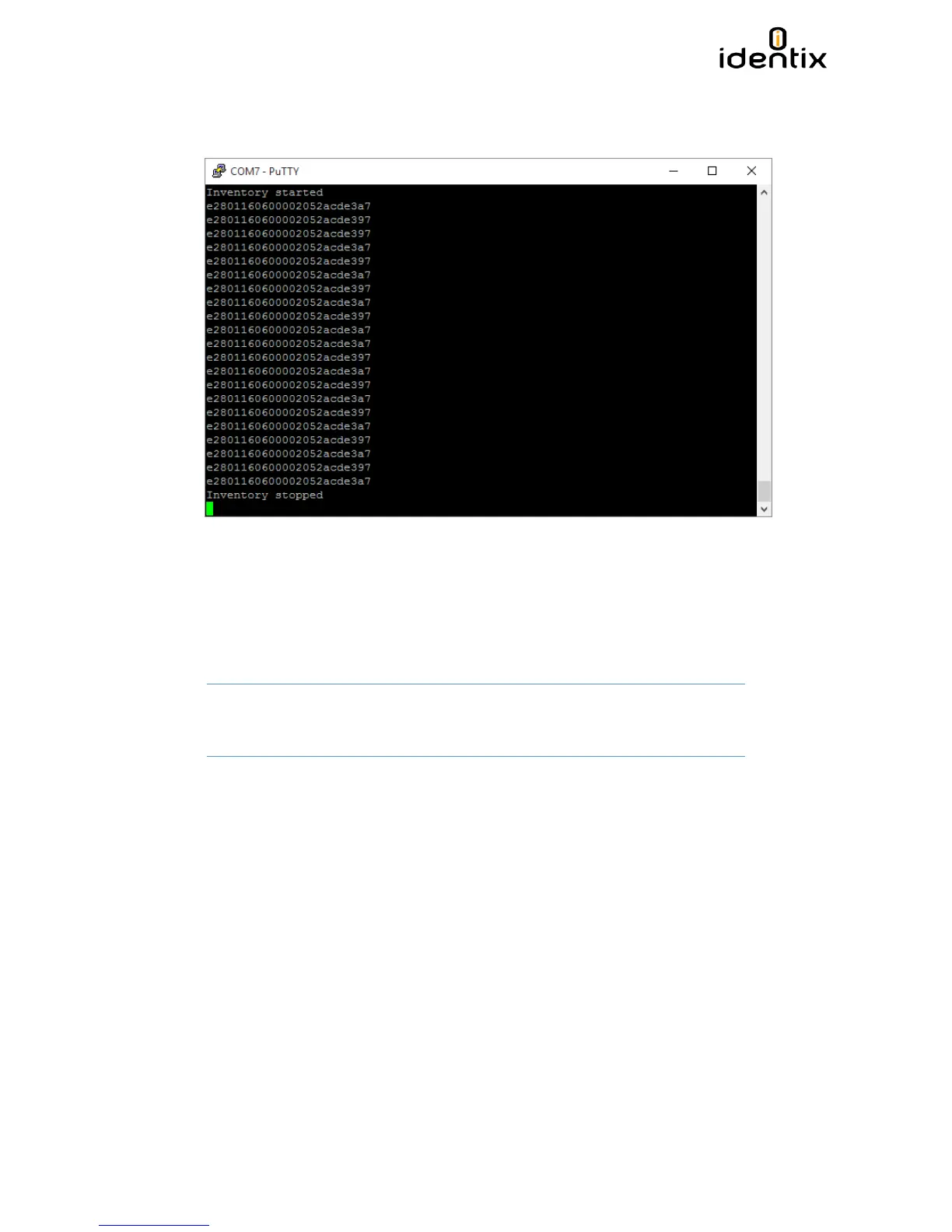
6. Press “1” and hit “Enter”, then inventory of tags will start immediately. If you enter “0” and
“Enter”, inventory of tags will stop.
Configuration File settings
When operating in HID and RAW modes, operating parameters like: transmitted power, inventory
mode and other settings may be changed via the Configuration File stored on the Identix drive.
The Configuration File name is “Identix-Pad.cfg”.
Attention! The settings on the Configuration File have no effect when the device is
running in Transparent mode
Operating Mode
Opmode=R, defines the device operating mode: T for transparent mode, H for keyboard
emulation (HID), R for raw serial data output and allows users to configure the MiniPad –
rPad mode of operation.
Regulatory Region
Region=0, sets the reader for FCC (USA), 13 for Anatel (Brasil)
Each country determines the frequencies / channels UHF RFID readers may operate. Set this
field according to the regulatory region you are in.


 To Next Page