MiniPad – rPad User Guide
8
© 2015-2017 – Identix Inc. All Rights Reserved.
2. Download a copy of the RS500 Development Tool.exe file from https://idntx.zendesk.com
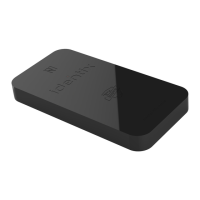
3. Connect the MiniPad or rPad to your PC using the miniUSB cable. At this point, the RGB LED, should
go on with pink color.
4. Place UHF RFID tags on top of the MiniPad or rPad embedded antenna.
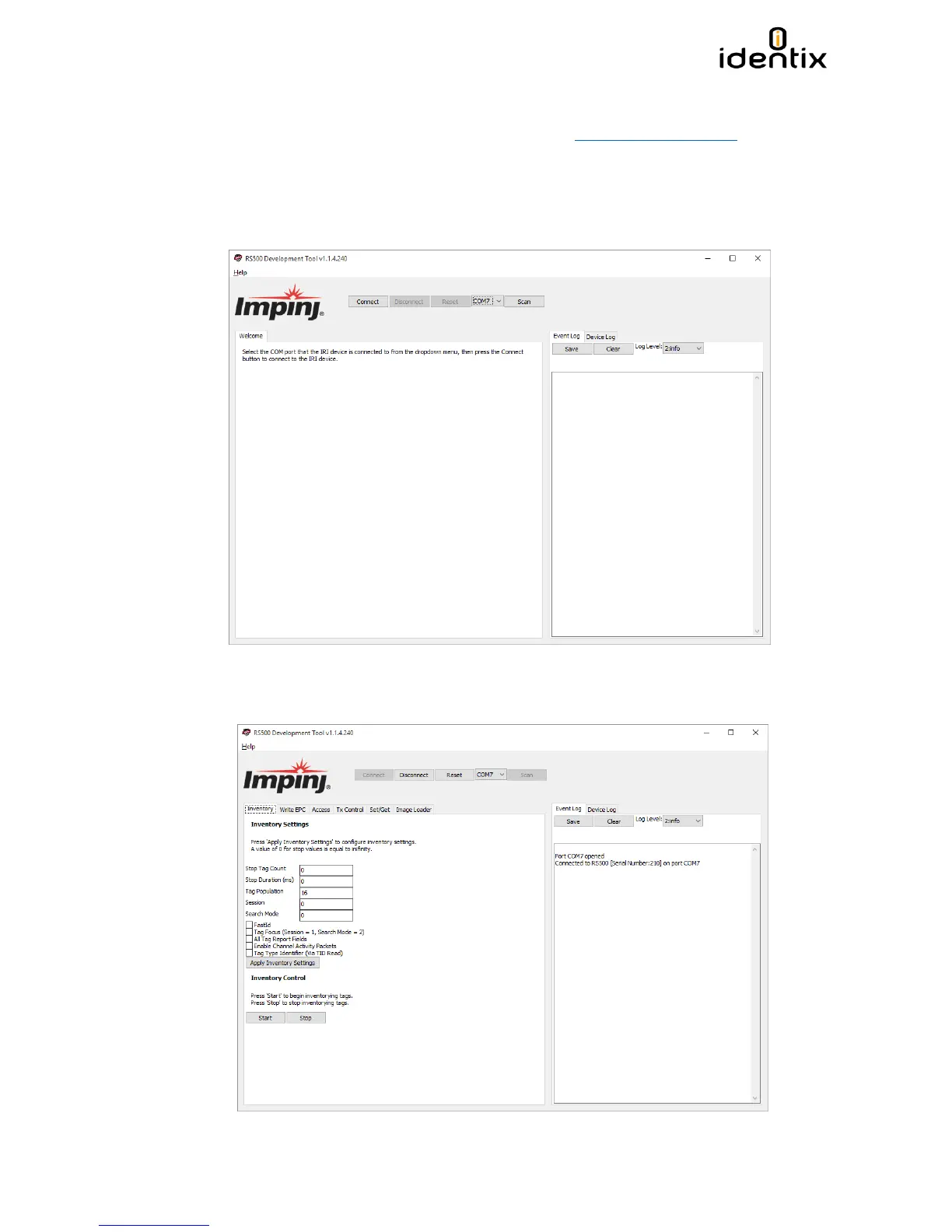
5. Open the RS500 Development Tool software by double-clicking on the “RS500 Development Tool.exe”
file. A screen like the following one will appear.
1. Press the “Scan” button to detect the COM port corresponding to the hardware. Press the “Connect”
button to connect to the hardware.


 To Next Page