Part 1 - Remote Setup
21
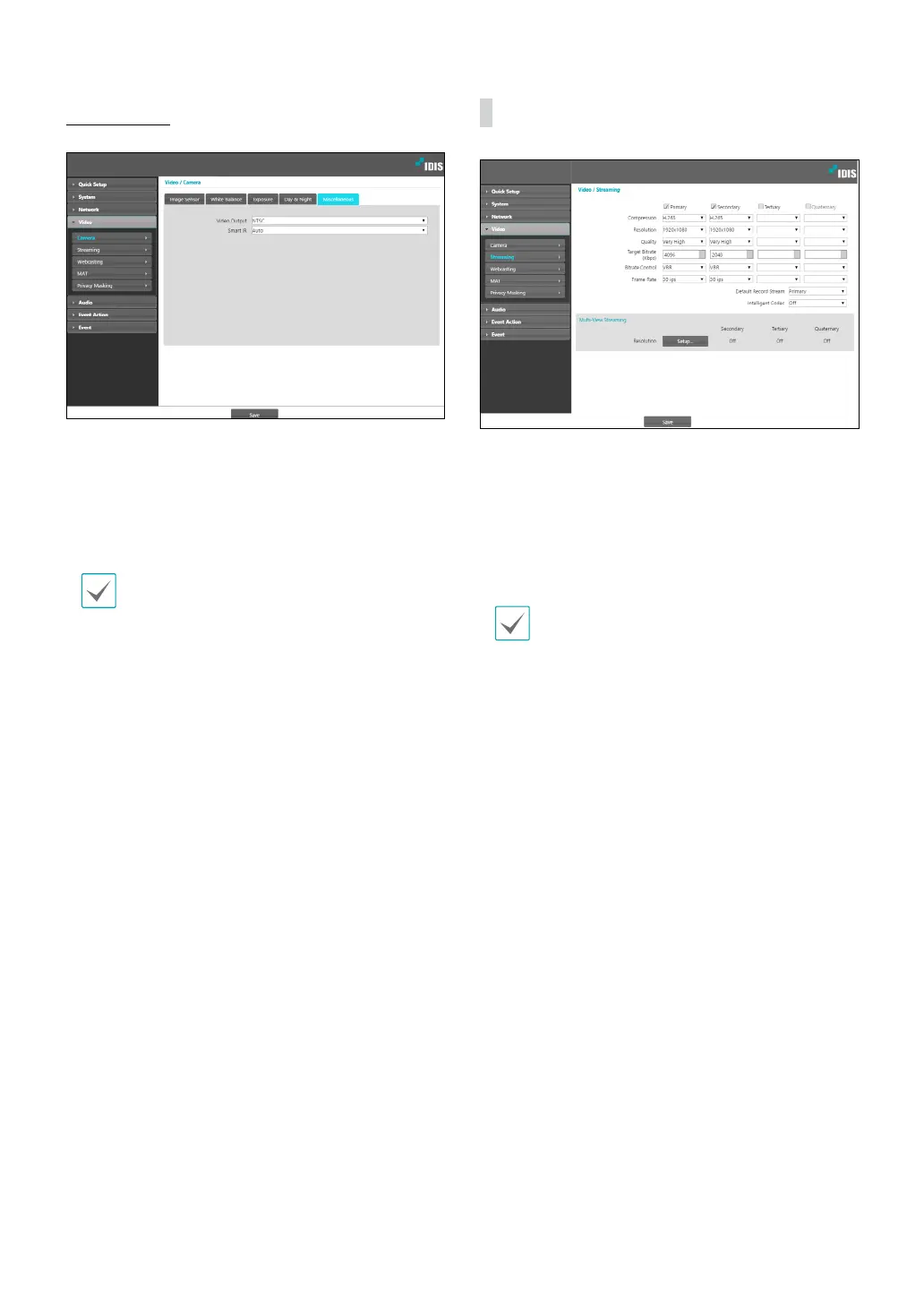
Miscellaneous
Congure Miscellaneous settings.
• Video Output: Select a video output signal format.
• Smart IR: Prevent the object from being saturated by
IR light. Select On to always control saturation and
select Auto to control saturation only when the zone
is over-saturated.
Video Output is limited when using Pivot function
or all streams.
Streaming
• Primary/Secondary/Tertiary/Quaternary:
Multistreaming is supported. Enable/disable
streaming use. The stream you set rst has priority.
• Compression: Choose the streaming compression
method. The H.265 compression does not support
ONVIF Protocol and RTSP.
When using H.265 compression, a device that does
not support H.265 compression may prevent the
screen from being displayed.
• Resolution: Choose a resolution setting for video
streaming. The resolution varies depending on the
camera model. The current stream resolution cannot
be higher than the higher stream resolution.
• Quality: Choose a quality setting for video streaming.
• Target Bitrate(Kbps): Set the target bitrate. When
Quality is set to Manual, you can congure the value
of the target bitrate. If not, the set value of the target
bitrate for each Quality appears.
• Bitrate Control: Choose a bitrate control mode for
video compression.
- CBR (Fixed Bitrate): Maintains the current bitrate
regardless of motion change in the video.
- VBR (Variable Bitrate): Bitrate varies depending
on motion changes in the video. Less movement
places less load on the network and takes up less
storage space.
• Frame Rate: Choose a frame rate setting for video
streaming. The fame rate of the current stream cannot
be higher than the fame rate of the higher stream if
those stream resolutions are same.



 To Next Page