Part 1 - Remote Setup
27
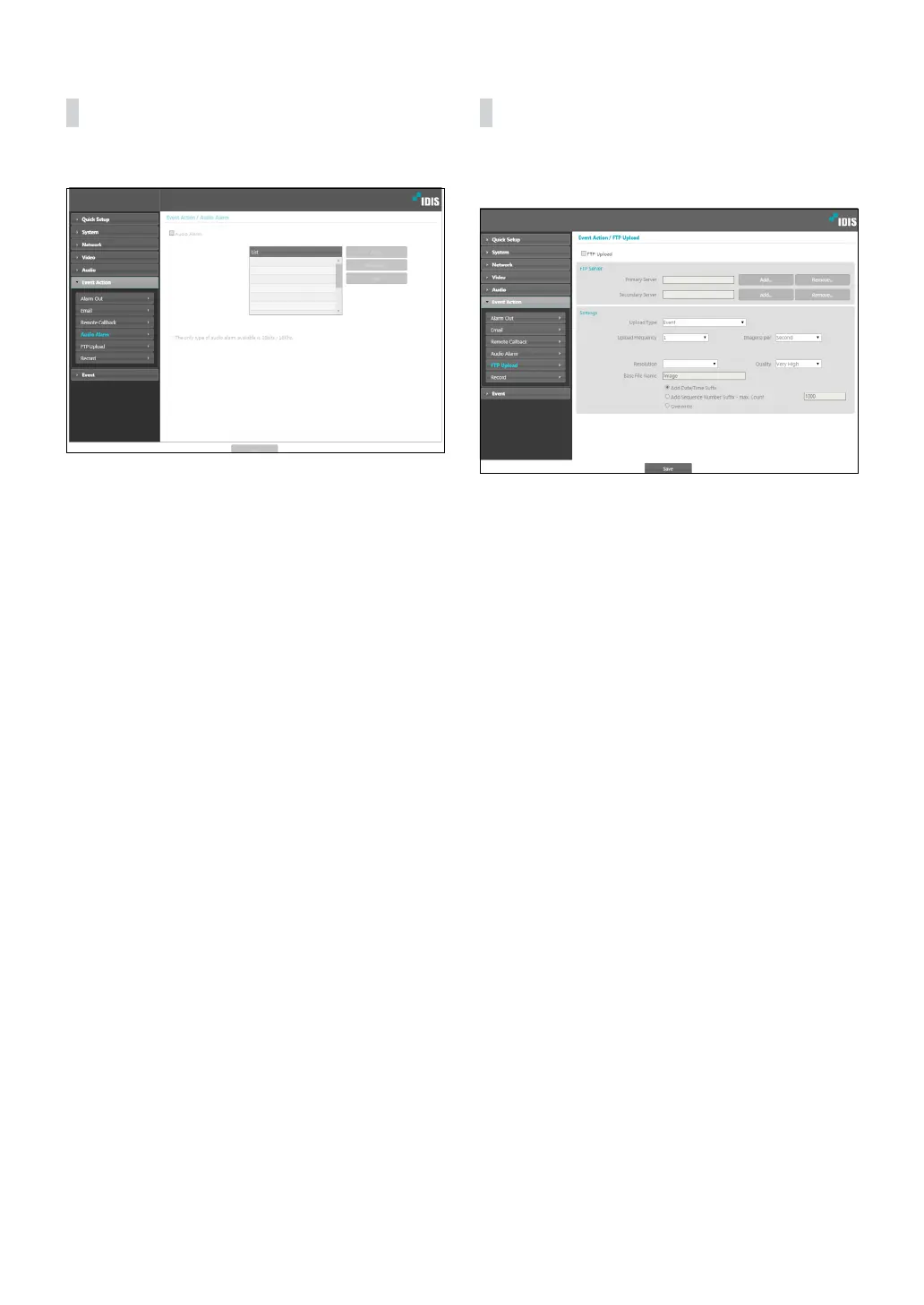
Audio Alarm
Select Audio Alarm to generate audio.
• List: Displays a list of audio les to playback. Click
Add or Remove to add/remove audio (.wav) les.
(supports 16-bit, 16KHz encoded les only) Select an
audio le from the list and then click Play to listen to
the le.
FTP Upload
Select FTP Upload to upload .jpg image of the event
detected to an FTP server.
• FTP Server: Click Add to register a new FTP server.
Click Remove to remove a registered FTP server.
When an event is detected, a .jpg image of the event
detected image is uploaded to the Primary Server.
If the upload to the Primary Server fails, the le will
be uploaded to the Secondary Server. Upload to the
Secondary Server will continue to be attempted until
successful. Fill out the elds below and click Test to
test the FTP server connection settings. Once the test
is complete, click OK.



 To Next Page