Part 1 - Remote Setup
18
Camera
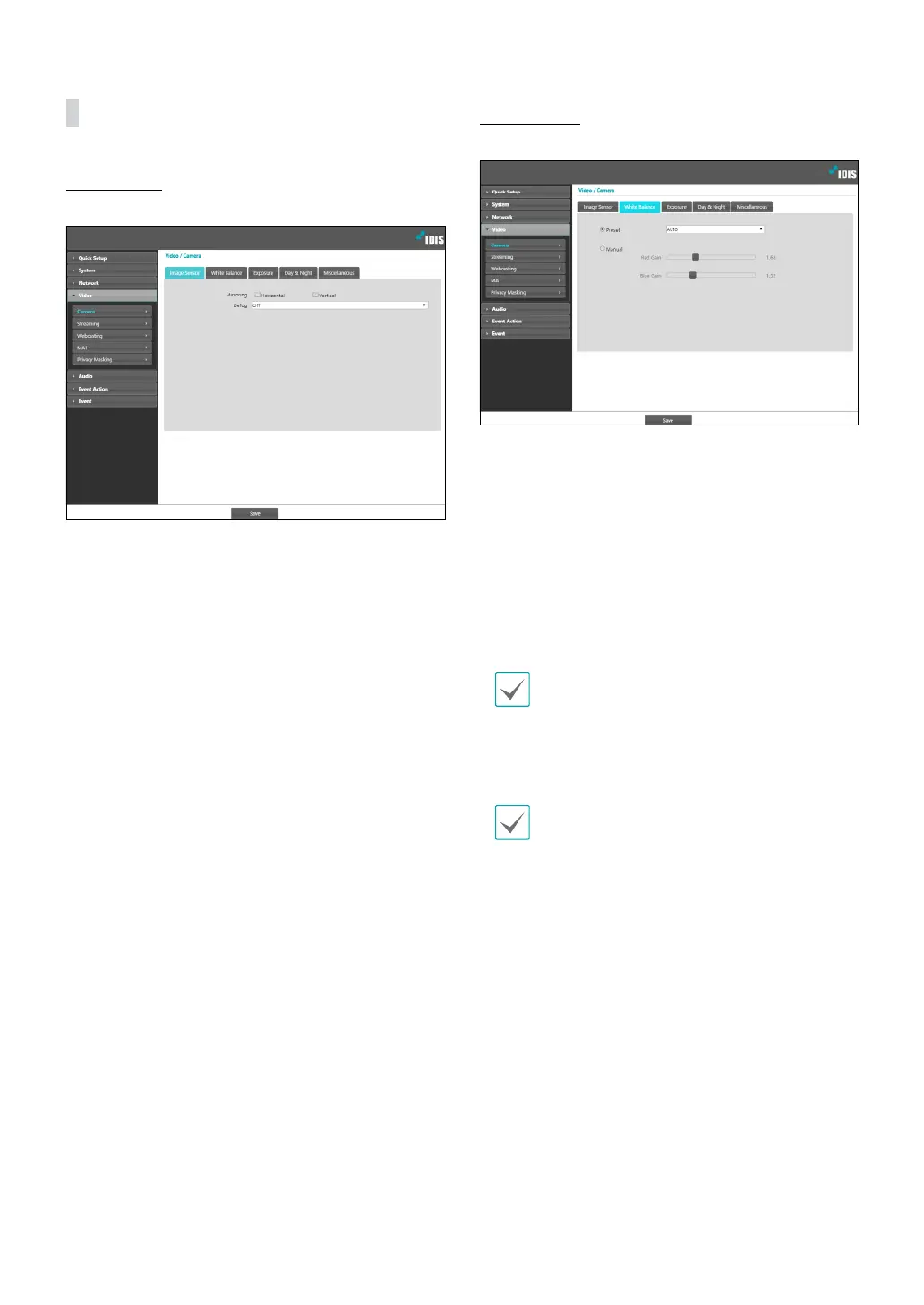
Image Sensor
Congure Image Sensor settings.
• Mirroring: Select Horizontal Reverse or Vertical
Reverse to ip the image horizontally or vertically.
• Pivot: Select a direction to rotate images 90 degrees
clockwise or counterclockwise. If vertical resolution
is less than 320, this function is not supported. If you
enable this function, you can monitor more eciently
long and narrow space such as hallways, corridors,
etc. If both Mirroring and Pivot functions are enabled,
Mirroring functions rst, then Pivot.
White Balance
Congure White Balance settings.
• Preset: Use precongured white balance settings.
- Auto: Allow the system to adjust the white
balance automatically. The system will assess the
lighting conditions and adjust the white balance
automatically.
- Hold: Hold the current white balance.
- INCANDESCENT - FLUORESCENT COLD: Select
a lighting type to apply the appropriate white
balance.
If the Preset is Hold and the WDR mode is changed,
a reset is required.
• Manual: Adjust the white balance manually. Adjust
Red and Blue gain values. Greater the value, greater
the intensity of the corresponding color.
If the white balance does not work properly under the
following specic conditions, select Manual or Hold.
- When the surrounding environment of the object is
out of the color temperature correction range
- When the surrounding environment of the object is
dark
- The camera is pointed directly at the uorescent lamp
or installed in a place where the lighting change is
severe.



 To Next Page