Part 1 - Remote Setup
24
Audio
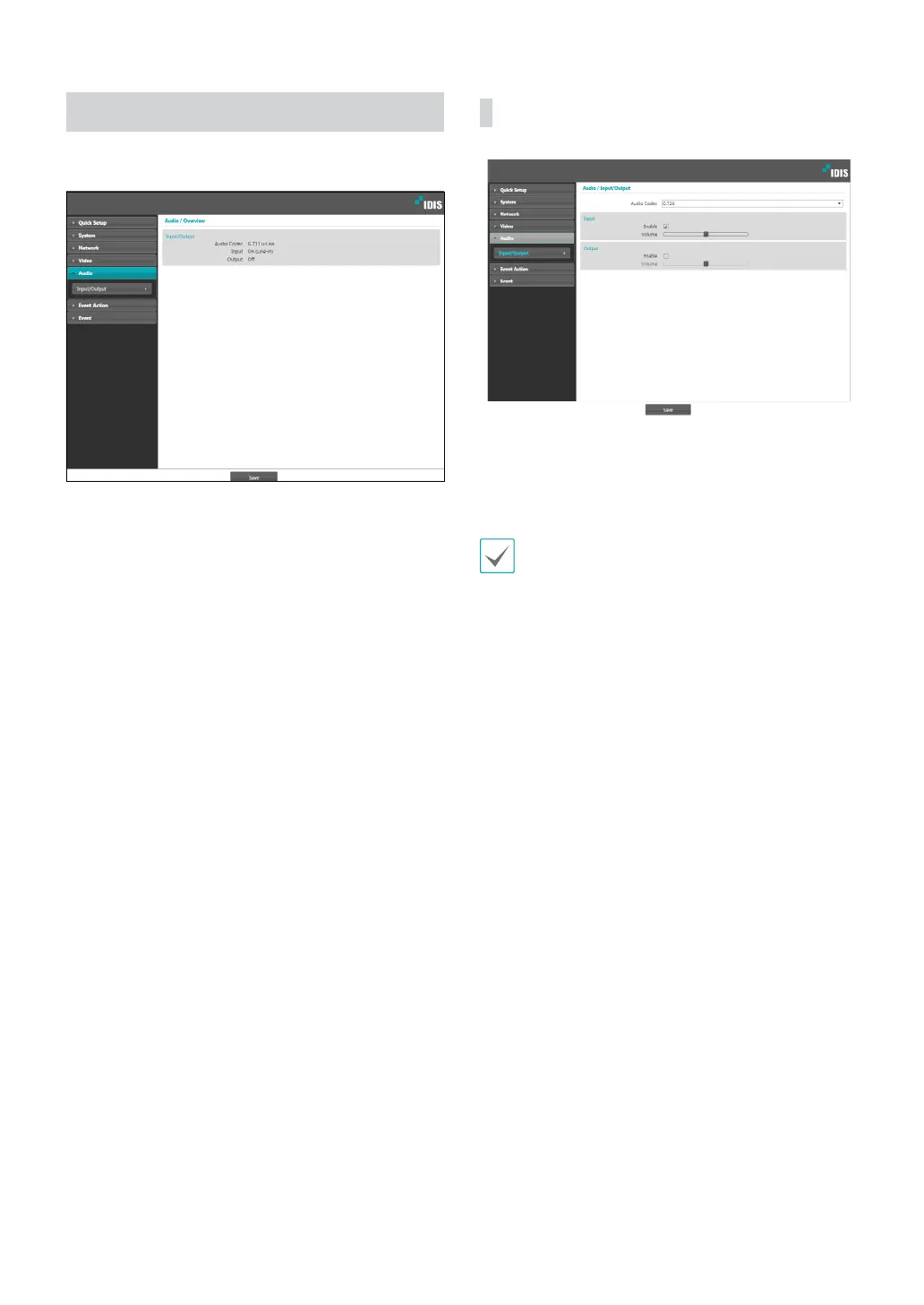
Congure audio in/out settings.
In/Out
• Audio Codec: Select an audio codec.
• Input: Select an option and then adjust the volume.
• Output: Select an option and then adjust the volume.
Cameras do not feature built-in audio amplier units
and therefore require the user to purchase a speaker
system with a built-in amplier separately.



 To Next Page