Part 1 - Remote Setup
26
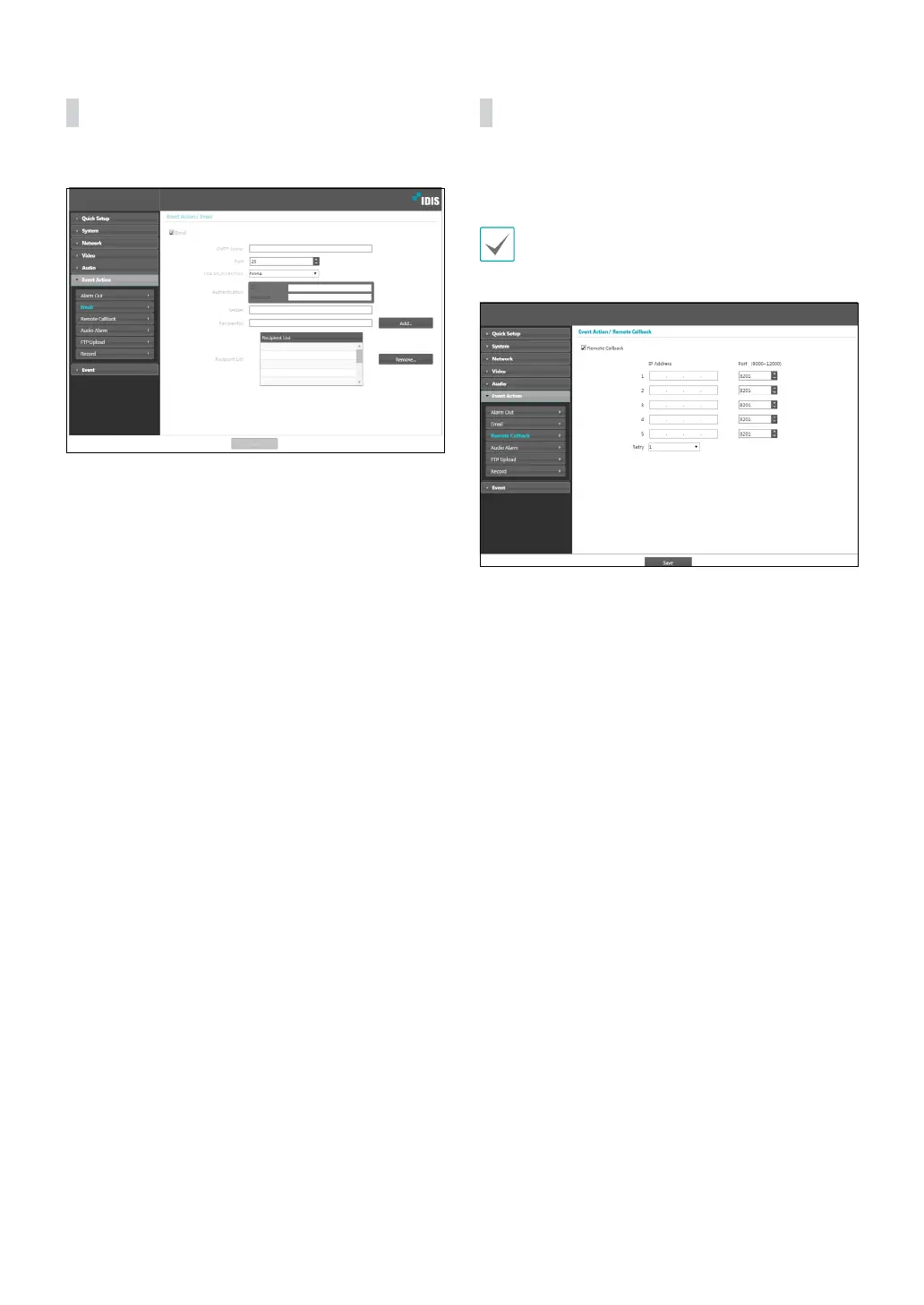
Email
Select Email to send out emails.
• SMTP Server/Port: Enter the SMTP server’s IP address
(or domain name) and port number you received
from the network administrator. If a DNS server has
been set up during network conguration, you can
enter a domain name instead of an IP address.
• Use SSL/STARTTLS: If using an SMTP server requiring
an SSL or STARTTLS connection, select SSL or
STARTTLS option.
• Authentication: Enter a user ID and password if user
authentication is required by the SMTP server.
• Sender/Recipient(s): Enter the sender and recipients’
addresses. (Up to 10) The addresses must be properly
formatted and include the @ symbol.
Remote Callback
Select Remote Callback to send callback messages to a
remote system.
• Not supported from the IDIS Web program.
• The camera must be registered to the remote
system in order to use the Remote Callback feature.
• IP Address: Enter the IP address and port number of
the remote system that will receive the messages.
• Retry: Designate how many reattempts to make if
message delivery fails.



 To Next Page