Part 1 - Remote Setup
30
Settings
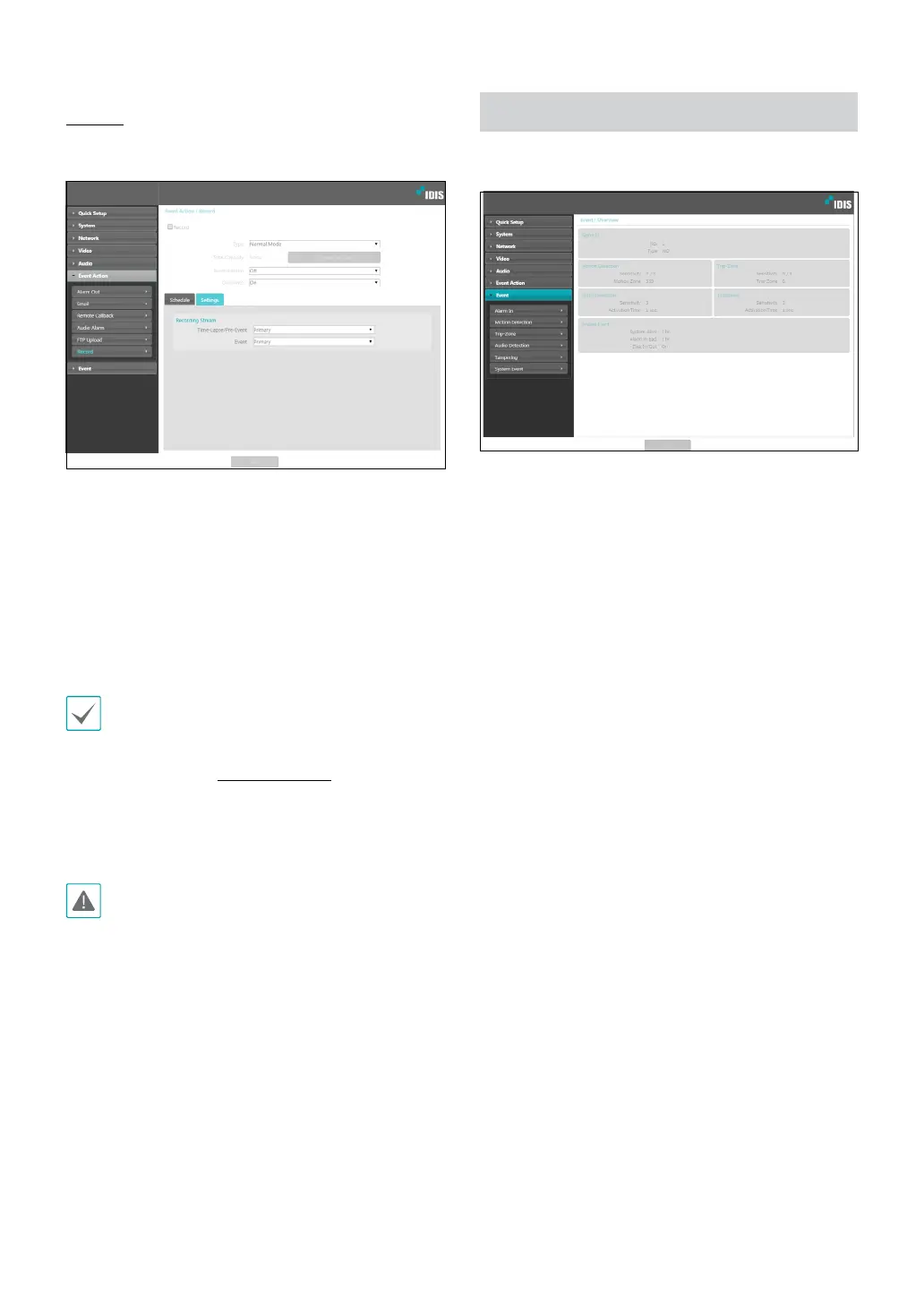
Select the Settings tab and congure recording
settings.
• Recording Stream: Choose a stream to use for
recording. It’s possible to designate dierent streams
for dierent recording modes.
- Time-Lapse/Pre-Event: Designate the stream to
use for recording in time lapse mode or event mode
(pre-event).
- Event: Designate the stream to use for recording in
event mode (post-event).
• Recordings saved on the SD memory card can be
searched and played back from the IDIS Solution
Suite Compact program or remotely from the
remote program. For more information, refer to
each program's operation manual.
• Video search and playback may not function
properly on the remote program while video is
being recorded on to the SD memory card.
To remove the SD memory card, unselect the Record
option and wait 30 seconds before doing so. Removing
the SD memory card while recording is in progress of
without waiting 30 seconds can damage the system
and/or the recording data.
Event
Congure event detection settings.



 To Next Page