16
10.2 Configuration of the basic settings
10.2.1 Selection of the display unit
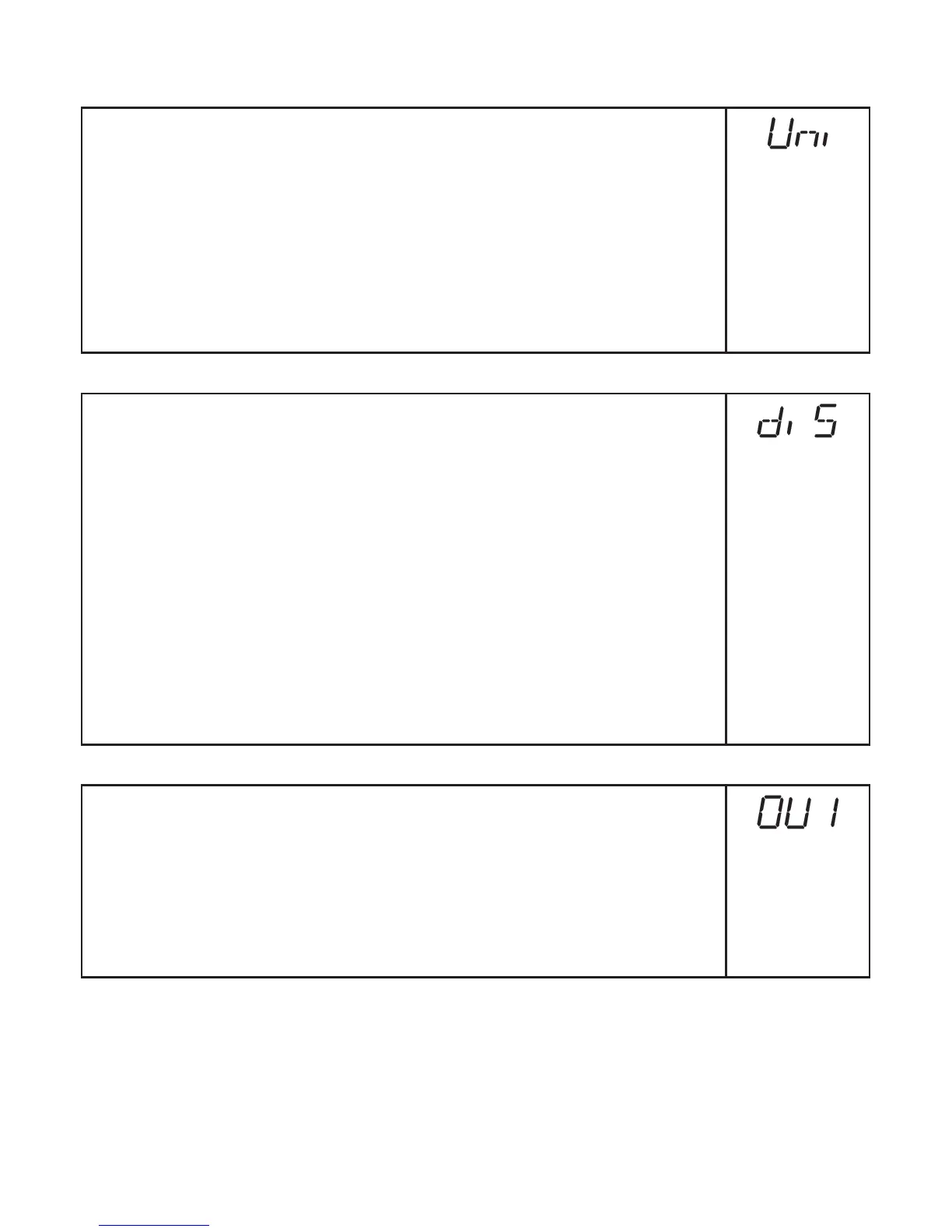
Set [Uni] before the values for the parameters [SPx], [nSPx], [FSPx],
[ASP], [AEP] are defined�
In case of subsequent changes of the display unit rounding errors during
internal conversion to other units may falsify the set values�
► Change to [EF]�
► Select [Uni] and set the unit of measurement�
Selection of the unit of measurement: [mm], [m], [inch]
► Confirm with [MODE/ENTER]�
> The selected unit is indicated by a green LED on the display�
10.2.2 Setting of the display
► Change to [EF]�
► Select [diS] and make the settings�
7 settings can be selected:
• [d1] = update of the measured value every 50 ms�
• [d2] = update of the measured value every 200 ms�
• [d3] = update of the measured value every 600 ms�
• [rd1], [rd2], [rd3] = display like [d1], [d2], [d3] rotated by 180°�
The update of the measured value only refers to the display� It has no
effect on the outputs�
• [OFF] = The measured value display is deactivated in the Run mode�
Press one button to indicate the current measured value for 15 s�
► Confirm with [MODE/ENTER]�
The LEDs remain active even if the display is deactivated�
10.2.3 Configuration of OUT1
► Select [OU1] and set the switching functions�
Switching functions:
• [Hno] = hysteresis function / normally open
• [Hnc] =
hysteresis function / normally closed
• [Fno] = window function / normally open
• [Fnc] = window function / normally closed
► Confirm with [MODE/ENTER]�





 To Next Page