23
UK
The values apply at:
• constant ambient conditions (23°C / 960 hPa)
• extraneous light of max�: 100 klx
• only after unit powered up for 10 minutes
10.4 Extended functions
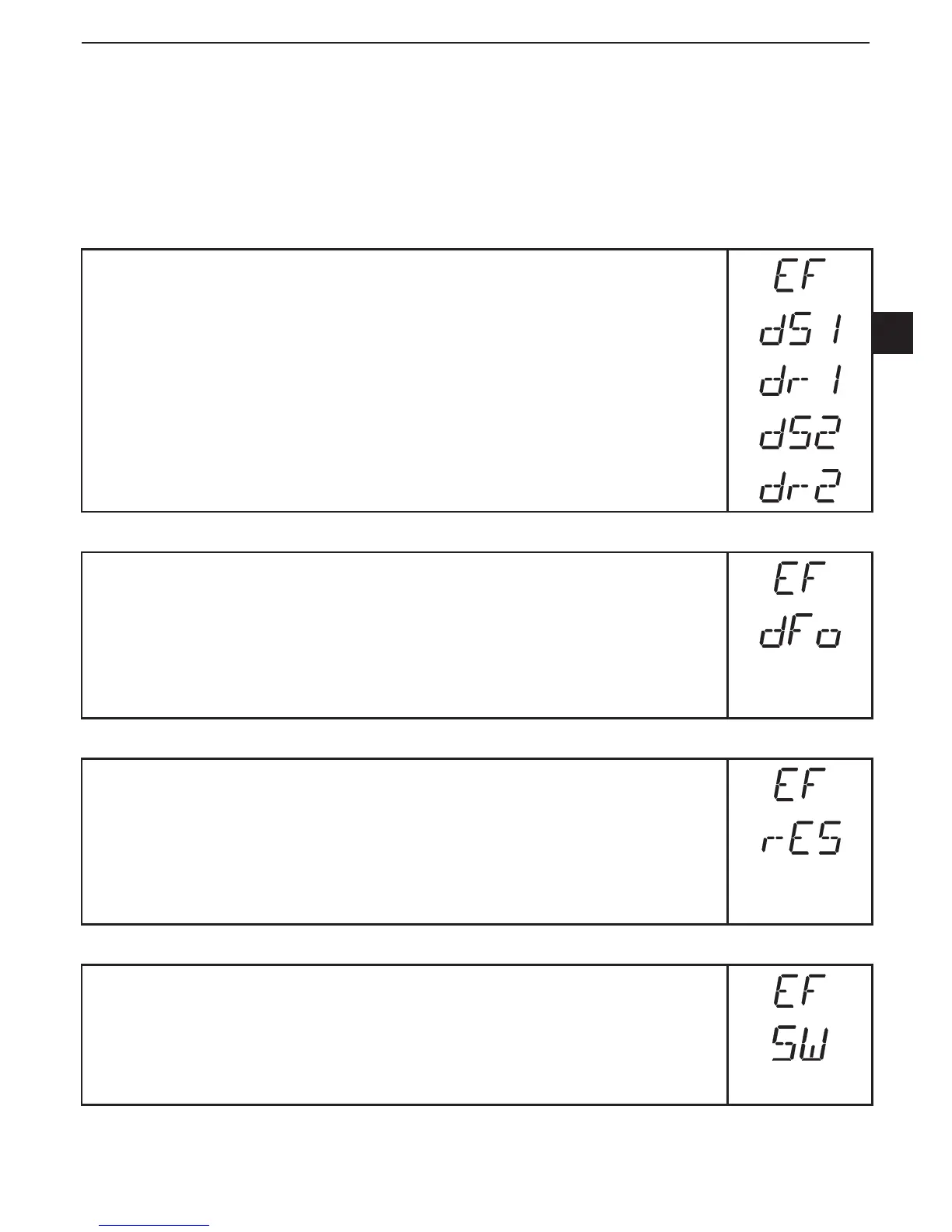
10.4.1 Setting of the time delay for switching outputs
► Select [EF]�
► Press [SET] to change to the menu [EF]�
► Select parameters with [MODE/ENTER]:
[dSx] = switch-on delay; [drx] = switch-off delay
► Set the parameter value with [SET]:
Setting range [s]: 0 / 0�1 ��� 5 s in steps of 0�1s
(0 = delay time is not active)
► Confirm with [MODE/ENTER]�
10.4.2 Setting of the damping of the measured signal
► Select [EF]�
► Press [SET] to change to the menu [EF]�
► Select [dFo] (formely: [dAP])�
► Set the parameter value with [SET]:
Setting range [s]: 0���0�1���0�2���0�5���1���2���5�
► Confirm with [MODE/ENTER]�
10.4.3 Reset of all parameters to factory setting
► Select [EF]�
► Press [SET] to change to the menu [EF]�
► Select [rES], then press [SET] and keep it pressed until [----] is
displayed�
► Confirm with [MODE/ENTER]�
> The unit changes to the Run mode�
10.4.4 Display of the software version number
► Select [EF]�
► Press [SET] to change to the menu [EF]�
► Select [SW], then press [SET]�
> The software version number is displayed�
► Press [MODE/ENTER] to return to the menu [EF]�





 To Next Page