8
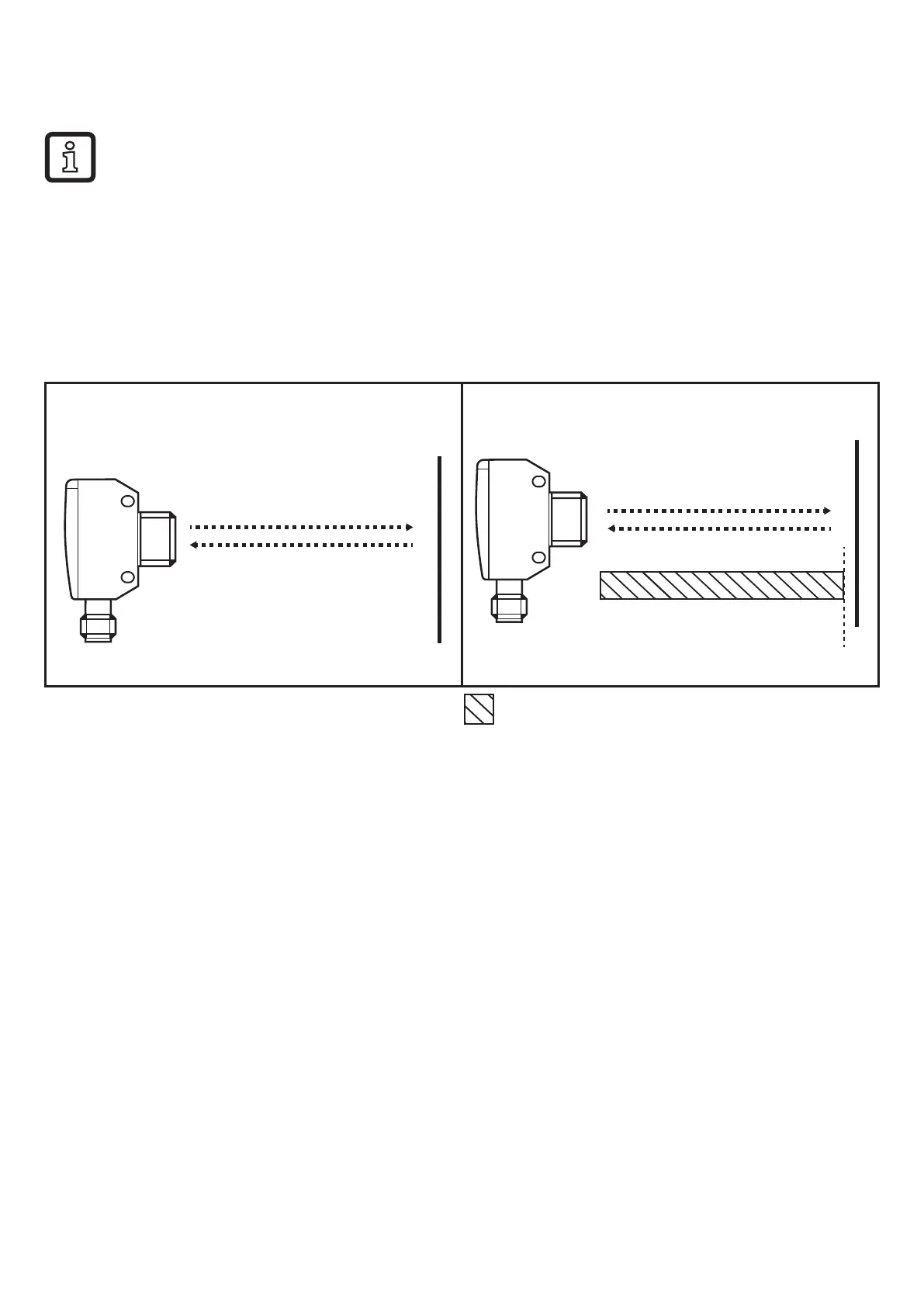
6.2.2 Set range by means of background
If the object is not available, the range can be set using only the background�
The switching characteristics of the diffuse reflection sensor are most
reliable if the range is set using the background and the object (→ 6.6.1)�
► Start the LR DEVICE software�
► Align the diffuse reflection sensor to the background (fig. 4).
► Select [Teach Custom - SP1 without target] in the LR DEVICE software�
> The switch point SP1 is just in front of the background (fig. 5).
Fig� 4: Fig� 5:
SP1
Zone "object recognised"
6.2.3 Set maximum range
► Start the LR DEVICE software�
► Align the diffuse reflection sensor to an empty area without object or
background�
> The diffuse reflection sensor must not receive any light from the object or the
background�
► Select [Teach Custom - SP1 without target] in the LR DEVICE software�



 To Next Page