22
9.5.2 Set output logic for the switching outputs
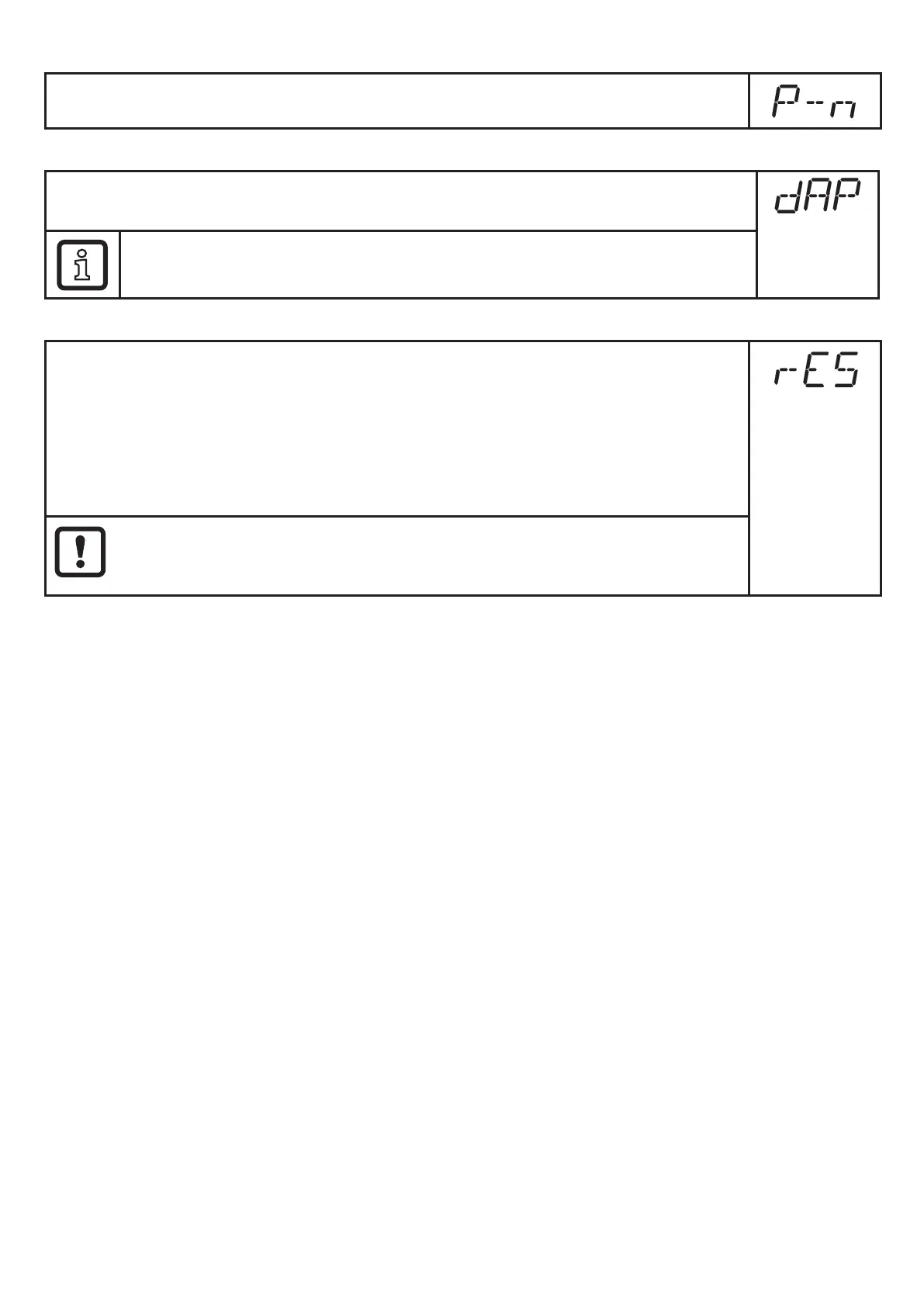
► Select [P-n] and set [PnP] or [nPn]�
9.5.3 Set damping for the switching signal
► Select [dAP] and set the damping constant in seconds
(T value: 63 %); setting range 0�000���4�000 s�
Damping [dAP] affects the switch point / process data flow (IO-Link
communication) and the display�
9.5.4 Reset all parameters to factory setting
► Select [rES]�
► Press [●].
► Press [▲] or [▼] and keep pressed until [----] is displayed.
► Briefly press [●].
We recommend noting down your own settings before carrying out a reset
(→ 12)�
The operating mode [CMPT] will also be reset to the factory setting
([CMPT] = [2])�


 To Next Page