5.2 USER FUNCTIONS
5.2.1 Heater Type Setting
figure5-1- controlled type selection screen
This screen will appear only in case the main
board has not stored a correct heater type; by pressing Key 2 and Key 4 the system will
return to the following or the previous controlled heater name set by the user, which
will appear on the display upper line while, by pressing Key 3 (Enter), the chosen type
will be confirmed.
5.2.2 Panel Start up After Controlled Heater Type Setting
When the controlled heater is chosen and confirmed, the display shows the Start
screen.
5.2.3 System Start up
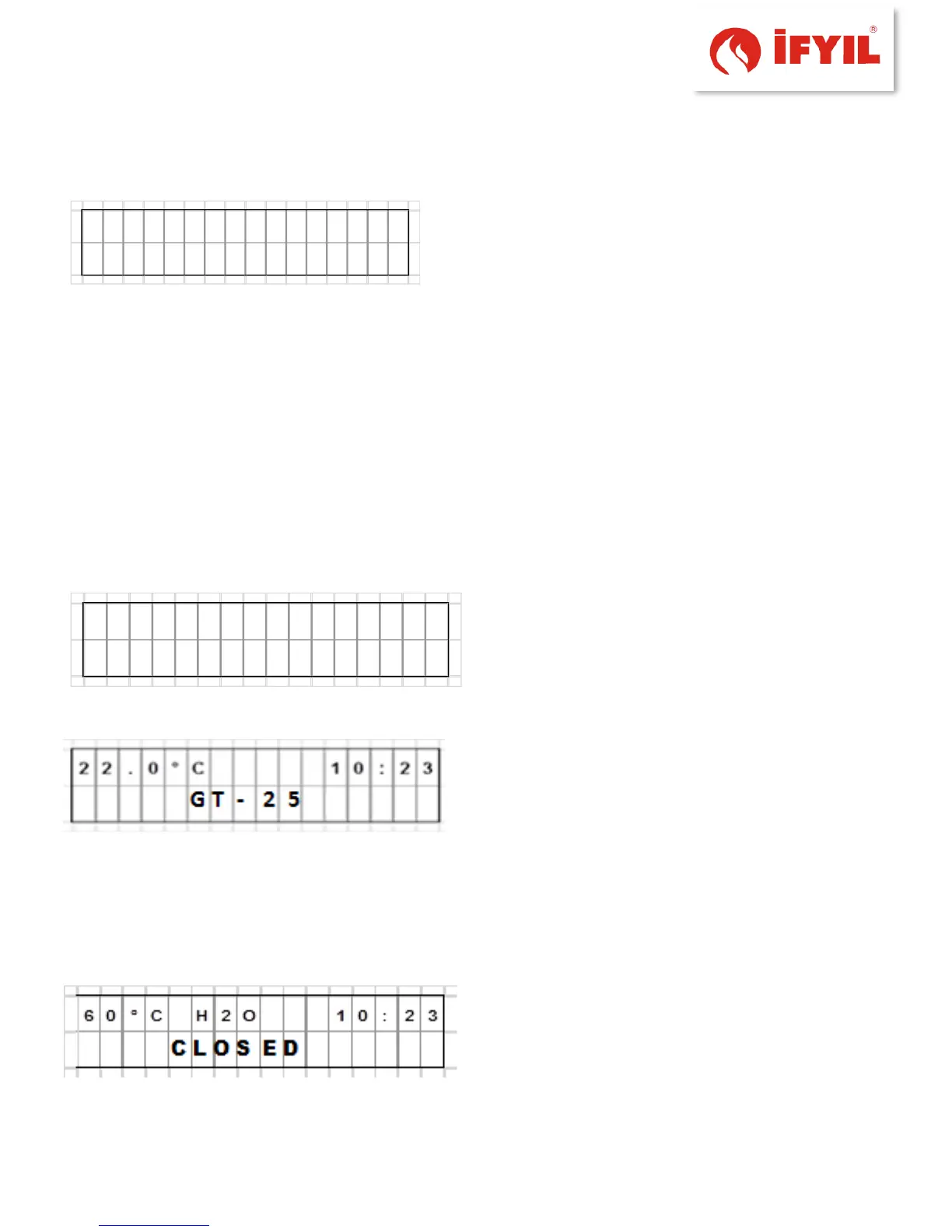
When starting up, the display shows a "wait"
screen; during this time the producer's logo
appears on the second line while on the first
line the current room temperature and time
will be shown.
figure5-2- reset screen
Every 4s the screen alternates with a second
screen where the controlled heater type
currently stored in the main board is shown
on the bottom line
figure5-3- reset screen 2
When these two screens are alternatively displayed the backlighting is maintained to
the maximum, while pressing any key will have no effect.
After about 12s the “START” screen appears; this means that the system is ready.
figure5-4- Start screen



 To Next Page