22
5.4.3 Date menu
Date and time menu contains a number of data and parameters. Set on the top line
only writer has no value; # To access a sub-menu, press 3.
The use of this menu is similar to the use of advanced
functions menu. Available functions takes place with
value table 4-3.
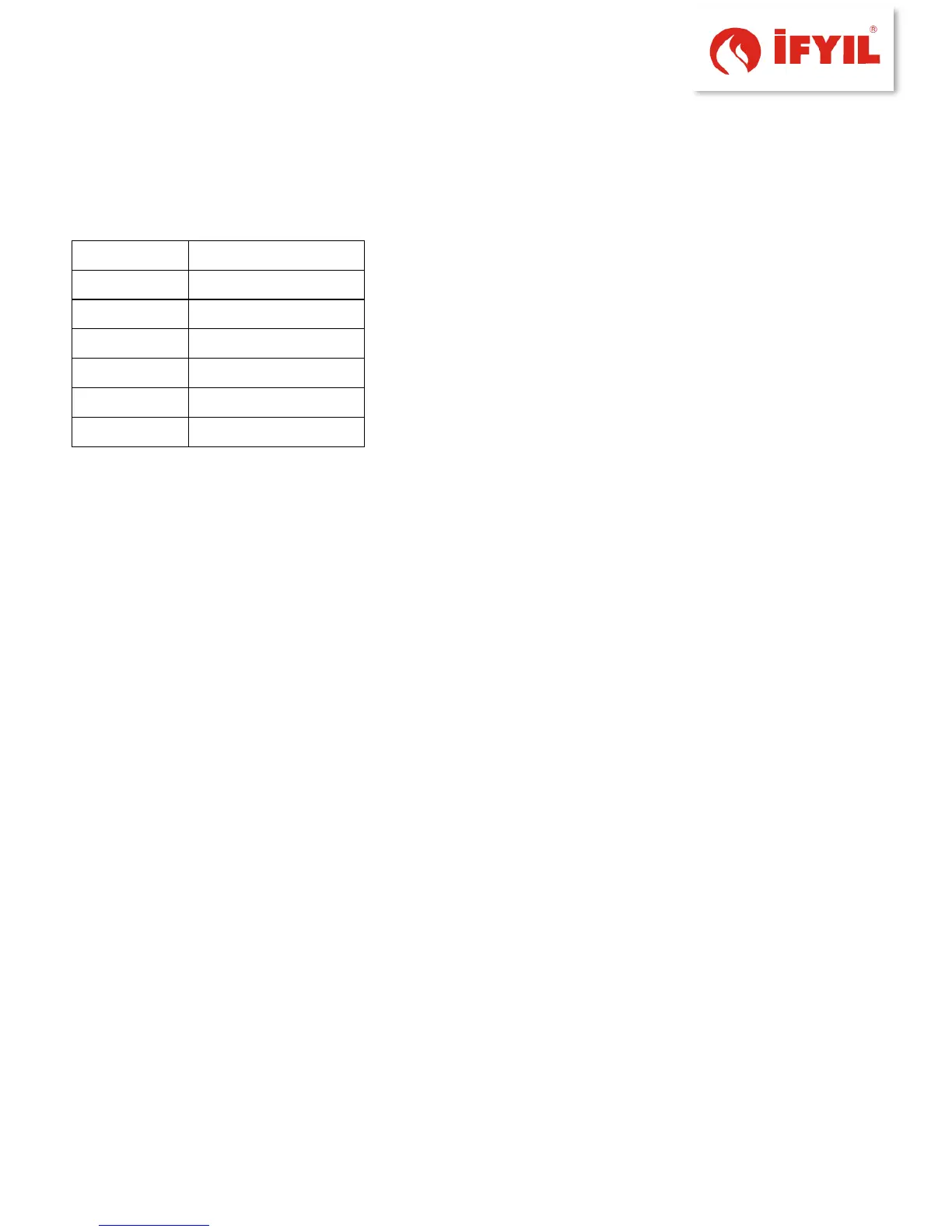
Table4 3- date and HR function menu list
5.4.4 Sleep function
The Sleep Function is displayed only if the heater is fired up or in ignition step. The
auto shutdown time may be set: Off is selected to disable the function, else the available
values may be browsed, starting from the minute decade which follows the current time
(e.g., if the current time is 3:43 p.m., the first usable value will be 3:50 p.m.), up to the
maximum extent of 23 hours and 50 minutes after the current time. Every time the keys
+ (key #4) or - (key #2) are pressed, the shutdown time is changed by 10 minutes
(increment or decrement) steps. By pressing the button Ok (key #3) the new value is
confirmed and the display reverts to the previous screen (steady, unflashing).
The display returns to the previous screen without confirming the new value by
pressing the esc key (key #3). By pressing the On/Off key (key #5) the display will then
return to the START screen without confirming the new value.
If the saved value is other than Off, the screen START will display the corresponding
item.
5.4.5 Info Menu
The menu User Info includes a set of values and items related to the control system
operation and to some external components. All the displayed values cannot be
changed; by this way, on the top line of text won't be shown Set/Ok, but only esc.
On the bottom line the item name whose value is displayed will be shown.
The arrow keys allow the user to browse through the various menu items.



 To Next Page