20
5.3.1 Temperature/ Power fine setting
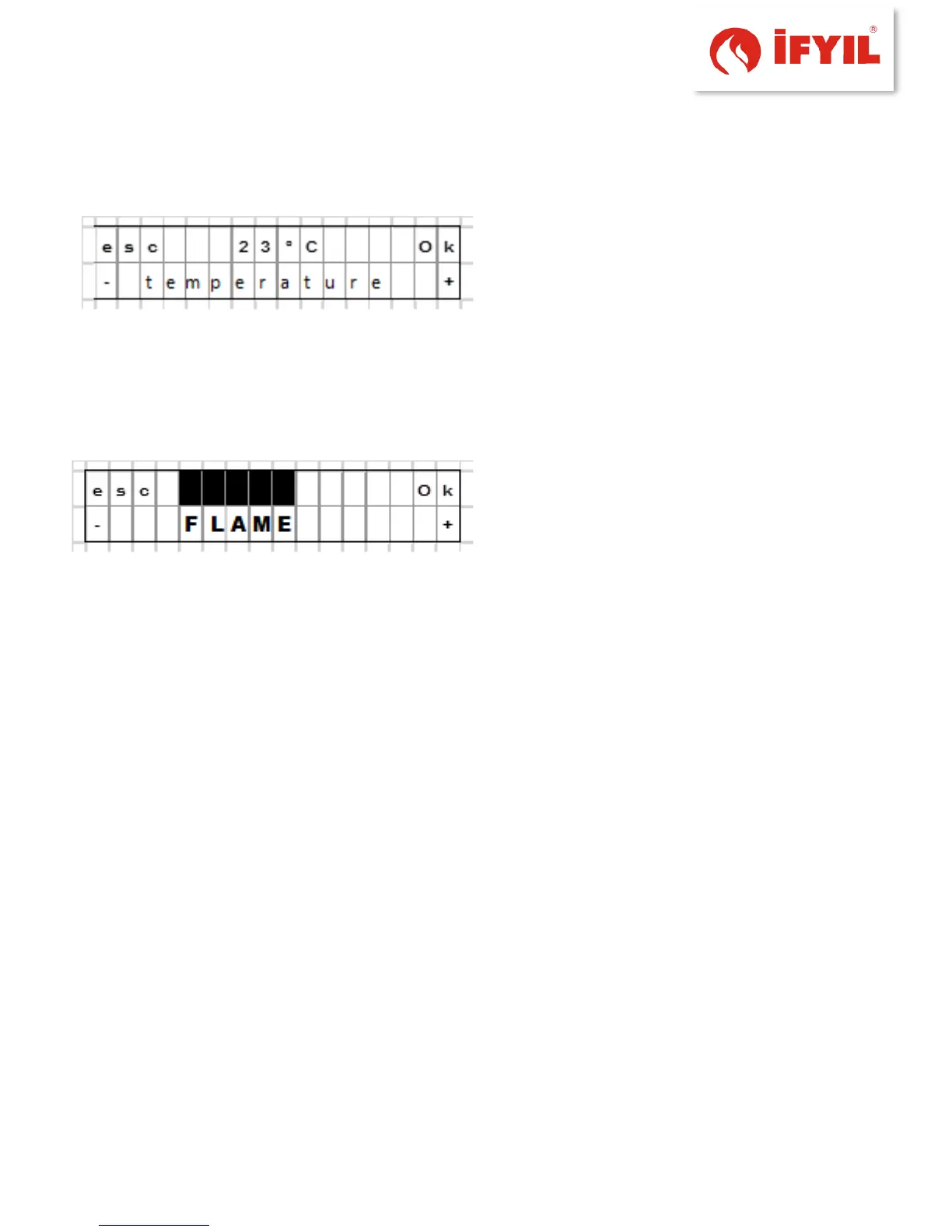
figure5-8- ambient temperature setting screen
If the controller is in auto mode, the requested temperature values are cycled by
pressing the Temp/Fire key (key #2) (except when the storing tank or the room
thermostat are set active; in this case the key is disabled). By holding the key pressed
for 2s the selection screen will appear; from within this screen the requested value may
be changed in 1°C steps, starting from a minimum value of 5°C up to a maximum of 35°C.
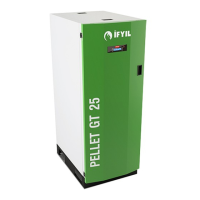
figure5-9- power setting screen
In both cases described above, the value on the top line flashes to let the user know
that it may now be changed. By pressing the buttons + (key #4) and - (key #2), the value
may be increased/decreased, while the key Ok (key #3) confirms the new value and the
display reverts to the SELECTION screen.
By pressing the esc key (key #1), the display returns to the SELECTION screen without
confirming the new value. The display returns to the START screen without confirming
the new value by pressing the On/Off key (key #5).
5.3.2 ECO Mode
In Manual Mode, it’s possible to enable this function only if the Thermostat option
is active .
In the Automatic Mode, however, it’s always possible to enable this function.
5.4 ADVANCED FUNCTIONS
The "Advanced function" menu is accessed by pressing the key Menu (key #3): on the
lower line the name of the function currently being displayed appears; on the top line
the referred value currently set on is displayed. If on the top line no value is displayed,
this means that the item currently being displayed on the lower line is a submenu which



 To Next Page