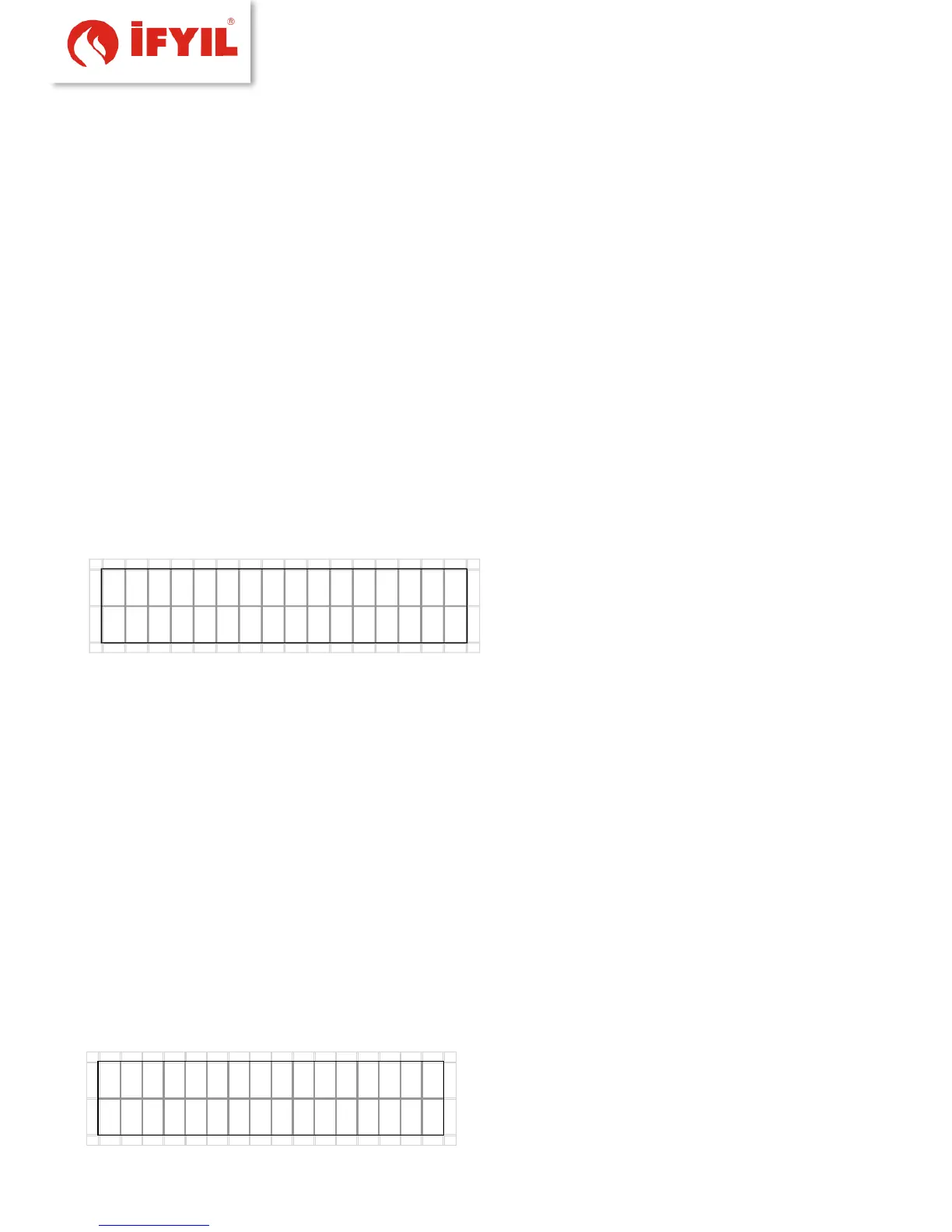
On the top line the current room temperature and the time are shown; if the
controlled heater is a water boiler, the room temperature and the water temperature
will alternate on the display (5s the room temperature and 2s the water temperature.
On the bottom line the system alternates every 2s the text strings describing the
controlled heater current status, the active functions and the active alarms, if any.
5.2.4 Heater firing up/ shutting down
Firing (or shutting-down) the controlled heater is accomplished by pressing the
ON/OFF key (key #5) from within the START screen; the panel will beep and the displayed
status will be updated.
5.3 Quick Access functions
By pressing one of the 4 side buttons from within the START screen changes the
display to the SELECTION screen where the "quick access functions" may be set.
figure5-6- preferences display
• The mode key toggles the operating mode from manual to auto.
• The advanced functions may be selected by pressing the Menu key
• The Temp/Fire key cycles through the temperature/power values, depending on
the selected operating mode.
• The Fan key cycles through the fan speed levels.
• The display reverts back to the START screen by pressing the On/Off key.
If the controller is in auto mode and Thermostat or Storing tank options set active,
the requested temperature will be replaced by the string “Term:”, followed by the
device status (“C” = Closed, “O”= Open), because when the controlled heater is in
auto mode its operation is not controlled by the room temperature, but by the
external room thermostat or by the storing tank temperature.
If the controlled heater has no blowing fan, the string on the display won't appear,
and the corresponding key will be disabled.
If the controlled heater is equipped with multiple blowing fans.
figure5-7- Room thermostat activation screen



 To Next Page