can be accessed by pressing the key Set (key #3).
The arrow keys allow the user browsing through the various menu items.
Whether a value is shown on the top line or not, to have the displayed function
modified, the key Set (key #3) should be pressed: The value shown on the top line starts
blinking to let the user being informed that it can now be changed, while “Set” is
replaced by “Ok”; the two bottom keys may be two arrows or may also change in +/-,
depending on the displayed data type; they are used to increase or decrease the data
value. The new value is confirmed by pressing the Ok key; then, the display reverts to
the previous screen (unflashing).
By pressing the esc key (key #1), the display will return to the previous screen without
confirming the new value. The display returns to the START screen without confirming
the new value by pressing the On/Off key (key #5).
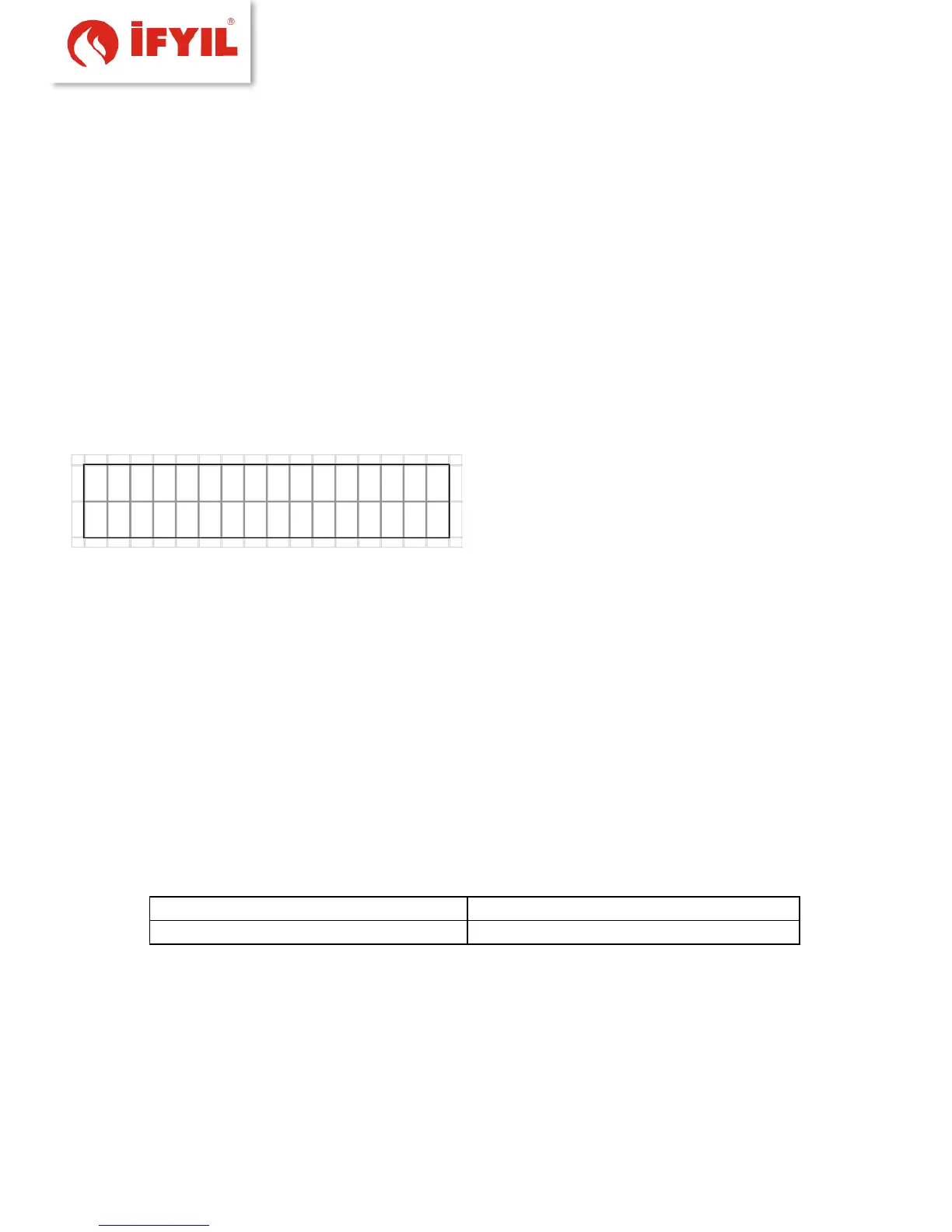
figure5-13- Menu screen
5.4.1 Warnings
Warnings menu, alert status of the case of one of the active or non-blocking occurs when
an alarm is detected.
Set (# 3) can be accessed by pressing a list of currently active alarm; You can examine
more than one alarm is activated using the # 4 key.
5.4.2 Water temperature menu
This menu contains a number of data and parameters; But set no value appears
on the top line writer; # 3 is accessed by pressing a submenu.
The use of this menu is similar to the use of advanced functions menu.
Table5-1- water temperature function list
Adjust the water temperature to a value below 60⁰C degrees. Otherwise,
condensation situation can be observed in the boiler. This significantly reduces the life
of your boiler.



 To Next Page