26
5.6 CHRONO (WEEKLY PROGRAM)
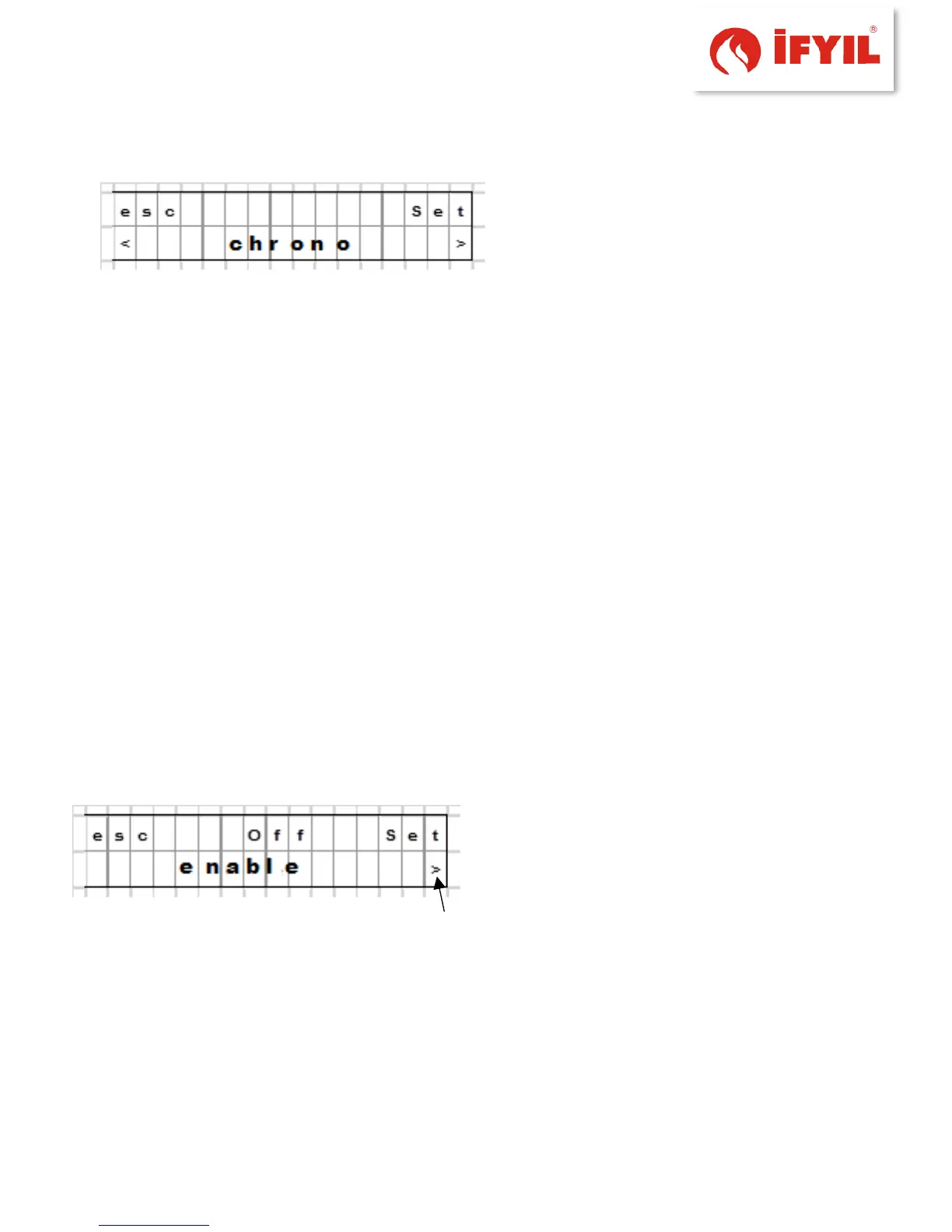
figure5-20– weekly program screen
Chrono run at specified boiler on and off. This function is performed by opening and
closing times set by the user.
Set of 6 different opening and closing times.
Chrono includes:
1. Enable opening and closing time is activated.
Activation activated when the boiler on and off at certain times kapanır.6 opening
and closing hours of the current one is not enabled chrono they are activated.
2. Install Profile: This choice benefits the installation of pre-defined opening and
closing times (Error! Reference source not found.).
3. Reset: Turn off all the time preset with this function is reset.
4. Programs 1-6: You must make the following settings for each program.
a. enable
b. Start
c. stop
d. Temperature
Crown Votes must be activated at least one of the 6 program before starting.
For example: Program 1 power adjustment.
Set the screen is done by pressing Chrono
Chrono enable access to screen and assess
key aspects of the program.
figure5-21– weekly program activation screen



 To Next Page