After confirmation the air temperature 'arrow' scroll using the
keys. Here, set the room temperature setting is set.
The system uses it only began working in automatic mode. If the system is in
manual mode, this preference is not considered at this time. room temperature
setpoint as set opening and closing times will be set and approved.
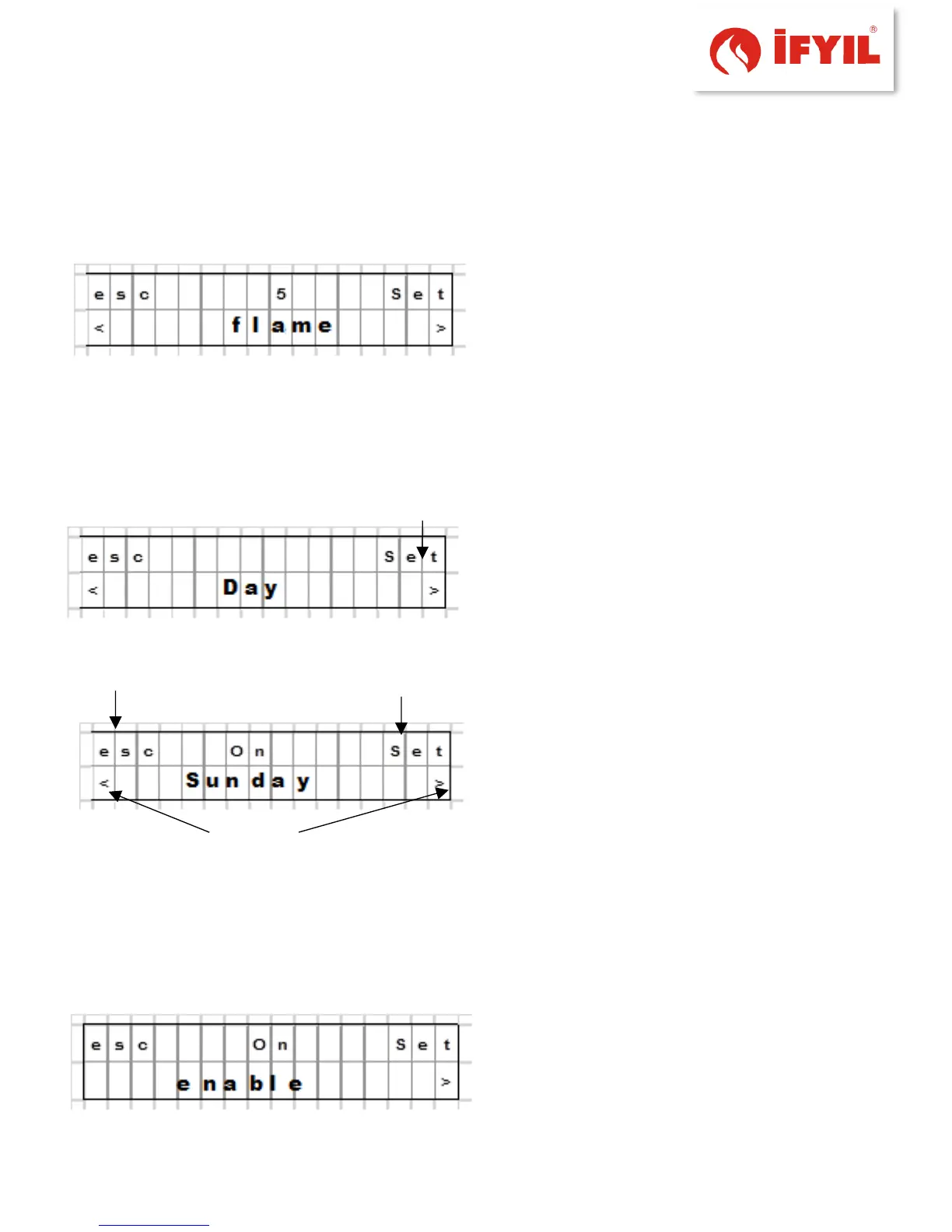
figure5-26- levels of flame setting screen
After the approval avoid firing on the menu. The power level can be adjusted for specific
system used for the manual mode during ignition firing.
If the system does not consider the power level in the automatic mode. Start
stopping power level as set by the time set.
After the approval date, go to the menu.
The days of using the program set by the
user is determined.
figure5-7- days menu screen
figure5-8- the days will run weekly Schedule setting
screen
Installation on / off pattern occurs when the user can use the days of the week. History
menu to '' set '' can access. Up days of the week with the down button is selected and
approved.
On / off option (for Cycle 1) should check the operation of the heater the day of the
week. the same is done for the other days of the week after confirmation.
figure5-31- weekly program enable screen



 To Next Page