14/53
Connecting with ANT+ sensors
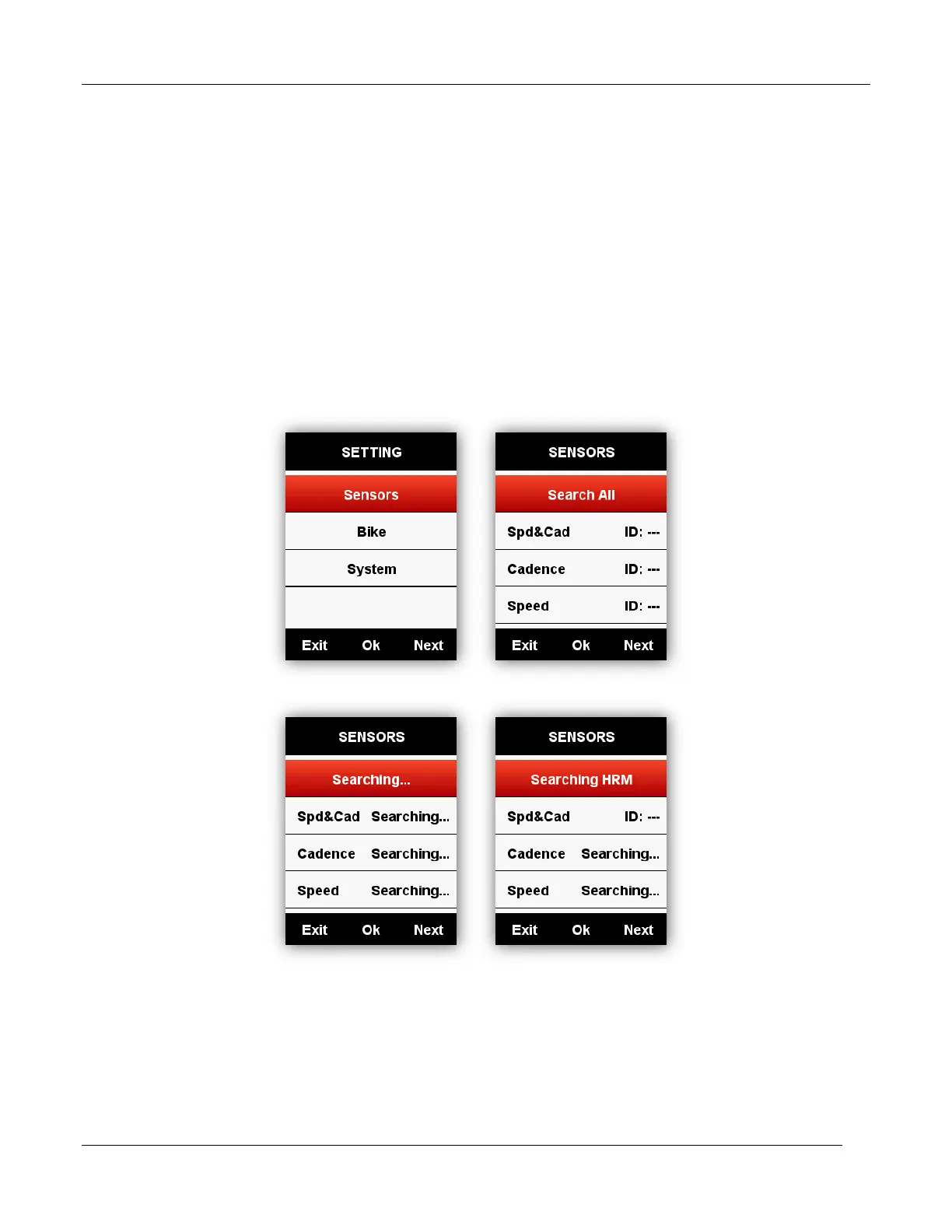
If you have ANT+ sensors, for first time using, please search the sensors as below:
SENSORS - Search All (It may take some time to finish searching.)
Note: please make sure the sensors are in wake-up mode
1. Heart rate monitor should be worn directly on skin just around the chest.
2. Cadence sensor should be installed on the crank arm of no-drive side, then rotate the crank
arm.
3. Speed sensor should be installed on the top of front wheel hub, then rotate the front wheel.
Screen display Indicator icons
When sensors are connected, the indicator icons will be shown in the upper screen as below:



 To Next Page