19/53
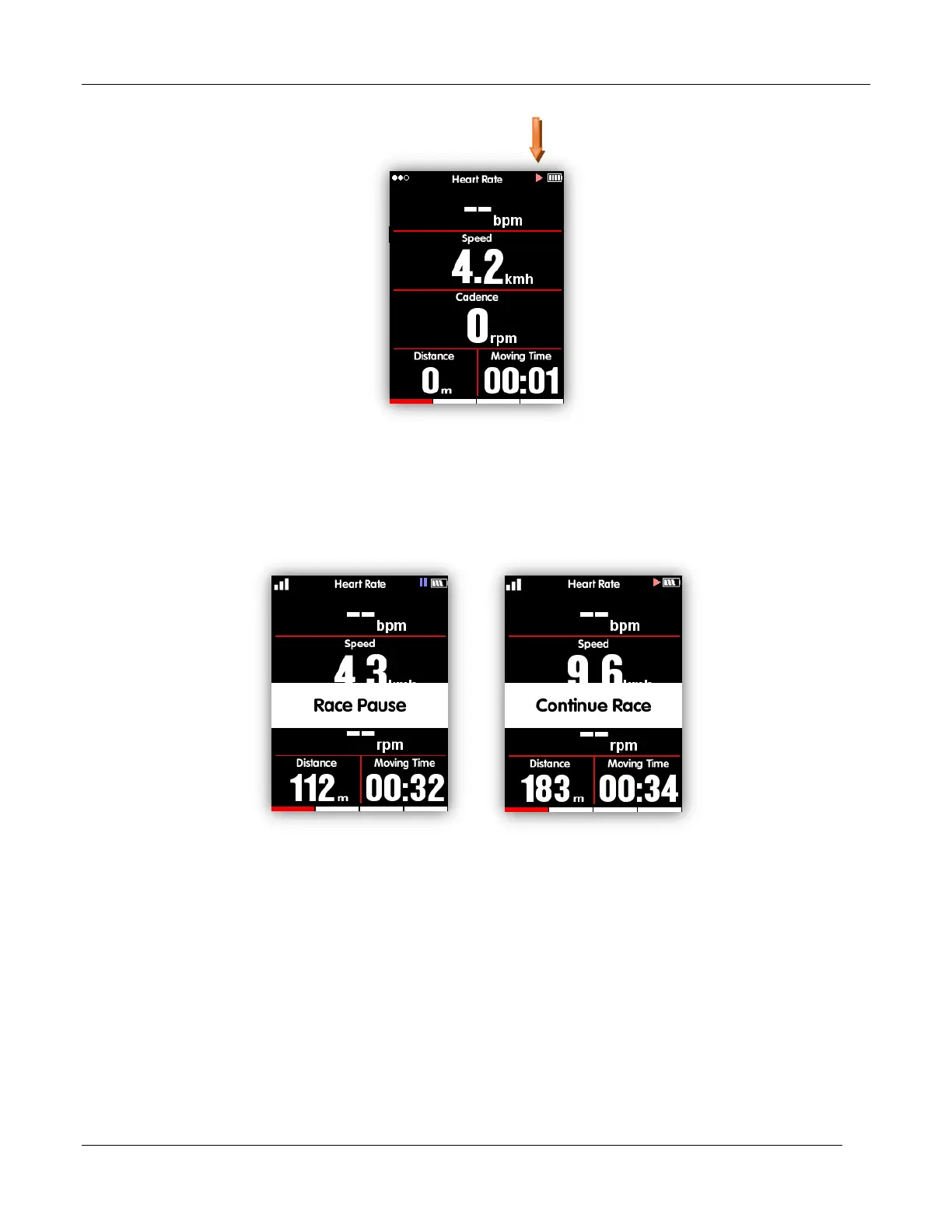
Recording status
Pause and continue
When you stop moving, then iGET C250 will detect and pause the recording automatically. The icon
will shift between record and pause accordingly. You can also select middle button to pause while
recording manually.
Scroll pages
Scroll page down/up
In data display page, select right button to shift from selected pages. The red indicating bar at the
bottom of the screen shows the current page. For more setting on pages, please refer to the Advanced
Setting – MODE - Page Selection - Set Pages.



 To Next Page