18/53
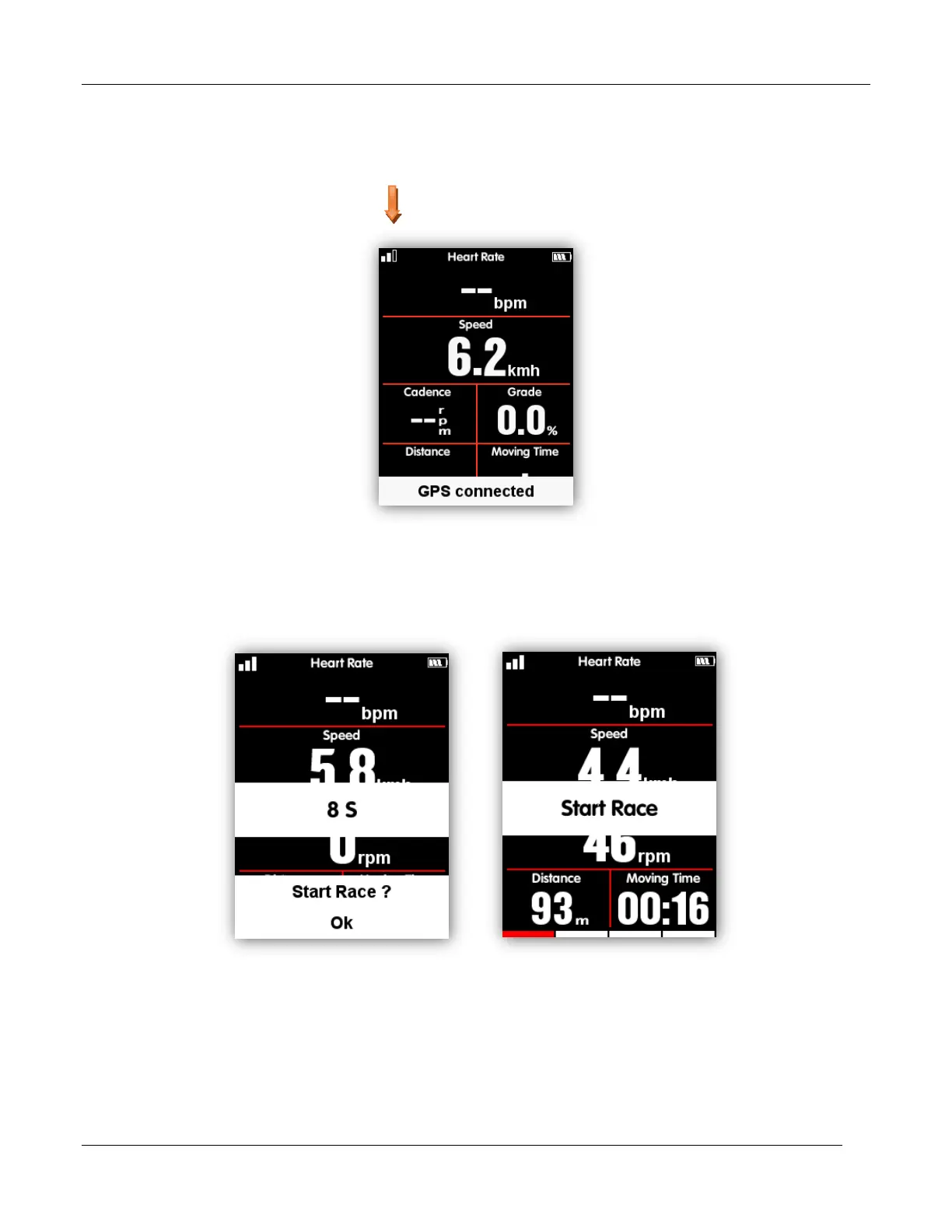
In main menu, select left button to enter the data display page, the icon in upper left screen
also shows the satellite signals intensity.
GPS satellite signals intensity
When motion detected, iGET C250 will start count down automatically, wait till count down finished or
select the middle button to start recording, or select the left button to cancel the recording. To turn off
the auto recording function and choose manual recording, please refer to the Auto Functions
Under recording mode, the icon in upper right screen beside the battery icon will show recording
status too.



 To Next Page