41/53
Road map
iGET C250 support road map in fit, gpx and tcx formats.
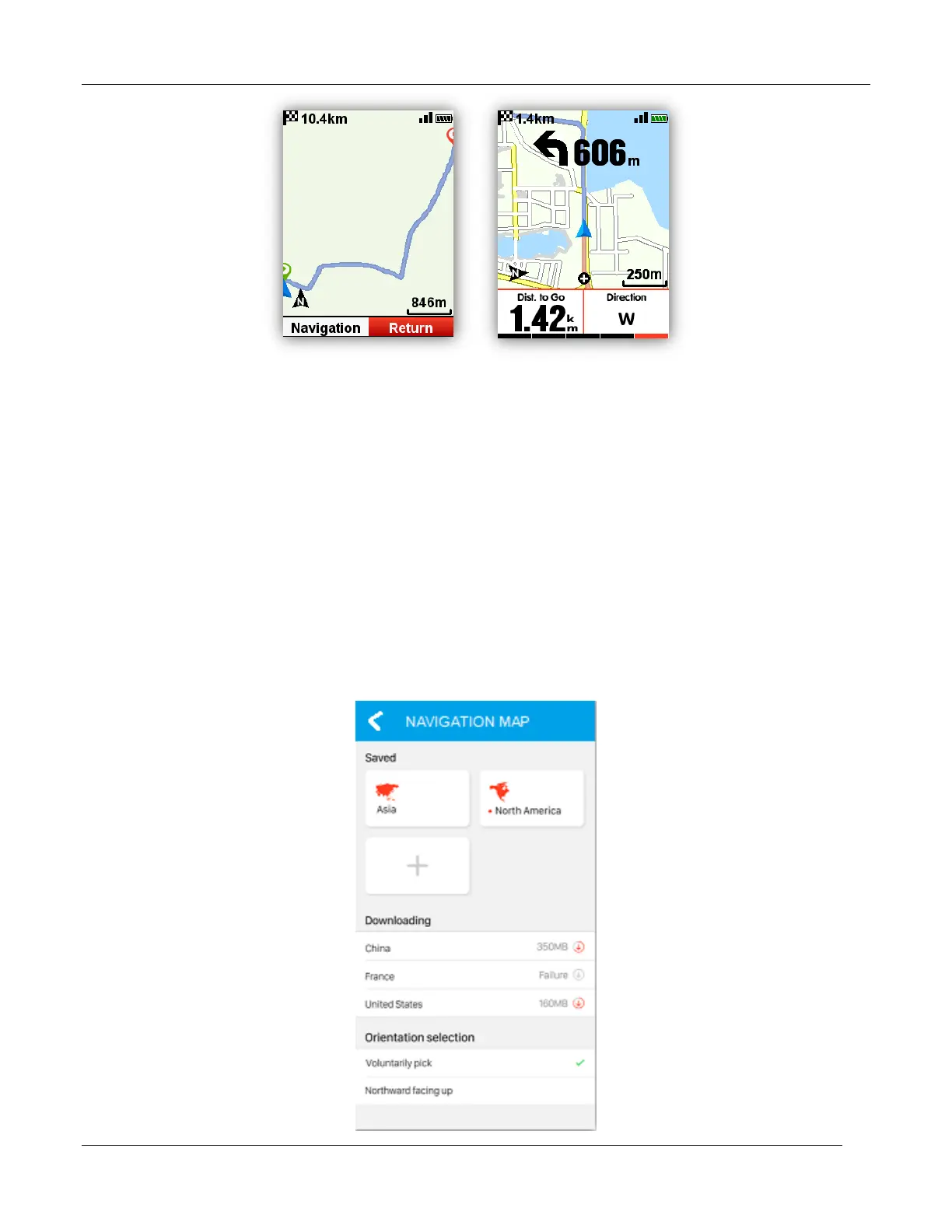
After confirm the plan routes, copy the road map file into iGET C250 \ Navigation Folder by USB
cable, power on C250, you can find the road map under Navigation - User Routes, open the file to
start Navigation or Return.
Note: the length of the file name should be within 28 characters, or device cannot recognize it.
Map download
Set up download map
Enter the device management interface, open WIFI, return and click the button add, select the
country in the region, and download the map.



 To Next Page