29/53
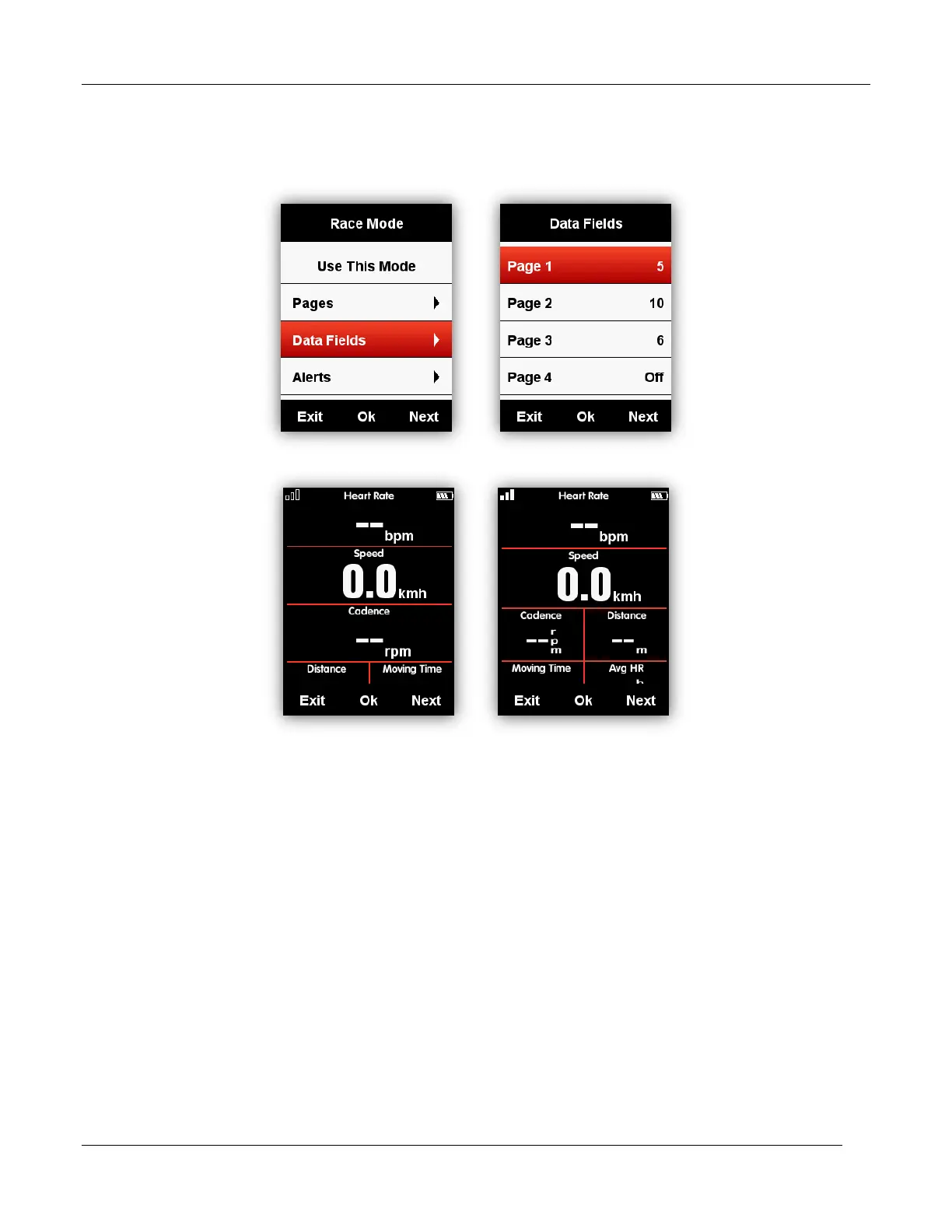
Data Fields
Please set the pages as below, select middle button to enter in, select right button to shift from 1-
10 columns, select middle button to confirm the setting.
After set the data columns, select middle button to enter the data items setting.
Select right button to move into the selected column, and then set up the data items.



 To Next Page