45/53
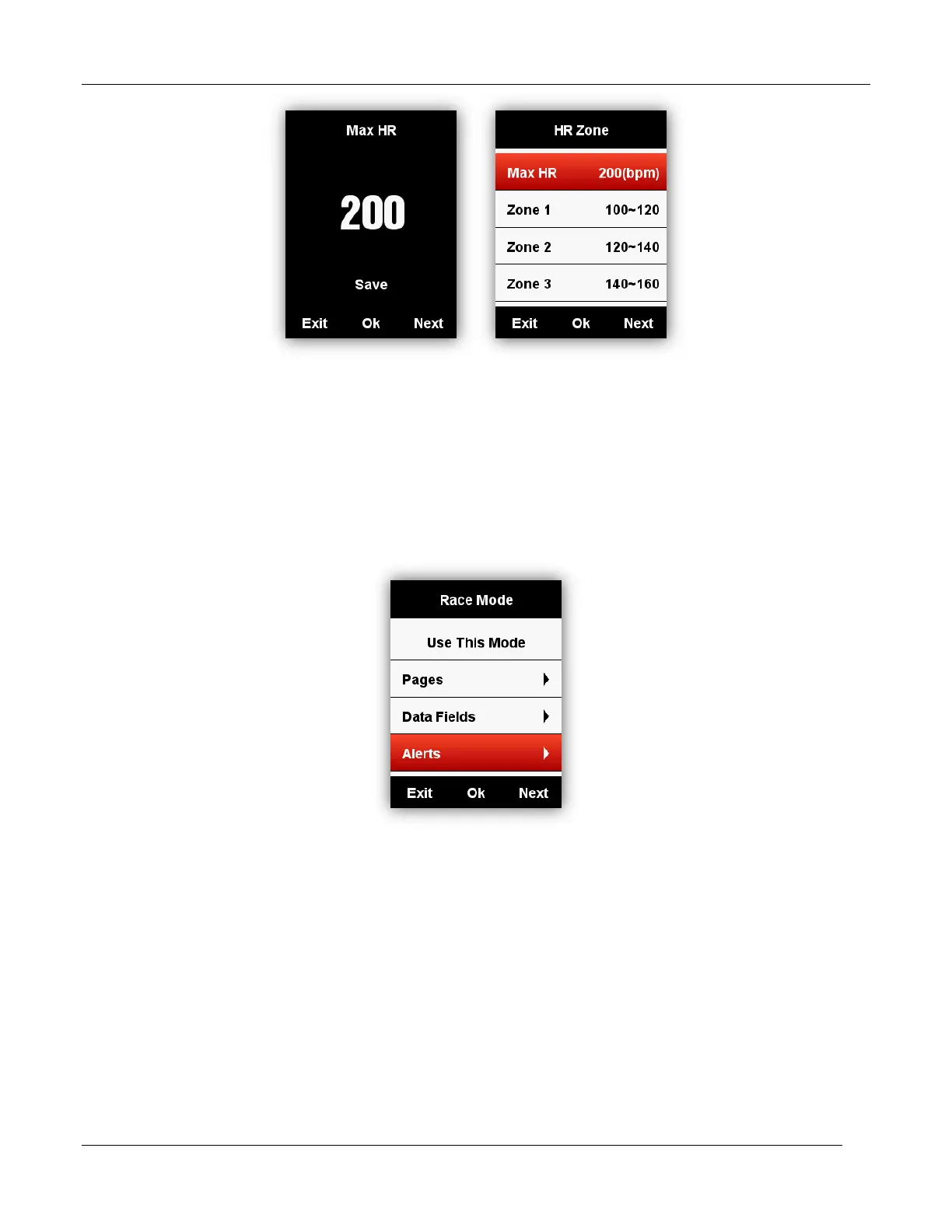
The setting for Power Zone and Cadence Zone will be same as above.
Set Alerts
Select MODE - Training Mode/Race Mode - Set Alerts as below:
Take Heart Rate Alerts setting for example:
You can set the Max and Min Heart Rate and turn on the alarm, when the heart rate is above or
below the specific range of values, device will alert and notify you with message and sound.



 To Next Page