40/53
Location
You can record and store the locations in the device.
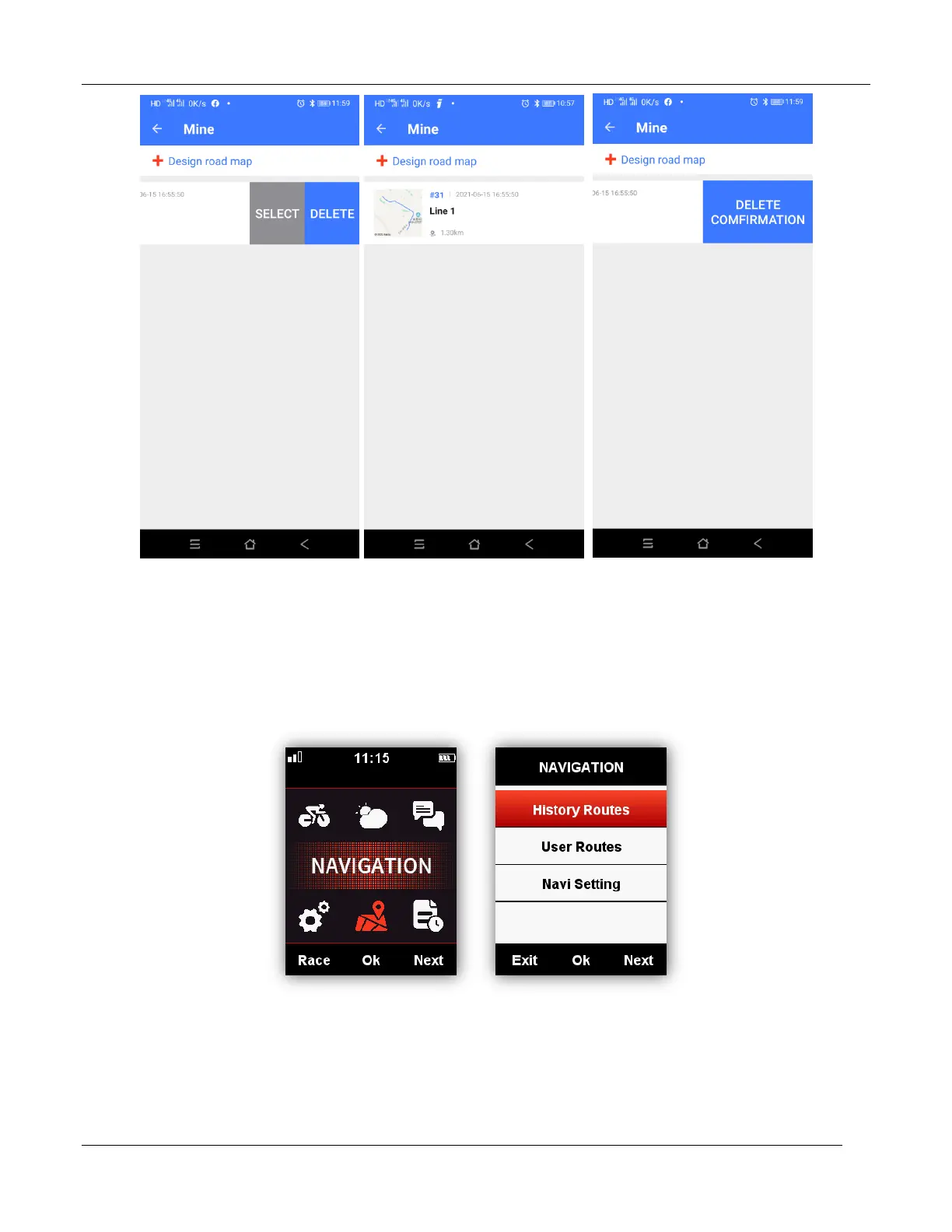
Enter NAVIGATION - History Routes to open the activity list, select the wanted routes, device will
show its GPS track, choose Navigation or Return, select middle button to enter the data display
pages, select middle button to zoom in or zoom out.
Note: the activities under MEMORY menu can be also opened by navigation:
MEMORY - Saved Activity - Last Activity/All Activities/Historical - Map



 To Next Page