23/53
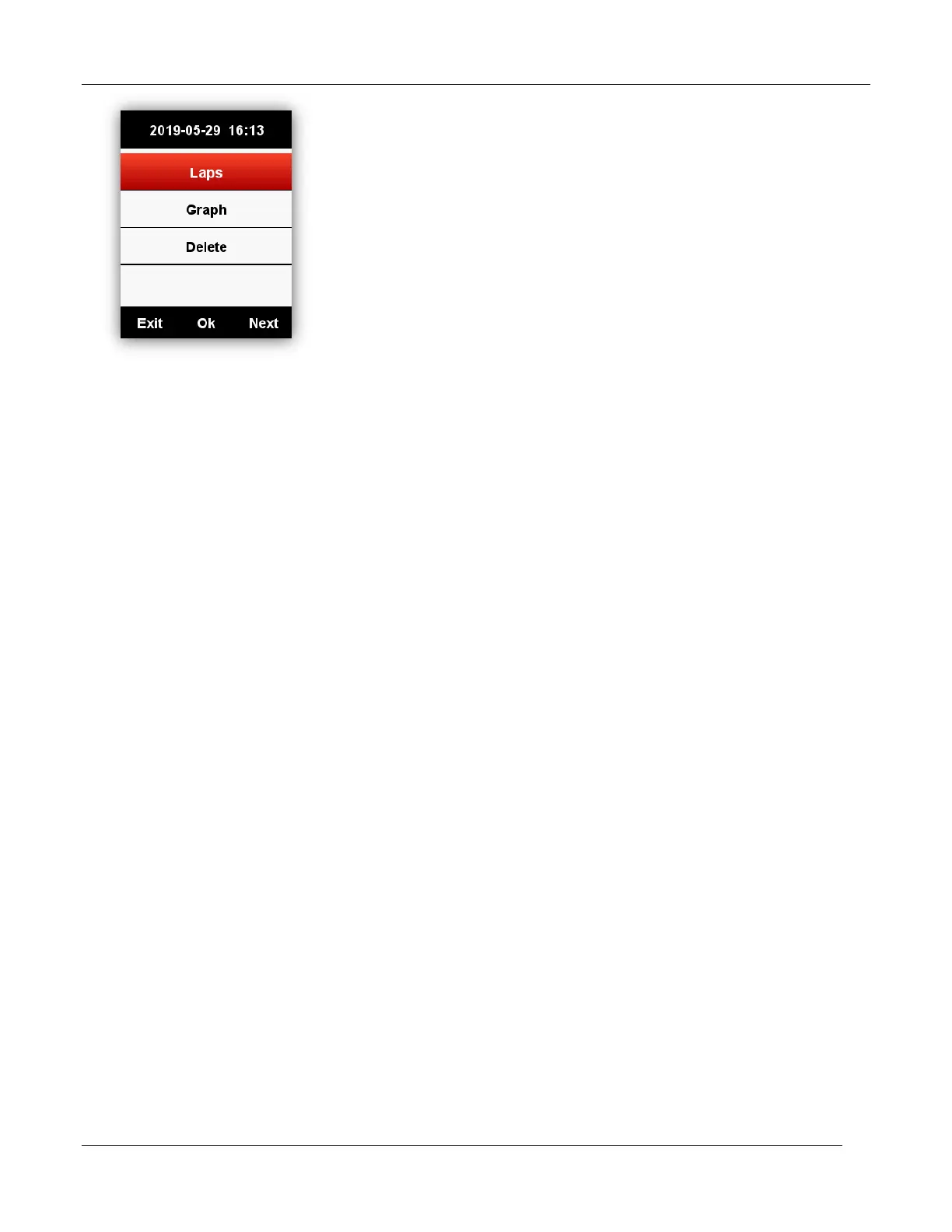
Lap: show the summary of each lap (data information same as the activity summary list except the
TSS, IF or other display entry of lap)
Button function:
Left button: return to the extended menu
Middle button: switch into next lap
Right button: page down
Graph: show the graph on summary chat, heart rate zones, power zones, cadence zones, routes
and altitude.
Button function:
Left button: return to the extended menu
Middle button: no function
Right button: page down
Delete: delete current record, with confirm menu (Yes/No)
Summary chart: data curve, route diagram and altitude diagram (as below picture)



 To Next Page