English
38
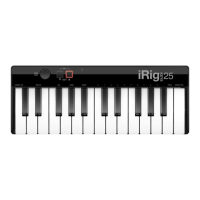
5.3.6 Slider editing on iRig Keys I/O 25
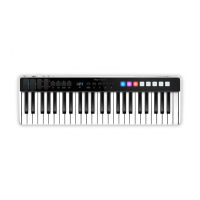
iRig Keys I/O 25 has two sliders that send by default picth/mod message and Octave/PC message. It is possible
to edit both the sliders to send different messages.
5.3.6.1 Assign a Pitch bend command to a slider
To assign a pitch bend command to a slider:
• Enter Edit Mode by pressing the ALT and EDIT buttons;
• The display will show GLO. Rotate the DATA knob until you reach the PRE position. Press the DATA push-
knob to confirm you want to edit a parameter in the preset menu;
• The display will show DTA. Rotate the DATA knob clockwise to reach the SLD position;
• Reached the SLD position press the DATA push-knob;
• The display will show SEL (select) to let you select the control you want to edit. All the led bars will start to
pulse;
• Press or touch the slider you want to edit;
• The display will show 1 and will cycle between 1 and 2. This means that you can assign the desired control
to the primary (1) or alternative (2) function of the slider;
• The display will show PCH (pitch) and by rotating the DATA knob it will cycle to MOD (MOD wheel) -> CC
(control change) -> OCT (octave) -> PC (Programm Change).
• Reached the PCH position press the DATA push-knob to confirm you want to assign a pitch bend command
to the slider;
• The keyboard will exit automatically the Edit Mode;
• You can exit the Edit mode any time by pressing the CANCEL/NO key.

 To Next Page
 Loading...