High Fidelity Mini Audio System for iPod V10M11_IM_EN_12182007
www.i-Luv.com - 18 -
OPERATIONAL FEATURE
Amplifier and Radio Operation
Switching the unit ON
Press the POWER button (1)/(34) to turn on the system.
Operating mode selection
The different operating modes can be directly selected using the buttons PLAY/PAUSE X||
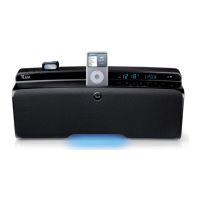
(13)/(41) for CD operation and TUNER/BAND (23)/(56) for radio reception.
1. PLAY/PAUSE
X||: Playback from the built-in compact disc player
2. TUNER/BAND: Radio, selection of the frequency bands
Adjusting the volume
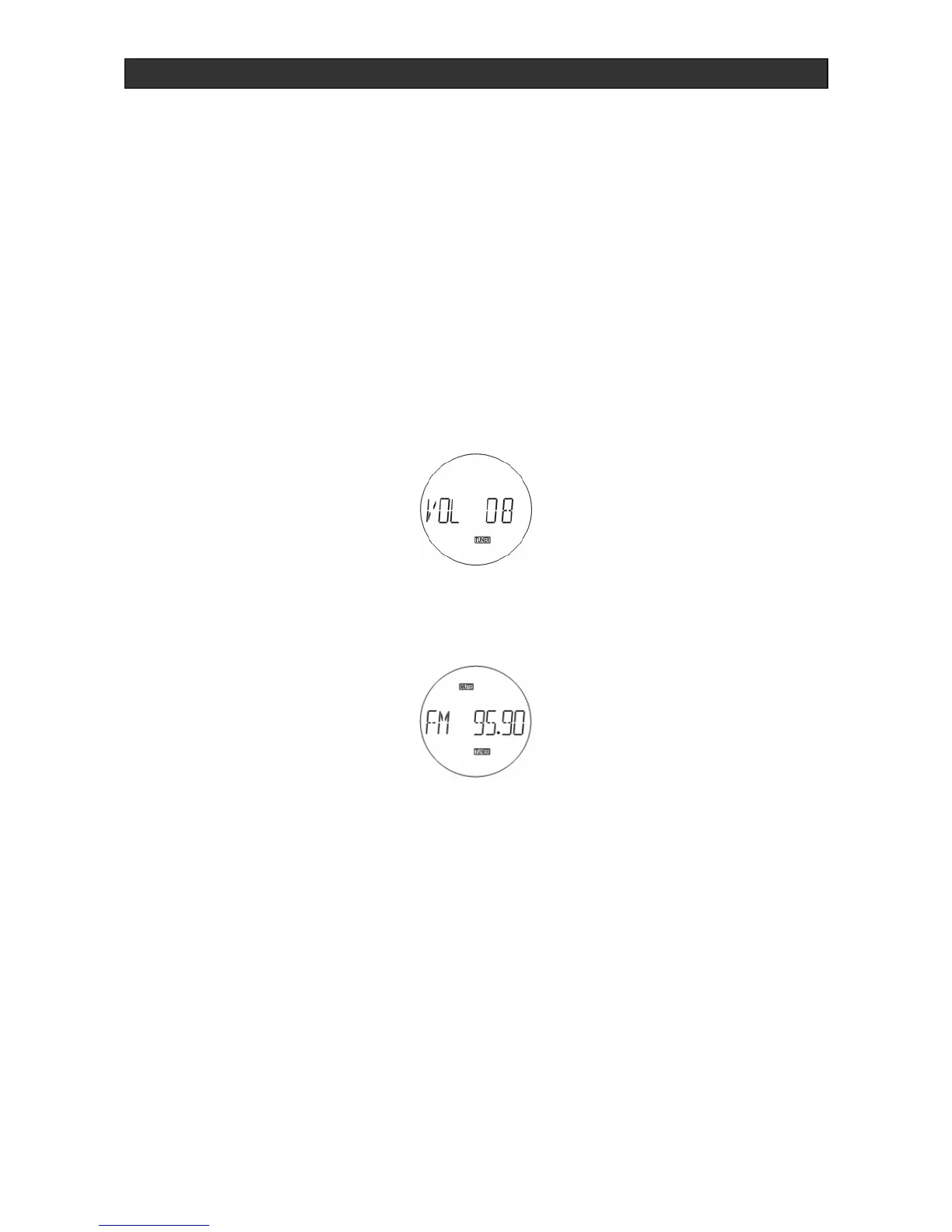
To adjust the volume, press the VOLUME UP/DOWN buttons (4)/(43)/(45).
To turn the sound off, press the MUTE button (25)/(58). This function is indicated when the
word, MUTE appears in the display (3).
By pressing the MUTE or VOLUME UP/DOWN buttons (4)/(43)/(45) again, the sound will turn
back on.
Caution! High volumes, especially with headphones, may damage your hearing. Hearing
experts advise not to hear music with high volume for a long period of time.
Headphones jack
The headphones PHONES jack (10) is for headphones with a 30- to 600-Ohm impedance, and
equipped with a 3.5mm jack. Use an adapter (sold in electronic outlets) if your headphone has
a different plug. The speakers are automatically switched off when the headphones are being
used.
Caution! Listening at high volumes for an extended period of time may cause damage to the
users hearing.


 To Next Page