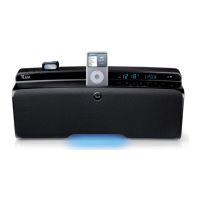
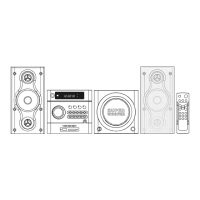
High Fidelity Mini Audio System for iPod V10M11_IM_EN_12182007
www.i-Luv.com - 19 -
OPERATIONAL FEATURE
Amplifier and Radio Operation – Continued
AM/FM radio operation
1. Turn the unit on by pressing the POWER button (1)/(34).
2. Switch to the Tuner operating mode by pressing the button TUNER/BAND (23)/(56).
Manual station selection
1. Press button TUNER/BAND (23)/(56) repeatedly until the desired frequency band appears.
2. Press the buttons TUNING - or TUNING + (12)/(46) or (7)/(44) to tune to the desired radio
stations and have them indicated in the display (3).
3. Briefly tapping the TUNING - or TUNING + button step by step alters the reception
frequency upward or downward.
Station search operation
1. Holding down one of the two buttons TUNING - or TUNING + (12)/(46) or (7)/(44) for
approx. 1 second starts the search operation and determines the direction of the search.
The search operation simply finds stations with strong signals. Stations with weak
reception can only be tuned in manually.
2. Hold the TUNING - or TUNING + button to start the station search again. During the
search operation, the tuner is muted.
Stereo / Mono
Repeatedly pressing the button ST. / MONO (11) switches between stereo and mono reception.
The stereo reception of a station in the FM band is indicated on the display (3)
In the case of stereo stations with a bad (noisy) reception, we recommend switching tuner to
mono reception. Press the ST. / MONO button. In the display (3), the message STEREO will
disappear in mono mode.


 To Next Page