High Fidelity Mini Audio System for iPod V10M11_IM_EN_12182007
www.i-Luv.com - 31 -
OPERATIONAL FEATURE
MP3 Disc Operation – Continued
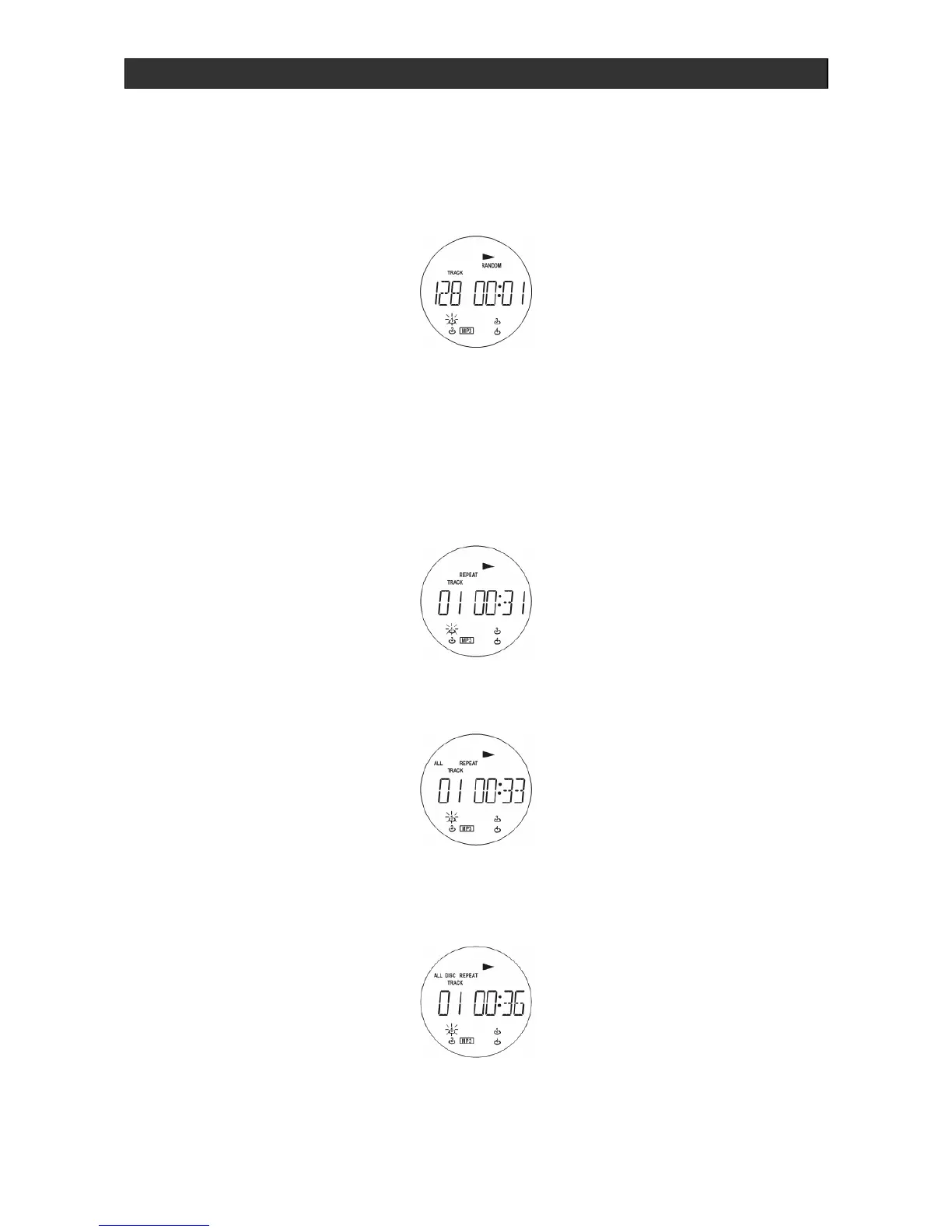
Playback in random sequence
Press the RANDOM button (6)/(37) in stop condition to start random play.
By pressing button STOP (11)/(48), the random playback is cancelled. This function can be
switched off by pressing the RANDOM button again.
Repeat
1. Press the REPEAT button during MP3 playback to have the title currently being played
repeat continuously.
2. Press the REPEAT button again to have the entire MP3 disc played continuously.
3. Press the REPEAT button a third time to have all the inserted MP3 discs played
continuously.



 To Next Page