High Fidelity Mini Audio System for iPod V10M11_IM_EN_12182007
www.i-Luv.com - 24 -
OPERATIONAL FEATURE
Compact Disc Operation
Safety notes for operation of the CD changer
Press one of the OPEN / CLOSE buttons (15) or (16) to open the right or left CD cover (2) or
(26). The right and left CD cover do not open or close at the same time. Make sure the cover is
not obstructed by any objects. This must also be ensured when closing the CD cover. The disc
loader may only be opened or closed by pressing either the button OPEN / CLOSE. Take care
that no foreign objects can fall into the unit when the disc compartment is open.
Under no circumstance should the laser pick up lens be touched. Never look directly at
the beam.
CD changer operation
Switch the unit on by pressing the POWER button (1)/(34). To turn on the CD mode, press the
button X|| PLAY / PAUSE (13)/(41) or any one of the DISC 1-4 buttons (5) or (52). If one or
more CD(s) have already been inserted in the chosen location(s), playback is started.
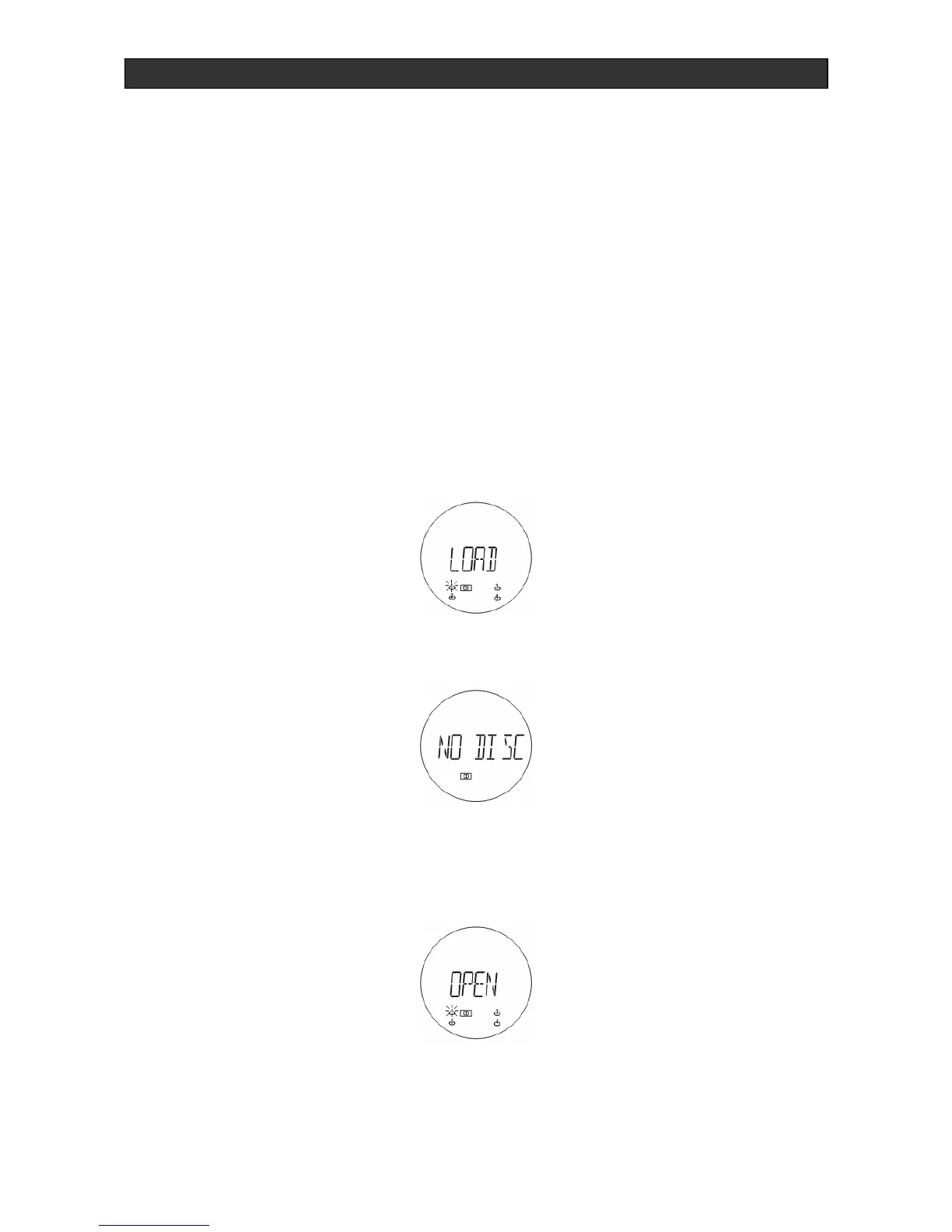
(TOC means Table of Contents) If there is no CD inside, the following will appear after a few
seconds:
Inserting and ejecting the CD
The CD compartment (2)/(26) is opened for inserting or removing compact discs by pressing
the OPEN / CLOSE (15) or (16) button.
1. Insert the disc with the unlabelled side facing the unit. Press the center of the CD onto the
black holder that is fitted with 3 retaining bearings.
2. To remove the CD, hold it by the edges and lightly press on the holder to remove it.
3. Then close the disc compartment by pressing the OPEN / CLOSE button (15) or (16).


 To Next Page