High Fidelity Mini Audio System for iPod V10M11_IM_EN_12182007
www.i-Luv.com - 25 -
OPERATIONAL FEATURE
Compact Disc Operation – Continued
Inserting and ejecting the CD – Continued
After having closed the disc cover, the CD system immediately begins to scan the content of
the compact disc. After that, CD will start playback automatically if disc is read properly.
Playing the entire CD
Select the desired CD with the button CD SELECTION 1 - 4 (5) or DISC 1 - 4 (52) on the
remote. Once selected, playback will begin automatically.
If playback of one CD has finished, the playback of the next inserted CD will begin, and this
process will repeat itself.
Note: If the CD player is in the stop position, you can start the currently indicated CD by
pressing the button X|| PLAY / PAUSE (13)/(41). If you select a different CD by pressing the
buttons CD SELECTION 1 - 4 (5) or DISC 1 - 4 (52), playback will start automatically.
Pause / Stop
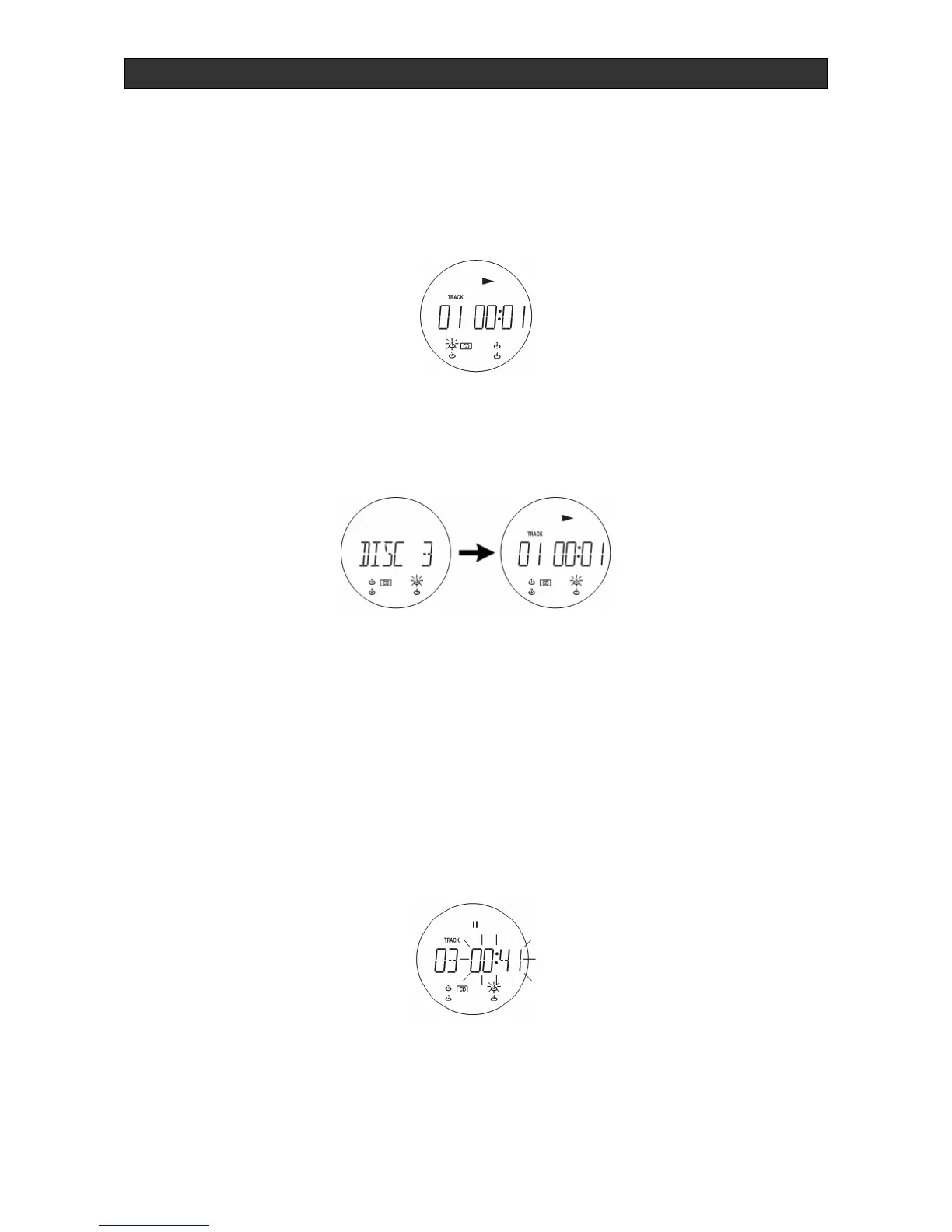
To briefly interrupt playback, press the X|| PLAY / PAUSE button (13)/(41). The display
indicates:
1. Press X|| PLAY / PAUSE button again to restart play.
2. To end the playback, press the STOP button (11)/(48).



 To Next Page