High Fidelity Mini Audio System for iPod V10M11_IM_EN_12182007
www.i-Luv.com - 26 -
OPERATIONAL FEATURE
Compact Disc Operation – Continued
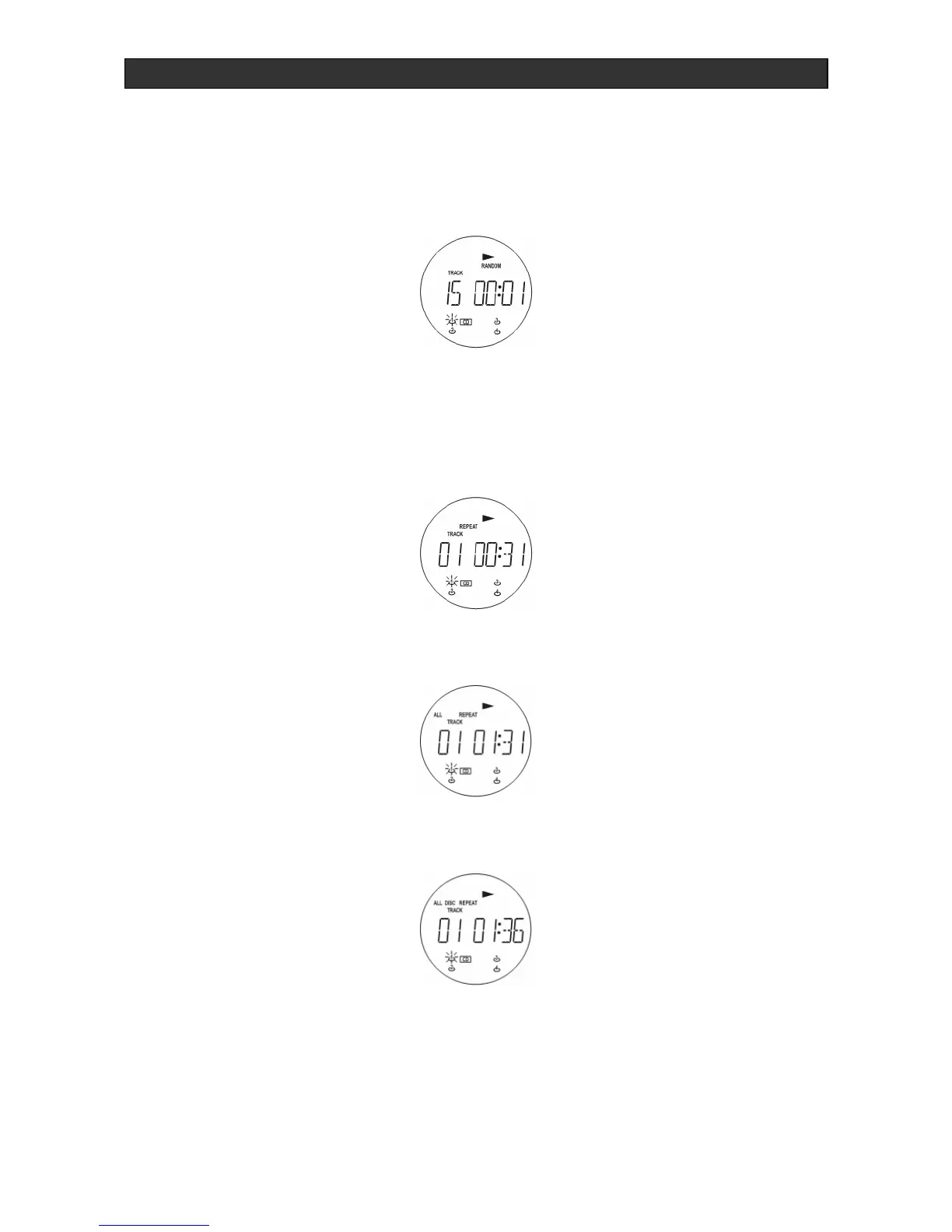
Random play
1. Press RANDOM before or during CD play. The tracks in the CD will be played in random
sequence.
2. To cancel random play, press STOP, or press the RANDOM button again.
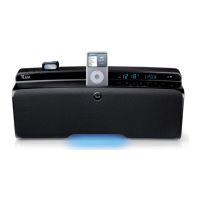
Repeat play
1. Press REPEAT once and the track being played will replay continuously.
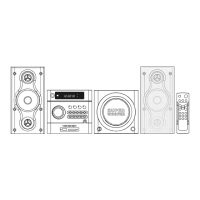
2. Press REPEAT twice to have the entire CD played continuously.
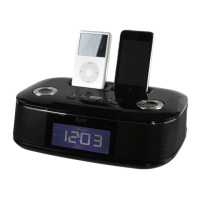
3. Press REPEAT three times to have all the inserted CDs (up to 4) played continuously.
Track selection
Press TUNING + SKIP/SEARCH and
TUNING - SKIP/SEARCH to select the desired
tracks. The tracks can be selected directly by pressing the corresponding numerical buttons 1 -
0 / +10. The selected number appears on the display. If the CD player is in stop mode, play
starts automatically when a track is selected using the numerical buttons.


 To Next Page