High Fidelity Mini Audio System for iPod V10M11_IM_EN_12182007
www.i-Luv.com - 32 -
OPERATIONAL FEATURE
MP3 Disc Operation – Continued
Title introduction
1. Press the INTRO button (14) during stop mode to playback the first 10 seconds of each
title.
2. Press the INTRO button again and the CD player plays will play the currently selected
track.
Programming memory
The built-in program memory enables up to 40 titles to be played from up to 4 CDs in the order
of your choice. Any title can be stored more than once within one program.
1. Insert a CD in its compartment.
2. By pressing the button MEM./CLK ADJ. (20)/(53) in the stop mode you can switch to the
programming mode.
3. Select the desired title using the numeric buttons 0 - 9 / +10 (35) on the remote control
device or by repeatedly pressing TUNING + or TUNING -
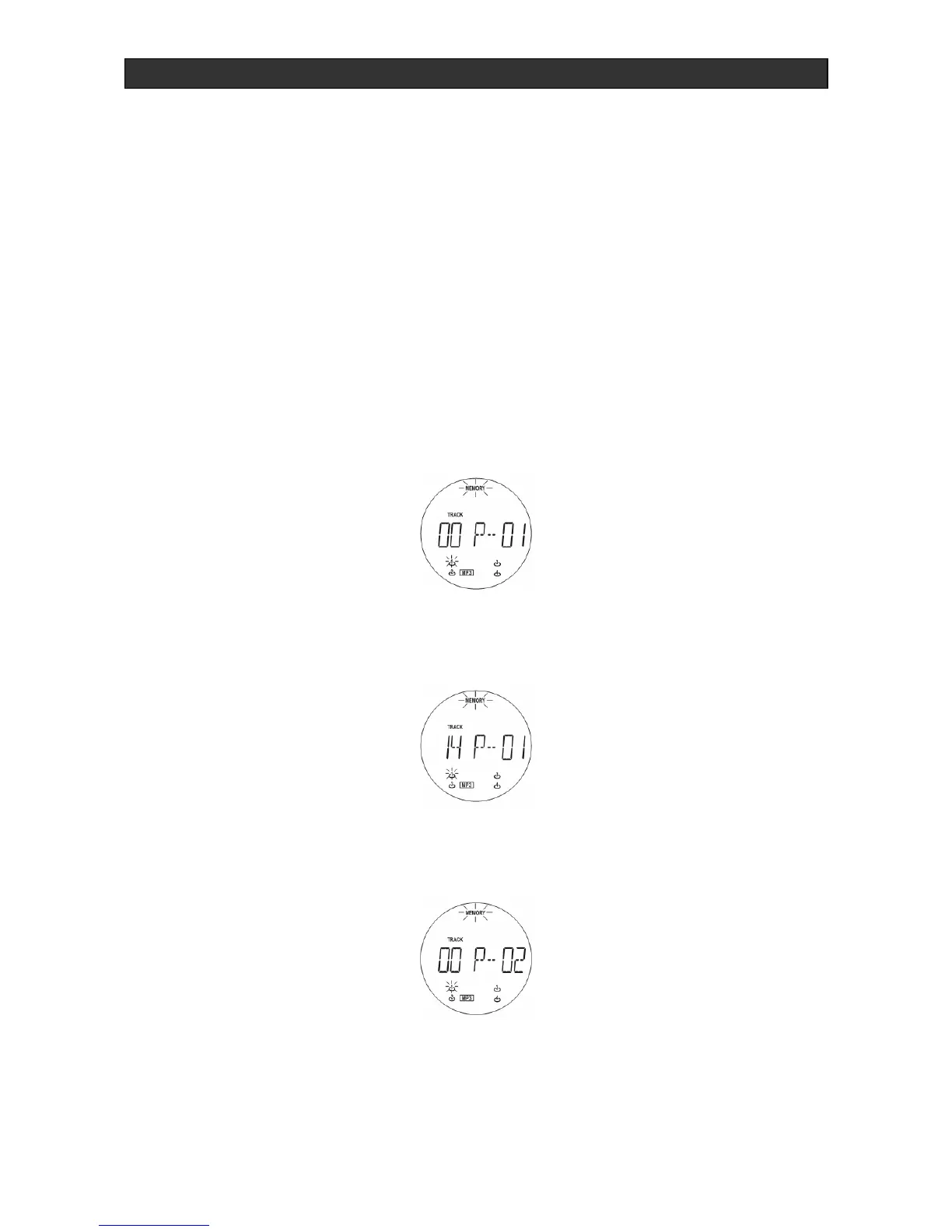
4. Press the MEM./CLK ADJ. (20)/(53) to save the title on the first program location. In
display unit (3) appears:
5. Confirm selection using the MEM./CLK ADJ. button (20)/(53).
6. To store the remaining titles in the memory, repeat Steps 3-5.



 To Next Page