High Fidelity Mini Audio System for iPod V10M11_IM_EN_12182007
www.i-Luv.com - 34 -
OPERATIONAL FEATURE
Basic Operation with iPod
Installing the dock adapter
Before docking your iPod on i9200, a dock adapter must be properly installed. Please make
sure you are using a correct dock adapter for your iPod and that it is properly inserted into the
universal wall of i9200. Failure to do so may damage your iPod.
Playing the iPod
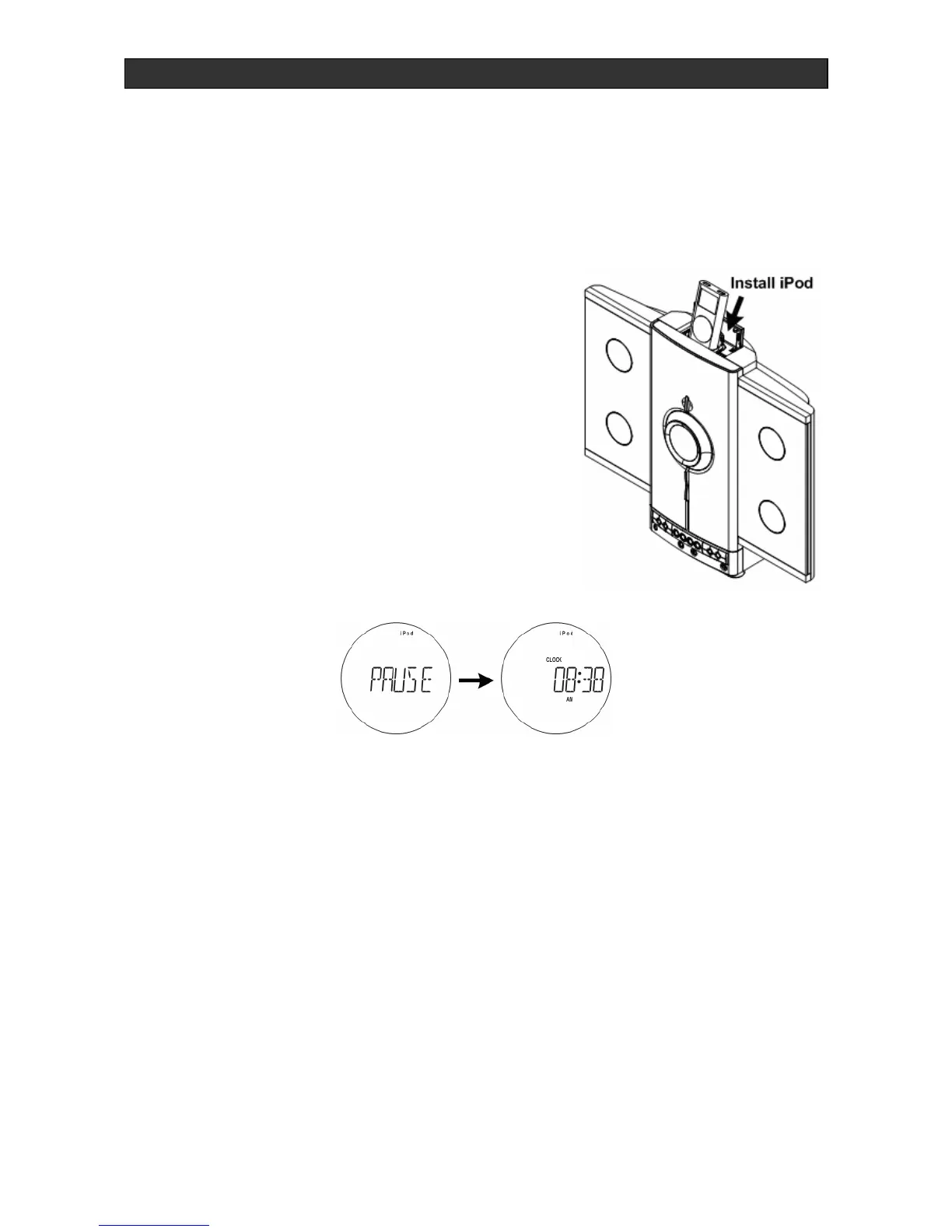
1. Insert the already playing iPod in the universal dock.
2. Press the iPod PLAY/PAUSE X|| button. The display
will show “Detect iPod State” and an “iPod” icon. At
the same time, i9200 will automatically turn on, and
you will hear the music playing from your iPod.
3. Press the iPod SKIP or button (51) or (44) to
select desired track.
Pause / stop
To briefly interrupt playback, press the iPod PLAY/PAUSE
X|| button (22)/(50). The display will show “PLAY/PAUSE
SET” for a second then back to normal mode.
1. Press iPod PLAY / PAUSE X|| button again to restart play.
2. To end the iPod playback, select CD or TUNER mode, or press the POWER button to off
Charging your iPod
To charge your iPod, insert your iPod into the built-in universal dock. Ensure that i9200 is
connected to an outlet.



 To Next Page