High Fidelity Mini Audio System for iPod V10M11_IM_EN_12182007
www.i-Luv.com - 29 -
OPERATIONAL FEATURE
MP3 Disc Operation
Inserting and ejecting an MP3 disc
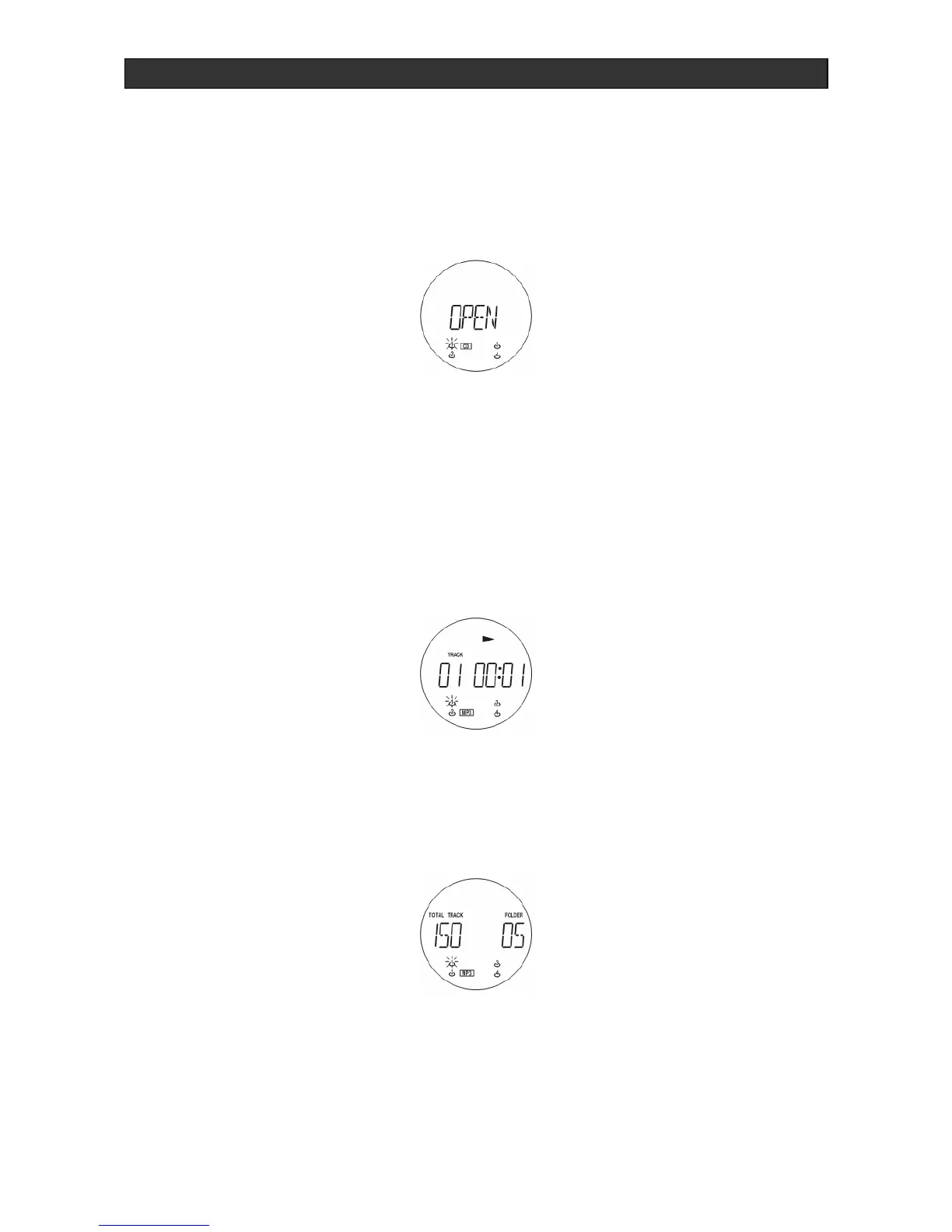
The CD compartments (2)/(26) are opened for inserting or removing compact discs by pressing
the OPEN / CLOSE (15)/(16) buttons.
1. Insert the MP3 disc with the unlabelled side facing the unit. Press the center of the CD
onto the black holder fitted with 3 retaining bearings.
2. To remove the CD, hold it by the edges and remove it by gently pressing on the black
holder.
3. Then close the disc compartment by pressing the OPEN / CLOSE button (15) or (16).
After having closed the disc cover, the CD system begins immediately to scan the content of
compact disc inserted. After that, CD will be start playback automatically if read disc properly.
Playing the entire MP3 CD
1. Select the desired CD with the button CD SELECTION 1 - 4 (5) or DISC 1 - 4 (52) on the
remote. Playback begins automatically.
2. To stop the disc playing, press the STOP button (11)/(48)
3. Press the FOLDER S or T button (24)/ (19) or (49)/(47) to select desired MP3 album.



 To Next Page