High Fidelity Mini Audio System for iPod V10M11_IM_EN_12182007
www.i-Luv.com - 22 -
OPERATIONAL FEATURE
Digital Clock and Timer
Setting the digital clock
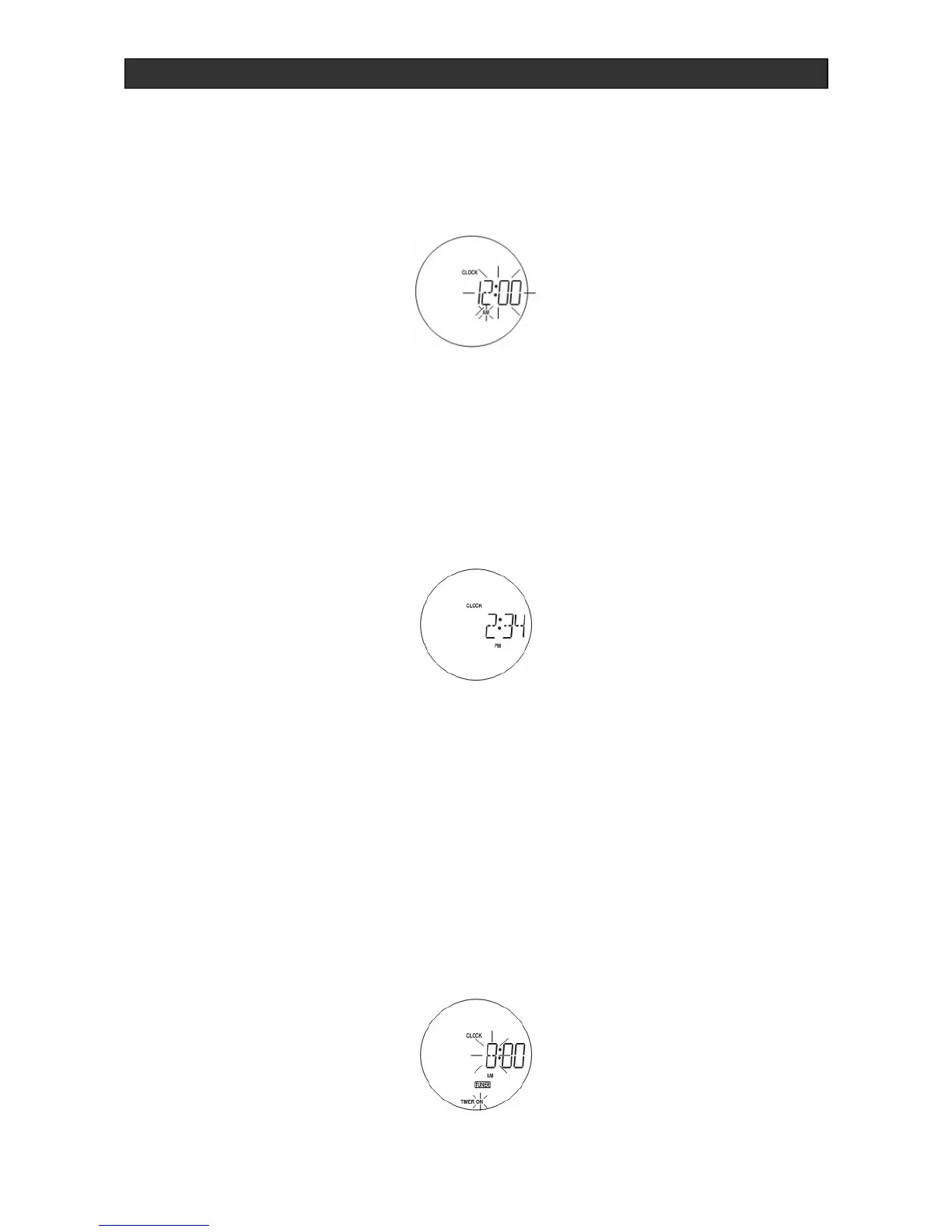
When you first plug in the unit, the display shows:
Note: The unit uses 12 hour format. To set the clock to the current time, proceed as follows:
1. Press MEM./CLK ADJ. and the hour will begin to flash.
2. Enter the hour by pressing the buttons TUNING + SKIP/SEARCH or TUNING -
SKIP/SEARCH.
3. Confirm the hour entry by pressing MEM./CLK ADJ. The minutes will then begin to flash.
4. Enter the minutes by pressing the buttons TUNING + SKIP/SEARCH or
TUNING -
SKIP/SEARCH and confirm with MEM./CLK ADJ.
To switch to the clock display while in tuner and CD modes, press DISPLAY MODE. The time
is displayed for approximately 5 seconds. The time is also displayed when the unit is turned off.
Setting the timer
You can set automatic switch-on and switch-off times with the built-in timer. Before you do this,
be sure the clock is set correctly.
1. With the unit on, press DISPLAY MODE (9)/(42), as required, until TIMER ON appears in
the display.
2. Press MEM./CLK ADJ. (20)/(53) and the hour will begin to flash. Use the TUNING +
SKIP/SEARCH or TUNING - SKIP/SEARCH to set the hour of the desired switch-on
time.



 To Next Page