OPERATIONAL INSTRUCTIONS
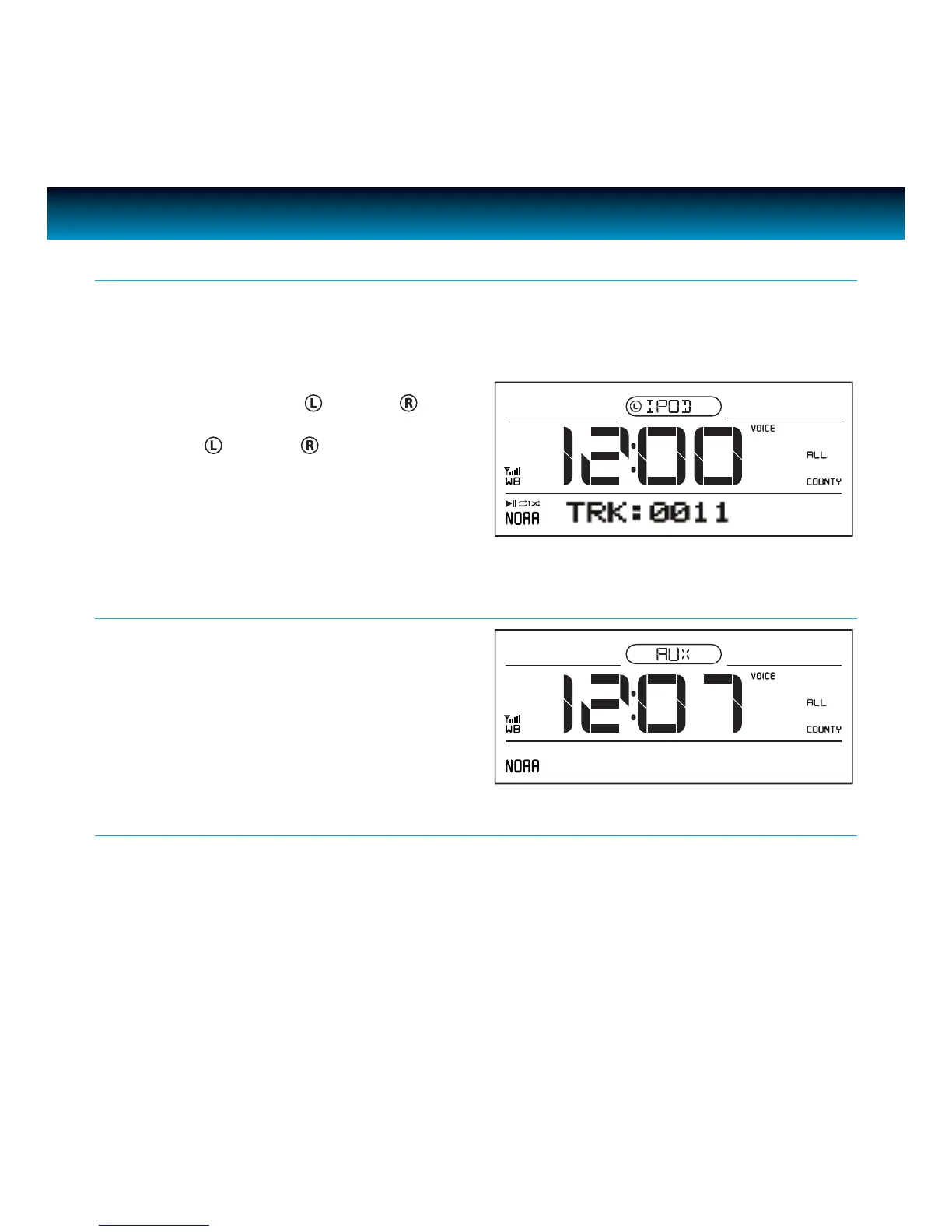
When the iPod mode is selected, the “IPOD” icon will appear on the display. If authentication is
successful, the unit will automatically play after approximately 3 - 5 seconds.
LCD will show the current track number to be played.
Using the iPod Function
Press SELECT to select “ Dock
” or “ Dock
” on
main unit or remote control. When your selection
is made “iPod
” or “iPod
” will show on the
display.
When Aux mode is selected, the “AUX” icon
will display. Use this mode to play audio
devices through the 3.5mm AUX IN jack.
Aux Mode
Use the VOLUME knob to adjust the Volume. Display shows “VOLUME: XX” and assigns a numerical
value between 0 and 40 (40 is Max).
For example: “VOLUME: 23” may display current volume level. This volume level setting will be
stored when the unit is power o. When the unit is powered on, the unit will return to this volume
setting.
Adjusting the Volume
11 | iLuv



 To Next Page