OPERATIONAL INSTRUCTIONS
15 | iLuv
The Alarm 1 and Alarm 2 functions can only be set while the iMM183 is in Standby mode.
Setting the Alarm
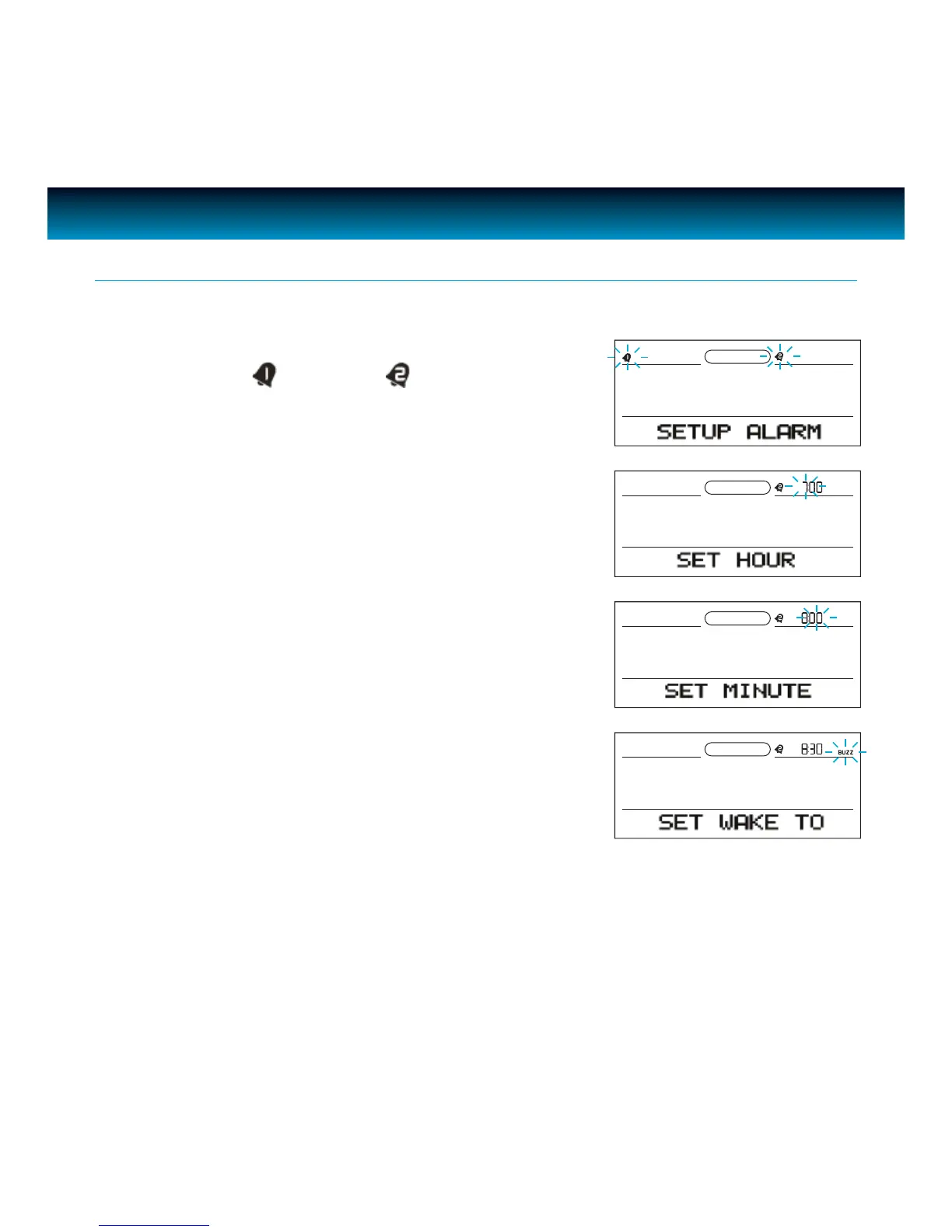
1. Press AL SET, the (alarm 1) and (alarm 2) icons will
ash on the screen.
2. Press
AL1 or AL2 to select the alarm 1 or alarm 2 to set and
the hour will ash.
3. Rotate the SEARCH wheel to set the hour and press ENTER
to conrm. The minute will ash.
4. Rotate the
SEARCH wheel to set the minute and press
ENTER to conrm. “SET WAKE TO” will appear on the screen
and ‘BUZZ” will ash on the screen.



 To Next Page