OPERATIONAL INSTRUCTIONS
Setting the Alarm-continued
5. Rotate the SEARCH wheel to select RADIO, iPod , iPod
or BUZZ and press
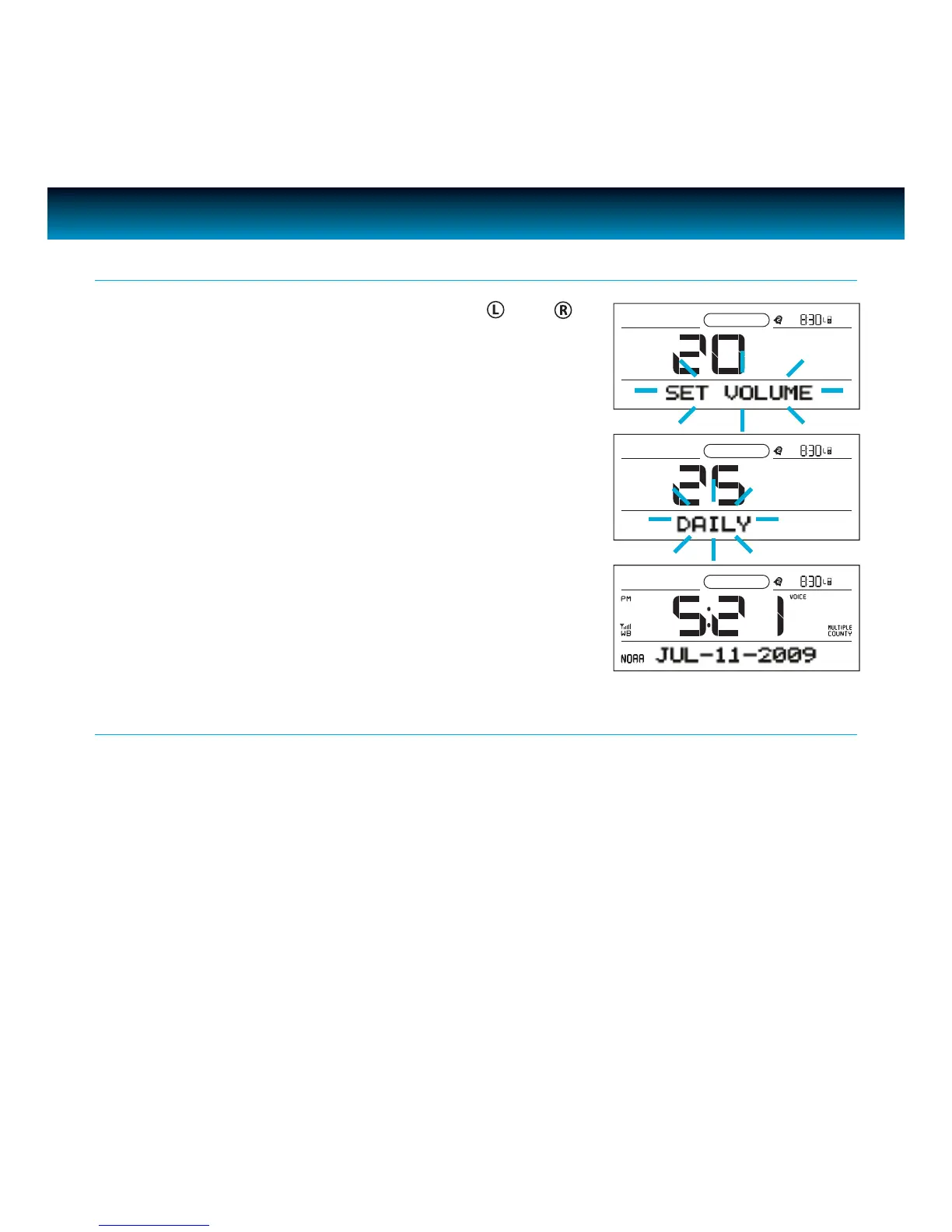
ENTER to conrm. “SET VOLUME” will ash
on the screen.
6. Rotate the
SEARCH wheel to change the volume and press
ENTER to conrm. "DAILY" will ash on the screen.
7. Rotate the
SEARCH wheel to select DAILY, WEEKDAYS, WEEK
ENDS, or ONCE, and press ENTER to conrm.
8. Alarm 1 or alarm 2 will be set and activated.
9. Press
AL1 or AL2 to turn the alarm function ON or OFF.
iLuv | 16iMM183 | V10M10_IM_EN_09092009
Snooze Function
1. Press SNOOZE / DIMMER when the alarm sounds.
2. The alarm will be silenced and come on again.
3. Snooze can be pressed several times during the 1 hour alarm period.
4. Snooze interval time is 9 minutes.



 To Next Page