OPERATIONAL INSTRUCTIONS
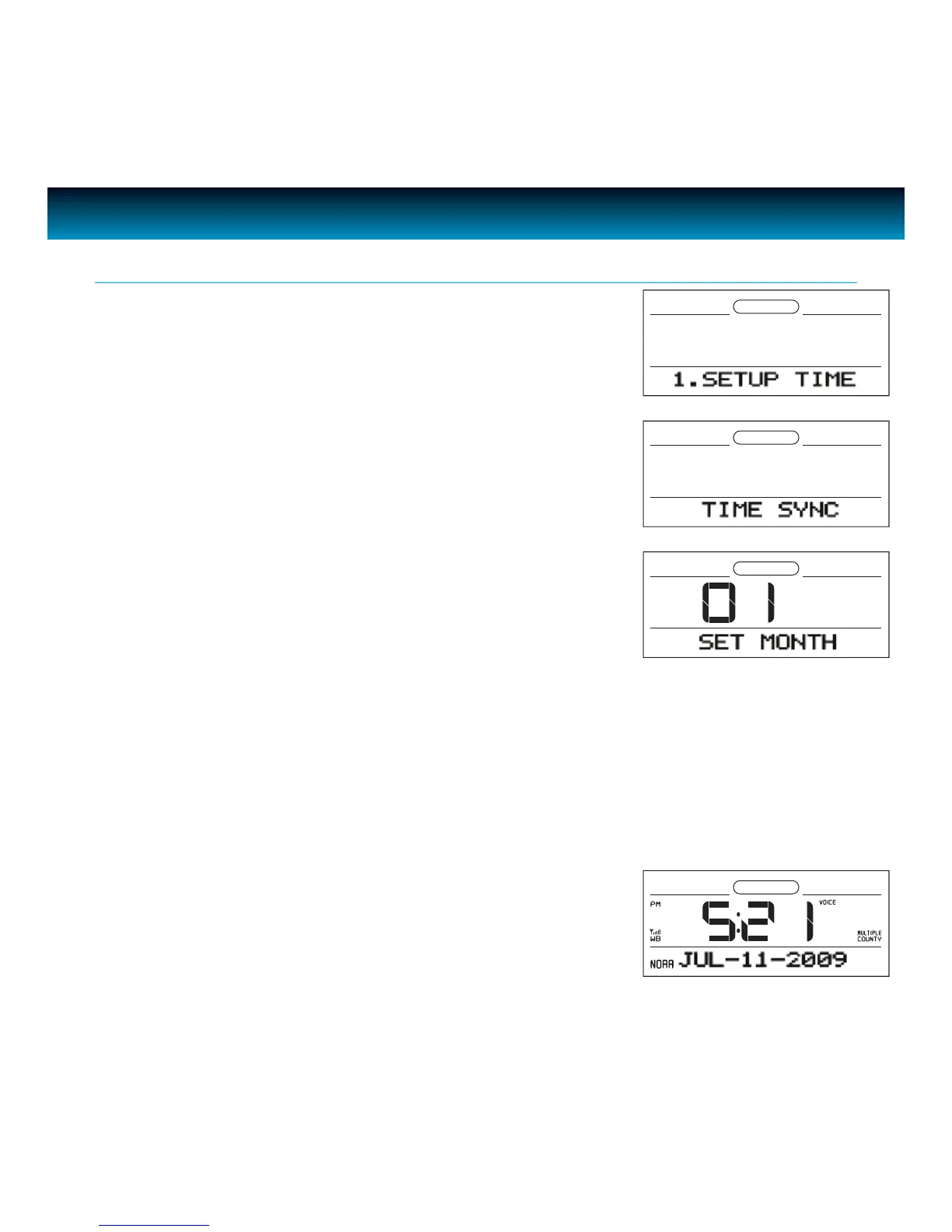
The default clock setting is 12:00AM.
• In power OFF (Standby) mode, press
SETUP on the unit to set the clock,
rotate the SEARCH wheel to select "1. SETUP TIME".
• Press
ENTER and "TIME SYNC" will display. Rotate the SEARCH wheel to
select "MANUAL SET".
• Press ENTER to conrm. "SET MONTH" and a ashing number will
display on the screen. Rotate the
SEARCH wheel to change the number
of month.
Setting the Clock
iLuv | 12iMM183 | V10M10_IM_EN_09092009
• Press ENTER to conrm. "SET DATE" and a ashing number will display on the screen. In the same way,
set
Day > Year > Hour > Minute.
• To exit clock setting mode, Press
SETUP. The time and date will display on the screen.



 To Next Page