Manuel d’installation / Installation manual IMEON 3.6 – Rev A.2
8- Problems and solutions
When a defect occurs, the red indicator light turns on. Below there is the exhaustive list of the
defects which could happen. If the defect persists after having tried the following proposed solutions,
please contact your supplier.
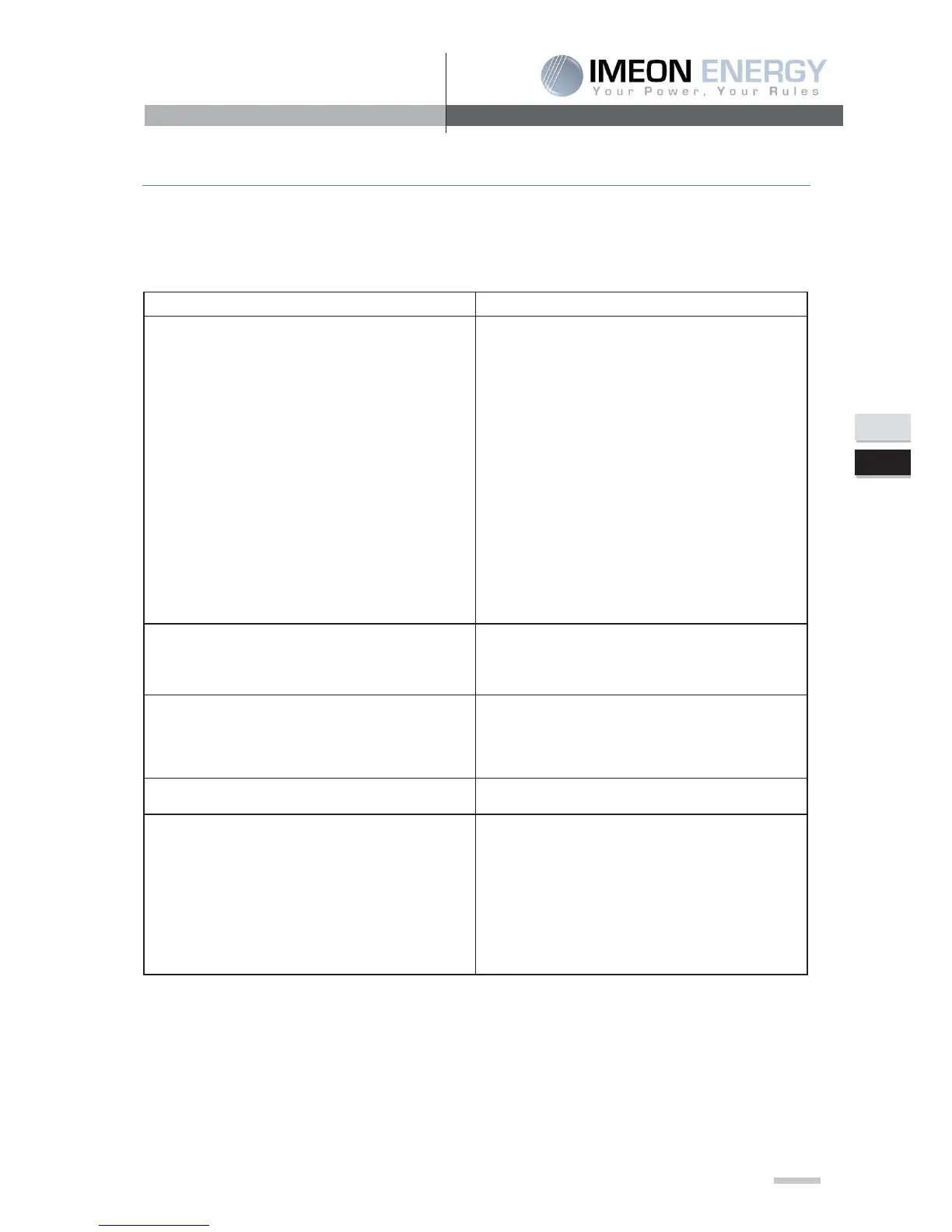
DC bus voltage exceeds the upper threshold
DC bus voltage falls below the lower threshold
-
DC bust voltage soft-start is time-out
Temps de démarrage en douceur onduleur trop
long
Inverter soft-start is time-out
An Inverter overcurrent event is detected
An relay failure event is detected
DC component in the output current exceeds the
upper threshold
Over-current on PV input is detected
Inverter DC component exceeds the allowable
range
Disconnect AC circuit breaker first. Then,
disconnect DC circuit breaker.
Until LCD screen completely shuts down, turn
on DC breaker first. It will show “No Utility”
in
LCD screen. Then, turn on AC breaker. After
300 seconds, the system will automatically
connect to the grid.
internal temperature is higher than specified
Leave inverter to be cooled to room temperature.
PV input voltage exceeds the upper threshold
Check if the open circuit voltage of PV modules is
If PV open circuit voltage is
please contact your installer
1. Turn off the inverter
2. Then, restart the inverter.
Leakage current exceeds the allowable range
1. The ground voltage is too high.
2. Please disconnect AC breaker first and then DC
breaker. Check if grounding is connected
properly after LCD screen completely shuts
down.
ctly connected, turn on DC
breaker. After it displays “No Utility” in LCD
screen, turn on AC breaker. After 300 seconds,
the system will automatically connect to the grid.


 To Next Page