8-4
8.1.1 Memory clear
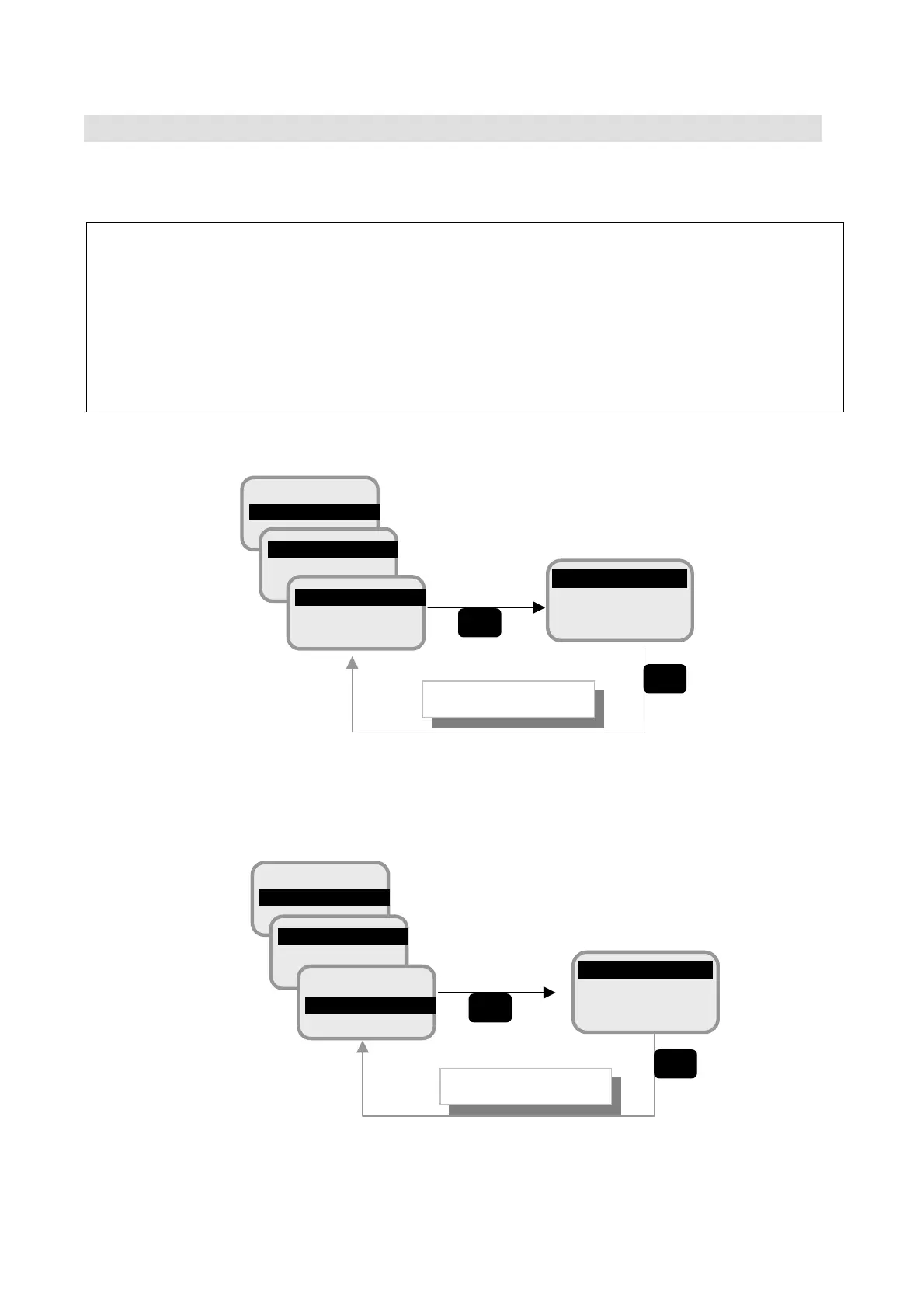
Alarm pack and FLASH ROM can be cleared in Memory clear menu.
NOTE
・ Take the copy of the parameters to reconfiguration, before you carry out Memory clear.
・ Turn the power switch OFF and ON to reboot the JUE-500 after Memory clear.
DO NOT access any other screen without rebooting.
(a) Clear the Alarm Pack
Fig. 8.1.1a Alarm Pack clear
(b) Clear the FLASH ROM
Fig. 8.1.1b FLASH ROM clear
9 ADMIN
0 SERVICE
READY
1 Memory CLR
2 TST Config
READY
1 Alarm Pack
2 FLASH
Returns to previous
OK
Clearin
Confirmation
OK
Yes
No
9 ADMIN
0 SERVICE
READY
1 Memory CLR
2 TST Config
READY
1 Alarm Pack
2 FLASH
OK
OK
Yes
No
Returns to previous
Clearin
Confirmation



 To Next Page