40
INSTALLER
USERMAINTENANCE TECHNICIAN
TECHNICAL DATA
2.4 BOILER USE
Boiler activation
Before ignition make sure the heating system is lled
with water and that the manometer (7) indicates a pres-
sure of 1 - 1.2 bar.
– Open the gas cock upstream from the boiler.
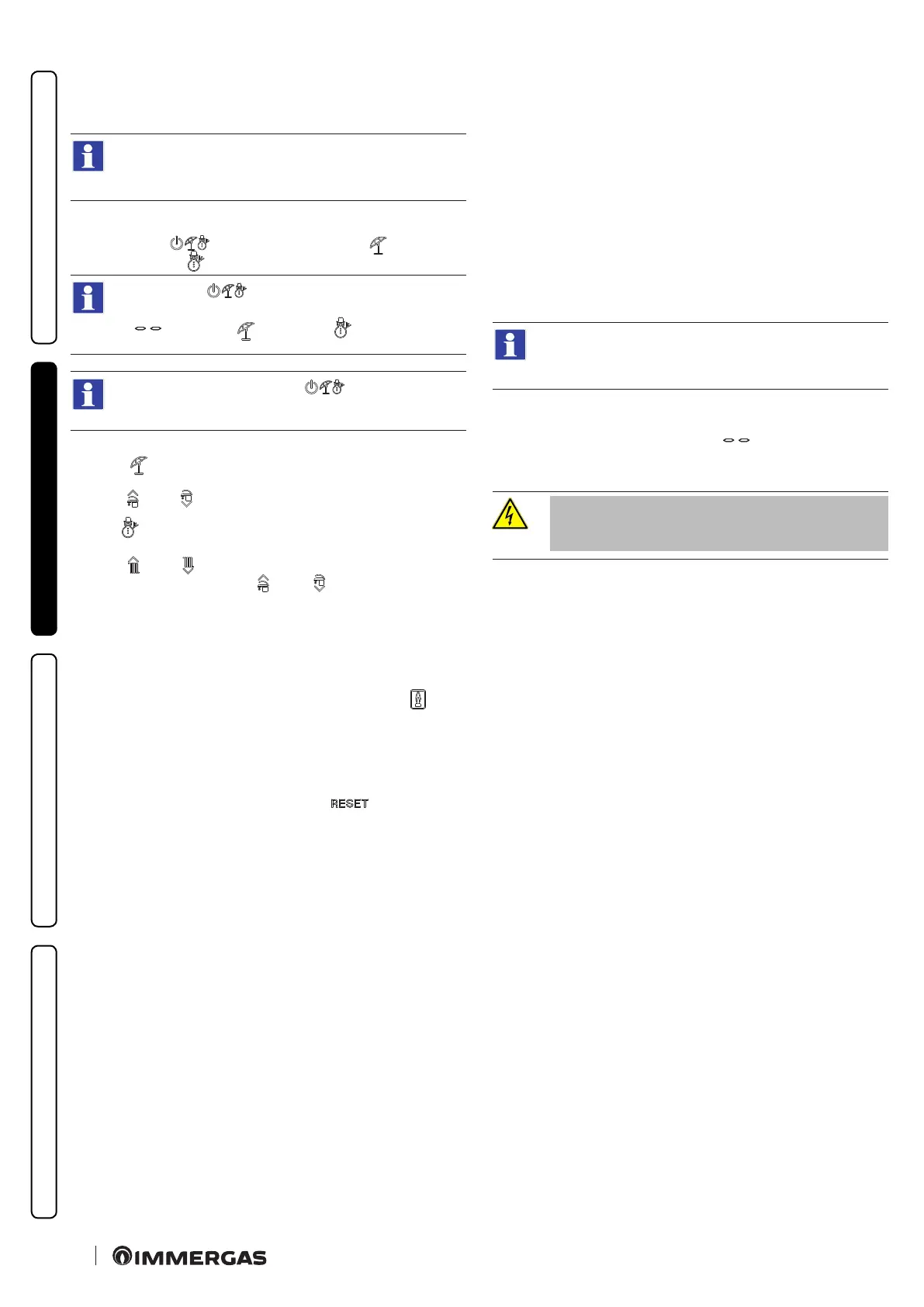
– Press button ( ) and select the summer ( ) position or
winter position ( ) of the boiler.
e button ( ) must be pressed and held for the
time required to switch from the Stand-by
( ), Summer ( ) or Winter ( ) function.
Aer each switch the button ( ) must in any case be
released to switch to the next function.
Summer
In this mode, the domestic hot water temperature is regulated by
buttons ( ) and ( ).
Winter
In this mode, the system water temperature is adjusted with the
buttons ( ) and ( ), whilst the domestic hot water temperature
is adjusted using the buttons ( ) and ( ), by pressing (+) to in-
crease and (-) to reduce the temperature.
From this moment the boiler functions automatically.
With no demand for heat (central heating or domestic hot water
production) the boiler goes to “standby” function, equivalent to
the boiler being powered without presence of ame.
Each time the burner ignites, the relative ame symbol ( ) is di-
splayed.
Operation with Comando Amico RemotoV2 (CARV2) (optio-
nal)
If the CARV2 is connected, the boiler regulation parameters can
be set via the CARV2 control panel and the button remains
active on the boiler control panel, the "+" and "-" buttons for DHW
and central heating as Set Info requested remotely and the display
where the functioning state is shown.
Solar operating mode
By selecting this function, the boiler is set to be used with solar
panels.
If parameter P03 is set to "solar" mode, the shutdown is related to
the set DHW set. In OFF mode, the burner is switched o at the
maximum value.
e boiler is set to switch-on immediately aer a request for
DHW.
In the case of coupling with a solar storage tank positioned upstre-
am from the boiler, by means of the P04 parameter, it is possible to
compensate the distance between the storage tank and the boiler
in order to allow the water to reach the boiler.
Set the time necessary to verify that the water is hot enough.
Together with a solar valve kit, set the parameter P03 in
"solar"on mode (correlated).
“Stand-by” Mode
Press the “Stand-by” button until the symbol appears; from
this moment the boiler remains o. e antifreeze function,
pump anti-block function and three-way.
In “Stand-by” mode, the boiler is to be
considered still live.



 To Next Page