43
INSTALLER
USERMAINTENANCE TECHNICIAN
TECHNICAL DATA
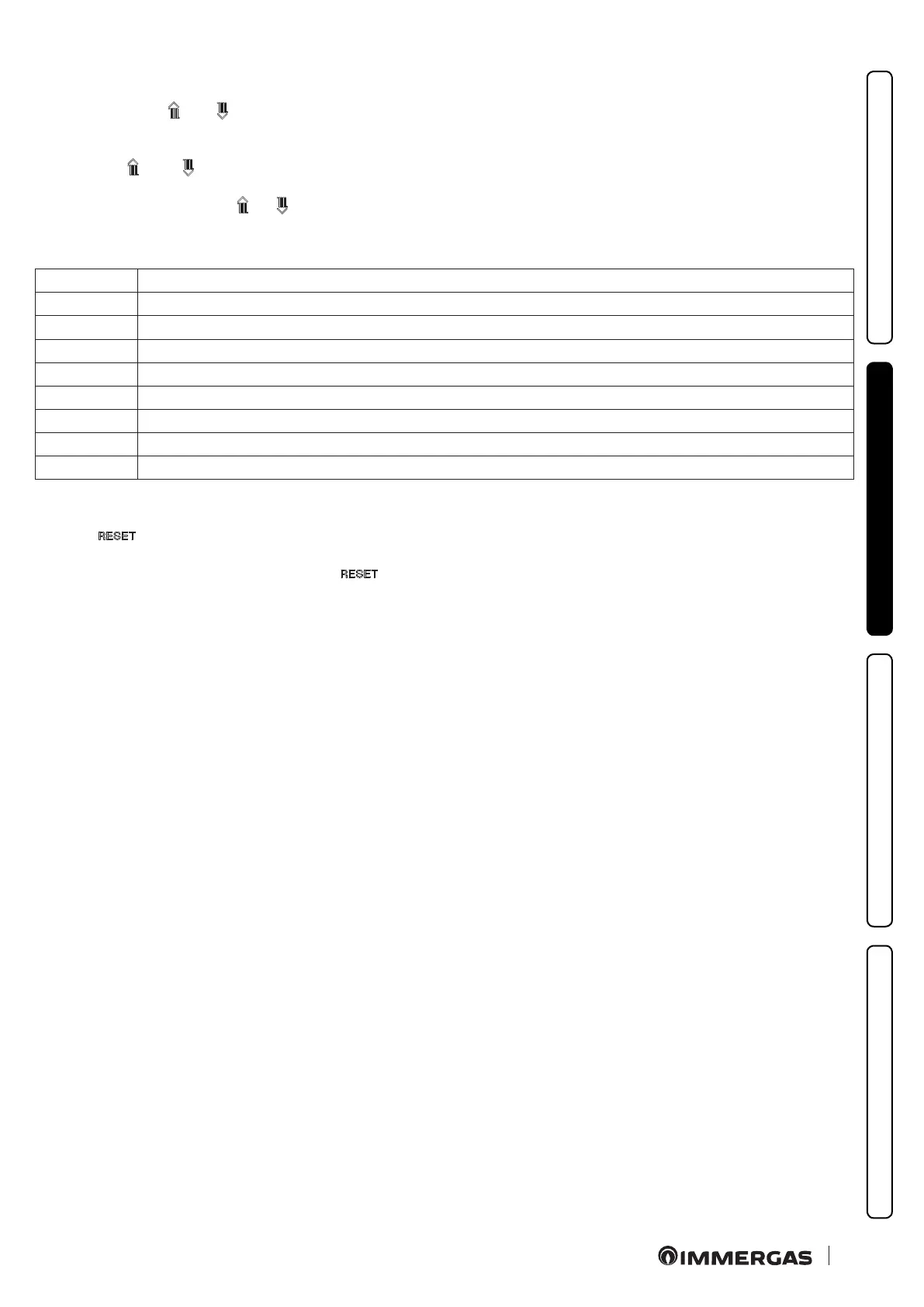
2.6 INFORMATION MENU
Pressing the buttons “ and “ simultaneously for 5 seconds, the
“Information menu” is activated, which displays some boiler fun-
ctioning parameters.
Press buttons “ ” and “ ” to scroll through the various parame-
ters.
To exit the menu, press buttons “ ” e “ ” simultaneously again
for 5 seconds or wait for 5 minutes.
Parameter ID Description
d 0.1 Displays the ame signal
d 0.2 Displays the primary exchanger output instant heating ow temperature (ow probe)
d 0.3 Displays the instant output temperature from the DHW exchanger
d 0.4 Displays the fan operating speed (rpm x 100)
d 0.5 Displays the operating instantaneous power (value in %)
d 0.6 Displays the temperature set for the central heating set (if remote control is present)
d 0.7 Displays the temperature set for the DHW set (if remote control is present)
E1 - E8 Display the anomaly history, of which E1 is the most recent
2.7 RESETTING THE ANOMALY HISTORY
Press the “ ” button on the information menu for > 2 seconds
and < 5 seconds.
e display will show "E-": at this point release the " " key.



 To Next Page