32
STZSkW ed 12/07 ZEUS Superior kW
Technical DocumentationTechnical Documentation
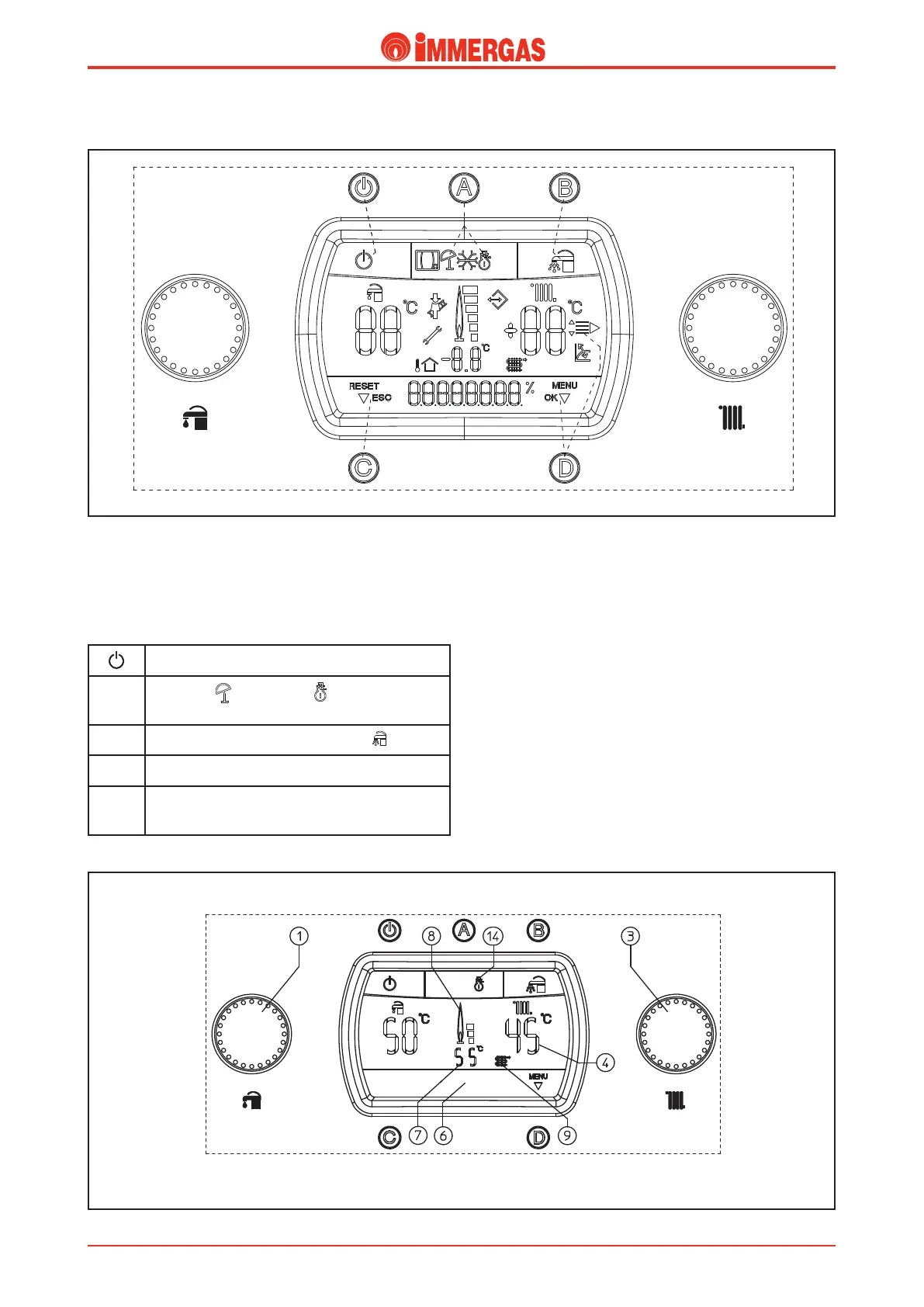
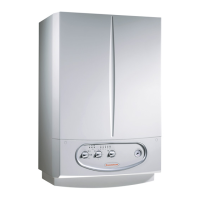
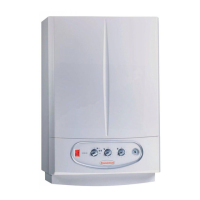
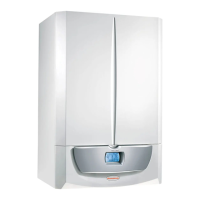
e boiler has a control panel (where all buttons and temperature
selectors used to control the boiler are positioned ) and a display
that shows the operating mode and status of the appliance.
Each key has the following function:
Stand-by button - On
A
Summer ( ) and winter ( ) functioning mode
selection button.
B
Domestic hot water priority button ( )
C Reset (RESET)/menu exit (ESC) button
D Menu entry(MENU)/data confirmation(OK)
button
In normal operating phase the display indicates the operating
mode.
In the case stated as an example in the gure below, the boiler
is functioning to satisfy a room heating request.
During the room heating request “CH ON” appears on the
display on the status indicator (6) and at the same time as
burner ignition the ame presence indicator with power
scale switches on (8) along with indicator (9 and 7) with the
instantaneous temperature on output from the primary heat
exchanger of 55 °C in order to satisfy the setting of 45 °C in
heating made using the selector (3).
Operating status and mode.




 To Next Page