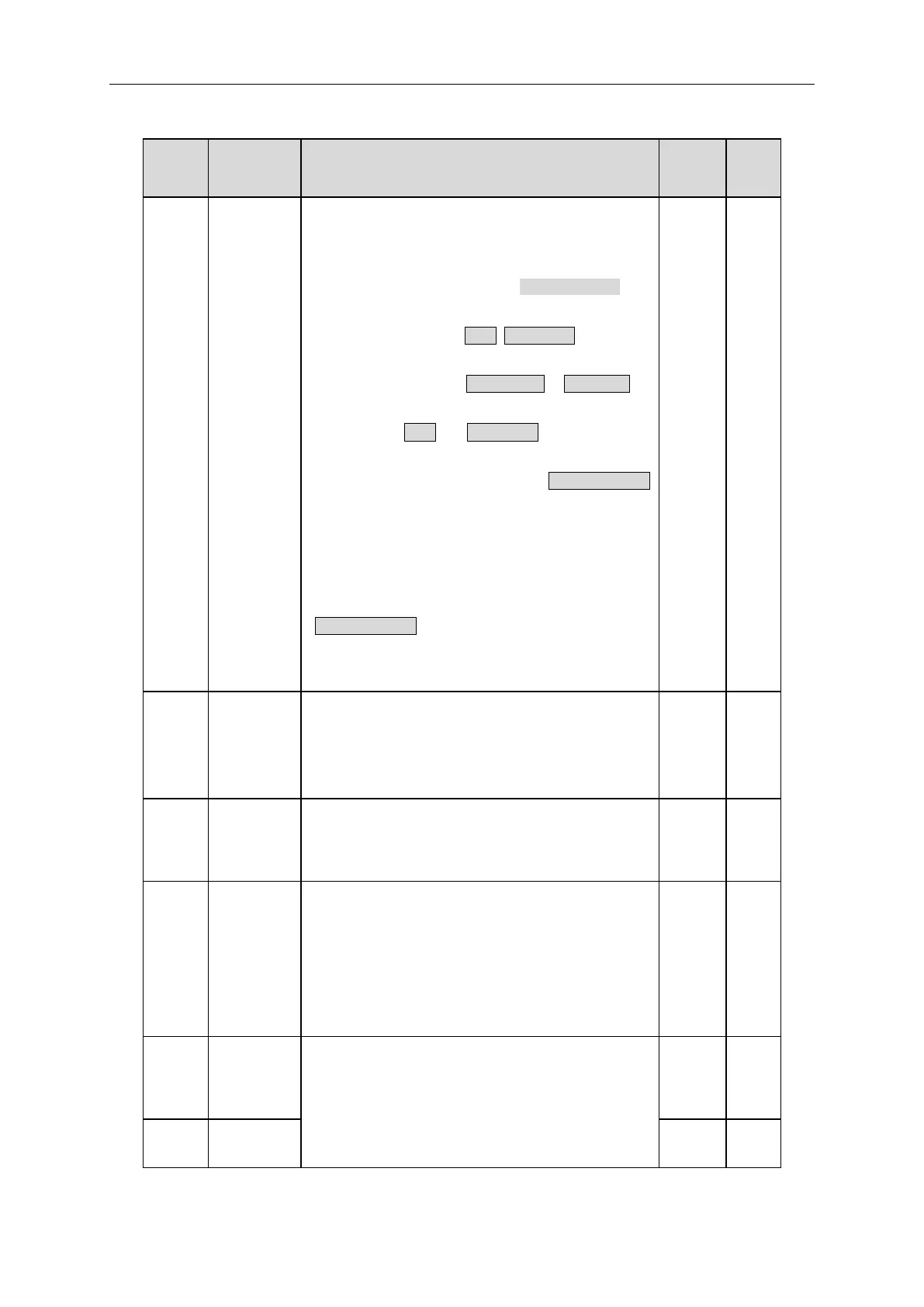
The control command of the inverter includes: start,
stop, forward, reverse, jogging and fault reset.
0:Keypad run command method (“LOCAL/REMOT” light
off)
Run command control by RUN, STOP/RST on the
keypad.
Set the multi-function key QUICK/JOG to FWD/REV
shifting function (P07.02=3) to change the running
direction; press RUN and STOP/RST simultaneously in
running state to make the inverter coast to stop.
1:Terminal run command method (“LOCAL/REMOT”
flashing)
Terminal run command control by the forward rotation,
reverse rotation and forward jogging and reverse jogging
of the multi-function terminals
2:Communication run command method
(“LOCAL/REMOT” on);
The running command is controlled by via
communication
Sets the maximum output frequency of the drive.
Acceleration and deceleration times are based on this
setting.
The inverter runs at the lower limit frequency even if the
set frequency is lower than the low limit setting.
Note: Max. Output frequency ≥ Frequency high limit ≥
Frequency low limit.
Setting range:0Hz~P00.04 (Frequency high limit.).
Modify the value of function code P00.10 (set the
frequency by keypad) to modify the frequency by the
keypad.
1:Analog AI1 setting



 To Next Page