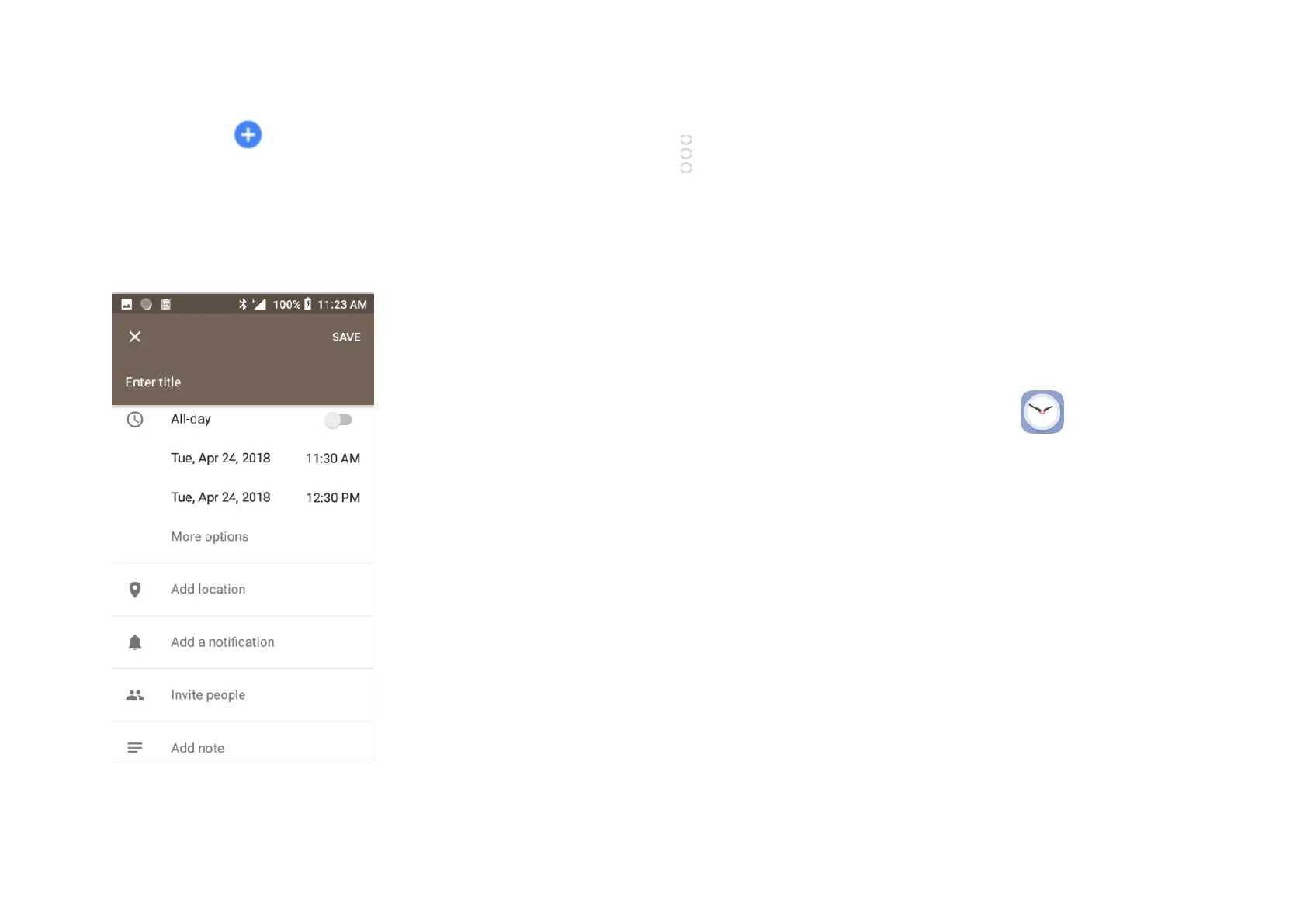
Touch and choose Goal, Reminder or Event. Complete
the information required. You can set for ‘All-day’ if required.
When finished touch Save at the top of the screen.
Note before you can add an event you must have at least one
Calendar account.
To delete or edit an event touch the pen icon and edit the event or touch
and select Delete to delete an event.
Event reminders will show if set for an event as a notification in the Status
bar when the time arrives.
9 Clock
Your phone has a built-in Clock. To access this touch the Application
tab from the Home screen then touch Clock . Within this app
you can set a timer and stopwatch.



 To Next Page