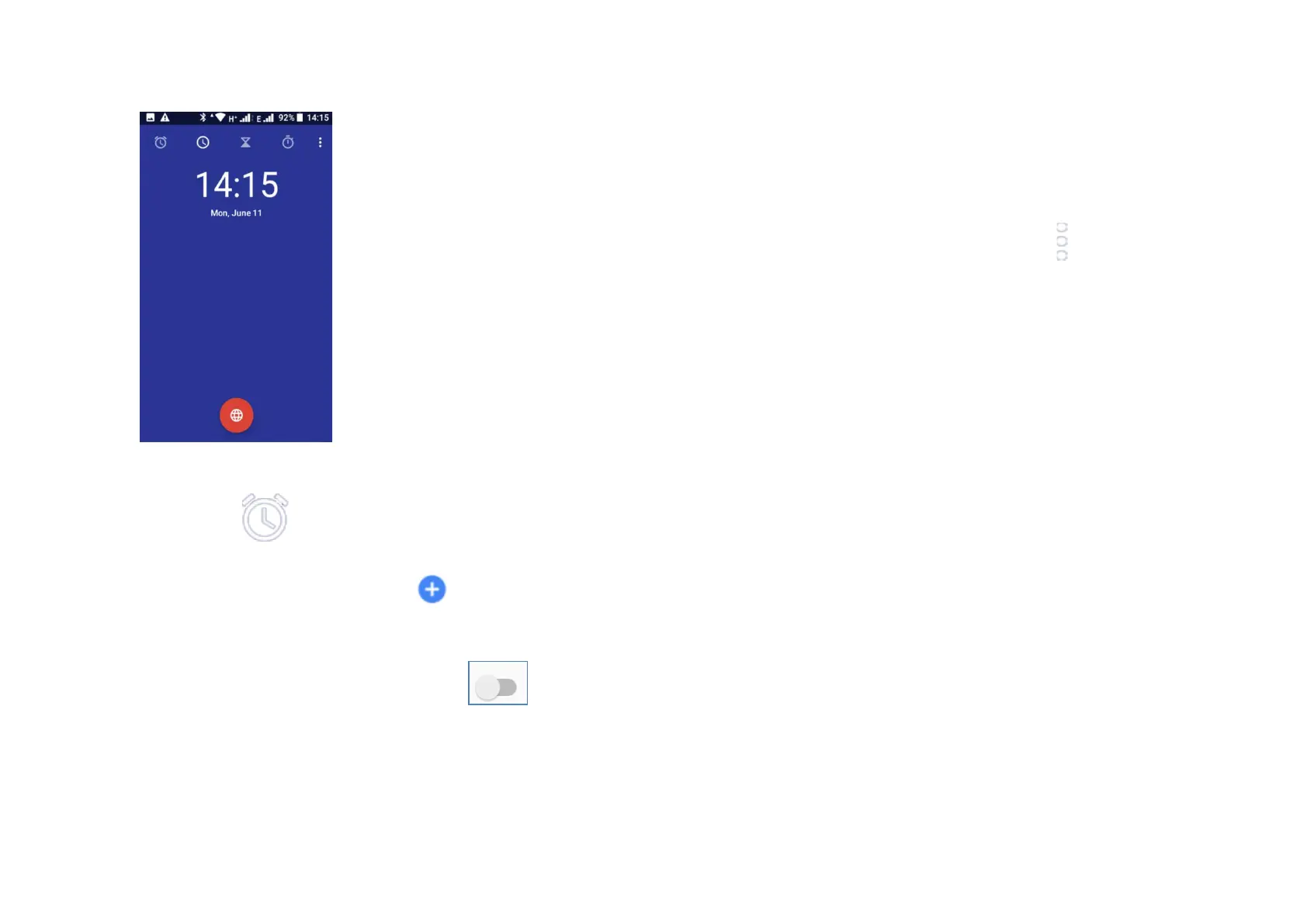
9.1 Alarm
Touch to add or set an alarm.
From the Alarm screen touch to add a new alarm. You
will see the following options:
- Time: Set the time for your alarm. Touch next to the
time you have set to turn the alarm of/off.
- Repeat: Mark the checkbox to set a repeat mode, select the
days you want the alarm to be repeated.
- Ringtone: Touch to select an alarm ringtone.
- Vibrate: Mark the checkbox to set vibrate.
- Label: Touch to set a name for the alarm.
- Touch Silence after 10 minutes to enable this feature
- Touch the Trash bin to delete the alarm
To adjust alarm settings touch Settings from the icon, the
following options will be available:
Clock:
- Style: touch to set analogue or digital.
- Automatic home clock: touch to set to home clock while
travelling outside zone.
- Home time zone: touch to set home time zone.
- Change date & time: touch to set date and time.
Alarms:
- Snooze length: touch to choose length of snooze.
- Alarm volume: touch to set alarm tone volume.
- Gradually increase volume: touch to set gradually increased
volume.
- Volume buttons: touch to choose Control volume, Snooze, or
Dismiss as volume buttons.
- Start week on: touch to select the first day of a week from
Sunday, Saturday, Monday.
Timers:
- Timer ringtone: touch to select time sound.



 To Next Page